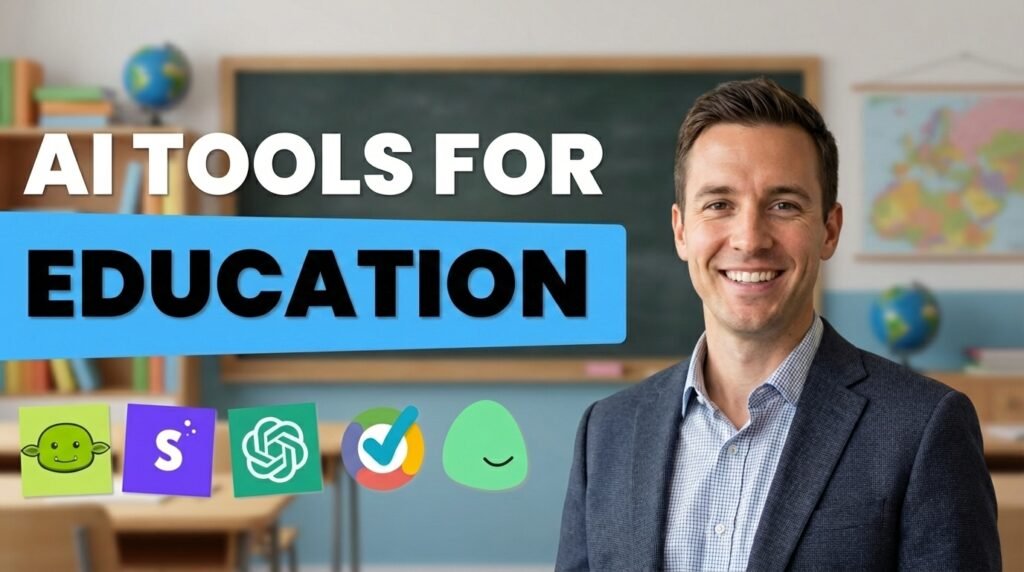
A few years back, classroom education relied on textbooks and handwritten notes. But the education is supported by AI-powered platforms. The artificial intelligence integration makes learning easy for both educators and students.
Teachers can use the AI education tools to create lesson plans, give quick feedback and manage administrative tasks. Similarly, students learn faster, understand concepts and study more independently with AI.
But the real challenge that students and teachers face is selecting the right AI tools for their tasks. This guide is to help you make the right decision. Here, I will discuss the best tool for education. Whether you are a teacher trying to save time or a student looking for a smarter way to study, this guide will help you cut through the noise.
What Are AI Tools for Education?
AI tools for education use artificial intelligence to support teaching, learning, and administration. These tools include content generators and intelligent tutoring systems that help perform different tasks in various fields.
Some tools focus on grading or transcription. At the same time, some are all-in-one platforms that can handle lesson planning, student communication, and assessment.
How We Selected These Tools?
We evaluated each tool based on a clear set of criteria. We discussed with the teachers and the students what AI tools they use and their performance. After that, we created a list of more powerful and high-performance tools. We analyzed these tools based on the given features.
- Does the tool solve a real problem in education, or is it a general AI tool?
- Can a teacher, students and administrators use it without learning?
- Is there a free plan available?
- Do the tools work inside Google Docs, Google Classroom, Microsoft platforms and others?
- Is this a tool that actual teachers and students are using and recommending?
Best AI Tools for Education
1. ChatGPT
ChatGPT is a general-purpose AI chatbot. It is the best tool both for the students and teachers. It can answer questions, explain concepts, write content, and generate lesson plans. It helps users with any language.
In education, it is one of the most widely used generative AI tools. It adapts to any level without requiring a separate platform for each task.
Best for: Teachers and students to get a wide range of daily assistance on academic tasks.
Pricing: Free plan available. ChatGPT Plus costs $20 per month. You can also get the educational institution plans through ChatGPT Edu.
Strengths: The tool handles simple to complex educational tasks in one place. It helps students learn by explaining the same concept in multiple ways.
Limitations: ChatGPT answers sometimes contain errors, so outputs always need verification. Students who rely on it heavily weaken their own independent thinking.
Ideal Users: K-12 and university teachers who want a flexible everyday AI assistant.
2. MagicSchool AI
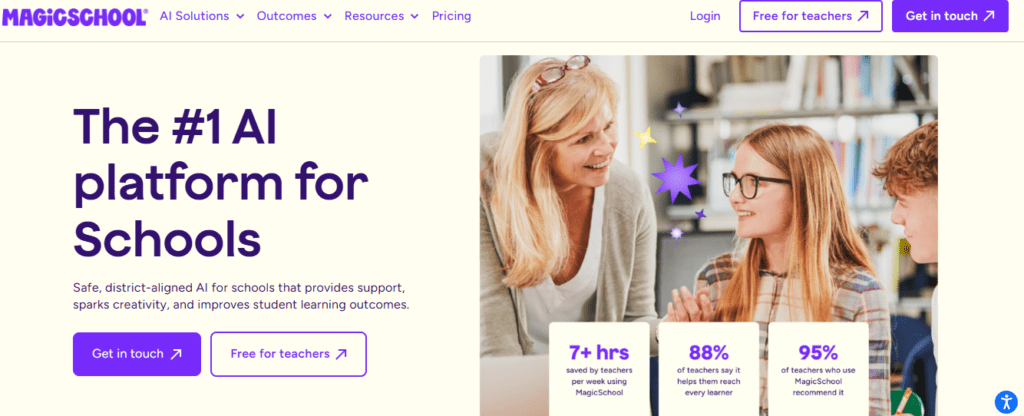
MagicSchool AI is an AI platform built for educators. It offers more than 60 tools for teachers to perform tasks from lesson planning to report writing and parent communication. MagicSchool platform is an ideal match for real classroom workflow.
Best for: K-12 teachers to save time fr planning, assessment, and administrative tasks.
Pricing: Free plan available for individual teachers. MagicSchool Plus offers unlimited access at a monthly rate.
Strengths: Teachers can create high-quality educational material within a few clicks. The platform is simple to use, which makes it ideal for educators.
Limitations: The tool’s output requires teacher review. It is primarily designed for English-language K-12 classrooms.
Ideal Users: K-12 teachers to reduce their planning and administrative workload.
3. Disco
Disco is an AI-powered learning platform. The tool is built for professional and corporate education trainngs. With the tools you can get the course creation, community management, and AI assistance.
The platform is supported by AI tools that help course creators build the experience.
Best for: Organizations and course creators running professional learning programs.
Pricing: The tool offers subscription-based pricing. The paid tier starts at $499/month.
Strengths: The platform offers community features and course delivery within a single platform. The features of the tool include content creation, learner engagement, and program management.
Limitations: Disco is an ideal match for the traditional academic settings. It mainly focuses on professional learning. Pricing sits at the higher end, which can be a barrier for individuals.
Ideal Users: Learning and development teams and professional associations use it.
4. 360Learning
360Learning is a collaborative learning platform. It is an ideal match for corporate training and employee development. The AI can create internal training courses, manage learning programs, and track performance.
Best for: Mid-size to large organizations for internal training.
Pricing: 360Learning AI has subscription-based pricing. Team pricing starts at a monthly per-user rate.
Strengths: The collaborative authoring model produces more relevant training content. AI tools save time and effort in structuring content.
Limitations: 360Learning is not for academic education. According to the users, the initial setup of the tool is complex. Similarly, pricing is higher than simpler LMS alternatives.
Ideal Users: L&D teams in mid-size to large companies, particularly organizations with significant internal expertise.
5. Khanmigo AI
Khanmigo is the AI tutor. It was developed by Khan Academy. The platform is praised for providing free education. It is built on GPT-4 integrated into Khan Academy. It guides students to solve the problems.
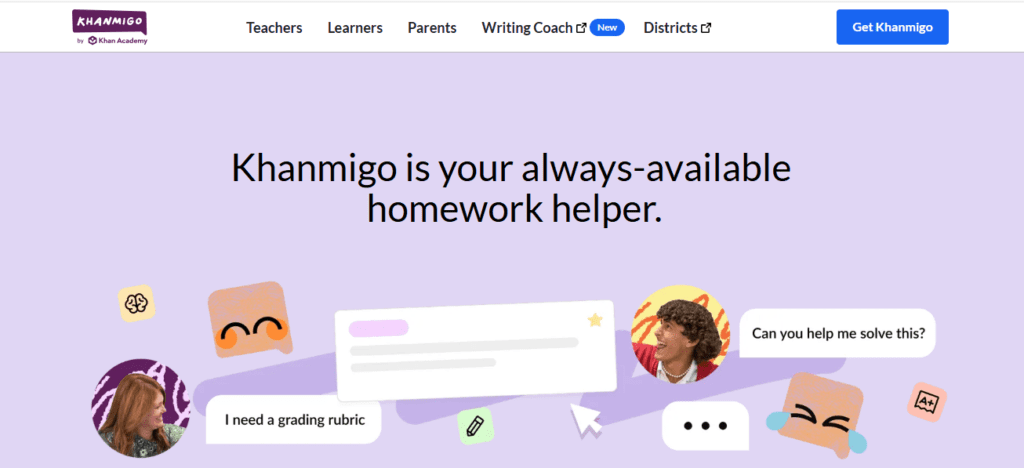
Best for: K-12 students for AI teaching assistance.
Pricing: The pricing plane available through Khan Academy.
Strengths: The Socratic tutoring approach helps students understand correct answers. The nonprofit backing means the focus is on educational value.
Limitations: Khanmigo is useful within the Khan Academy ecosystem. It doesn’t work well as a standalone tool.
Ideal Users: K-12 students to get more interactive and personalized support.
6. Grammarly AI
Grammarly is an AI-powered writing tool. The tool helps students and professionals to check grammar, spelling, punctuation, and writing style. The platform work on browsers, word processors, and browser extensions.
Grammarly AI help users rewrite sentences, adjust tone, and generate text.
Best for: The tool is ideal for students and teachers to get writing feedback.
Pricing: Grammarly AI has a free plan include basic grammar and spelling checks. Grammarly AI Pro costs around $12 per month.
Strengths: The platform gives feedback, helps students to improve writing style and allows a teacher to return marked assignments. If English is your second language, the tools definitely help you produce high volumes of written work.
Limitations: Grammarly does not fully understand context. Over-reliance can prevent students from developing their own understanding of grammar.
Ideal Users: Students at the secondary school level, non-native English speakers, and teachers.
Eduaide.AI
Eduaide.AI is an AI teaching assistant for K-12 educators. The tool helps teachers create lesson plans, assessments, graphic organizers, and discussion activities. The tools assist the teachers, which means teachers get structured, classroom-ready output without needing AI experience.
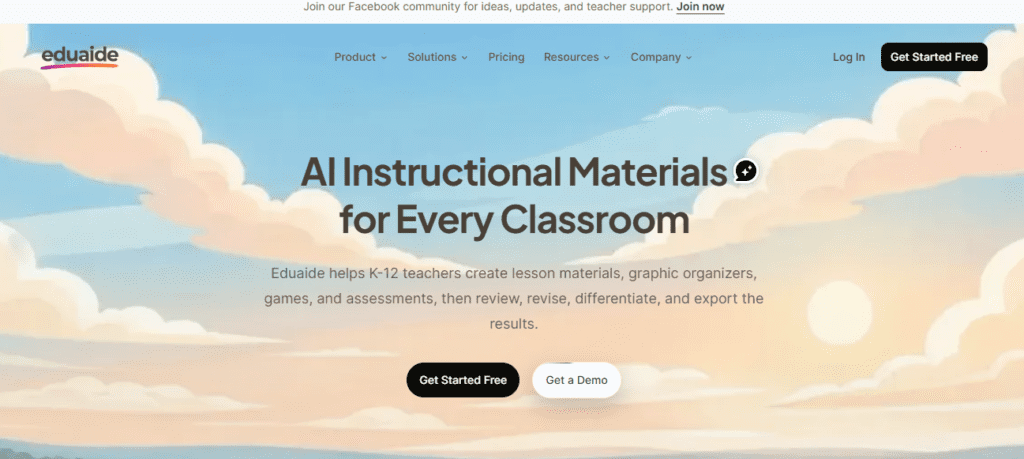
Best for: K-12 teachers to reduce time spent creating differentiated materials.
Pricing: Free plan with access to core features. Paid plan unlocks additional tools.
Strengths: The guided workflow means teachers can produce high-quality, classroom-ready resources.
Limitations: Output requires teacher review before use with students. It is a content creation tool and does not support feedback workflows.
Ideal Users: K-12 teachers in mixed-ability classrooms, and educators
Best AI Tools for Teachers
These tools focus specifically on classroom workflow, teaching efficiency, and instructor support. AI Tools for Teachers is given below.
| Tool | What It Helps Teachers Do | Pricing | Ease of Use | Primary Value |
| Brisk Teaching | AI assistance inside Google Docs and Classroom | Free | Very Easy | Speeds up feedback and preparation |
| TeachMateAI | Generates emails, reports, and classroom admin content | Paid | Easy | Reduces administrative workload |
| TeacherMatic | Creates worksheets and classroom materials | Paid | Easy | Rapid resource creation |
| ClassPoint AI | Converts presentations into interactive quizzes | Free → Paid | Easy | Improves classroom engagement |
Best AI Tools for Students
These tools are focused on independent learning and homework assistance. You can also know about AI Tools for Medical Students.
| Tool | Student Benefit | Pricing | Ease | Best Use Case |
| Socratic (Google) | Explains homework using AI analysis | Free | Easy | Concept understanding |
| Gauth AI | Step-by-step math and STEM solutions | Free → Paid | Easy | Problem solving |
| Knowji | AI-driven vocabulary learning | Paid | Moderate | Language development |
| Brainly AI | AI-supported community explanations | Free → Paid | Easy | Homework help |
AI Tools for Lesson Planning
These tools specialize in curriculum development and instructional planning only.
| Tool | Planning Capability | Pricing | Ease | Strength |
| Diffit | Adjusts reading materials to different levels | Free → Paid | Easy | Differentiated instruction |
| LessonPlans.ai | Generates structured lesson plans | Paid | Moderate | Curriculum building |
| Almanack AI | Creates standards-aligned curriculum | Paid | Easy | Structured planning |
| Planboard AI | Organizes lesson schedules and planning | Free → Paid | Easy | Workflow organization |
AI Tools for Grading and Assessment
These tools focus strictly on evaluation, feedback, and assessment automation.
| Tool | Assessment Function | Pricing | Ease | Advantage |
| Gradescope | AI-assisted grading and rubric scoring | Institutional | Easy | Faster grading workflows |
| Class Companion | Automated writing feedback | Free → Paid | Easy | Immediate student feedback |
| Snorkl | Evaluates verbal reasoning and explanations | Paid | Moderate | Measures thinking processes |
| EssayGrader AI | Automated essay scoring | Paid | Easy | Saves grading time |
AI Study and Productivity Tools
These tools help learners manage information, organize study workflows, and improve productivity.
| Tool | Productivity Role | Pricing | Ease |
| Notion AI | Study planning and knowledge organization | Paid | Easy |
| Otter.ai | Lecture transcription and summaries | Free → Paid | Easy |
| Motion | AI scheduling and task planning | Paid | Easy |
| Recall AI | Knowledge summarization and recall | Paid | Moderate |
| MyMind | Visual knowledge storage and organization | Paid | Easy |
Best AI Tool Stacks (Beginner to Advanced)
Beginner Education Stack
- Socratic
- Notion AI
- ClassPoint AI
Teacher Productivity Stack
- Brisk Teaching
- Diffit
- Gradescope
Designed to reduce planning and grading workload.
Advanced Learning Stack
- Gauth AI
- Otter.ai
- Motion
- Class Companion
Supports a fully AI-assisted learning workflow.
Conclusion
Multiple AI tools are available for teachers and students. But the tools are only effective, if you choose the exact match to your requirements. In the guide, I discussed multiple tools. If you are a teacher, Brisk Teaching gives you immediate insight into the details.
For students, Socratic is the best fit. It helps students understand concepts rather than just finding answers. If you are searching for an advanced solution, Otter.ai, Notion AI, and Class Companion are ideal for a consistent workflow.
Select one tool that addresses your current pain point, use it consistently for a few weeks, and then expand from there.
FAQs
What is the best AI tool for teachers?
It depends on what a teacher needs. Like Brisk, teaching is excellent for in-document feedback. For lesson planning, LessonPlans.ai or Diffit are strong choices.
Are AI tools free for students?
The best AI-free tools for students include Socratic, Brainly AI, and Otter.ai. These tools offer free versions with a usage limit but cover most daily basic education needs.
Can AI replace teachers?
No, AI tools are effective at handling repetitive tasks such as generating materials and transcribing content. But these can’t make judgment calls in real time. These are human capabilities that AI can’t replace.