Years ago, two options were available to 3D modelers for creating models. You spent hours creating a 3D character, or you can hire someone. But now, AI integration in this field has changed it. You can create a 3D model with a simple text prompt.
Designers, game developers, and creators stayed away due to the skill barrier. But now they are creating 3D models daily. The best AI tools for 3D modeling now produce outputs according to the client’s intent.
In this guide, I will cover the best AI tools for 3D modeling. I will explain how these tools work, and which is the perfect match to your requirements.
What Are AI 3D Modeling Tools?
3D modeling tools use artificial intelligence to create 3D structures. It eliminates the need for the costly animation softwares. But these tools work on different approaches, which are worth understanding.
- Text-to-3D: In these tools, you just write a text prompt such as “create a wooden medieval sword with a worn leather handle,” and the tool generates a full 3D object. This is the fastest way to turn an idea into a visual.
- Image-to-3D: Such AI tools take a flat image. You simply add a photo, and the AI designs a 3D object. You can give it a reference to create a more defined shape and texture.
- Procedural AI generation: These build 3D assets using rule-based logic, such as Sloyd AI, which uses this approach to design 3D items for games.
AI-assisted generates excellent designs using the traditional 3D environment, but the new thing is that it uses AI. The AI analyzes your ideas or the reference and predicts geometry from patterns.
How AI Actually Generates 3D Models?
When you type a text prompt into a text-to-3D tool, several things happen.
- Prompt understanding: The AI reads your input and tries to understand it. It breaks text into features such as the shape, material, style and scale. Based on your plain English text, the AI creates patterns it has encountered before.
- Predict shape: AI uses diffusion models and neural fields and starts building a 3D structure according to your instructions. Diffusion models in AI tools start working with noise and gradually chip away until something takes shape. While neural fields represent the object function in 3D space.
- Mesh generation: The predicted shape is converted into a polygon mesh. It is a structure you would see in any 3D software.
- Texture application: Once the mesh is in place, AI begins creating the texture. It generates details like color, patterns and wraps them around the geometry.
The whole procedure takes a couple of minutes to create your desired 3D structure.
Types of AI 3D Modeling Tools
There are multiple categories of 3D modeling tools; understanding these makes it easier for you to select the right fit.
- Text-to-3D tools are built for fast ideation. Such as Meshy AI falls in this category. You describe your idea in plain English, and it generates what you want. If you are a beginner who doesn’t know about the technicalities of 3D modeling, the category is ideal for you.
- Parametric AI tools specialized for generating structured, game-ready assets. Sloyd AI follows this approach. You define parameters, and the AI builds the structure that follows consistent rules.
- Design AI tools focus on web and interface visuals, and Spline AI falls into this category. If you require a 3D element when building a website or a product landing page, Spline is the perfect choice compared to other tools.
- Creator AI tools are ideal for non-technical users. These tools generate the 3D graphics for presentations, social media, or campaigns. Canva’s AI 3D generator fits here.
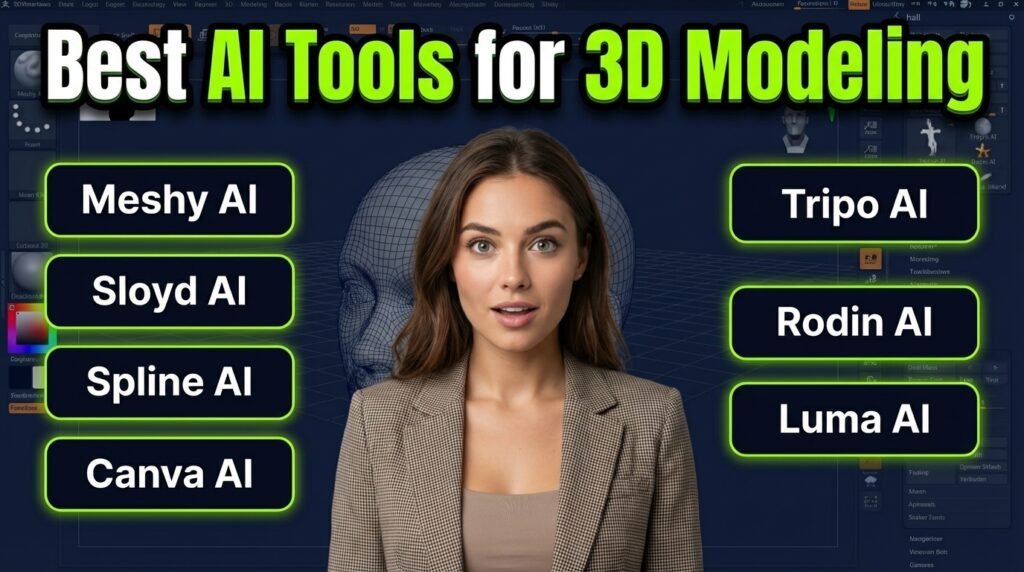
Best AI Tools for 3D Modeling
1. Meshy AI
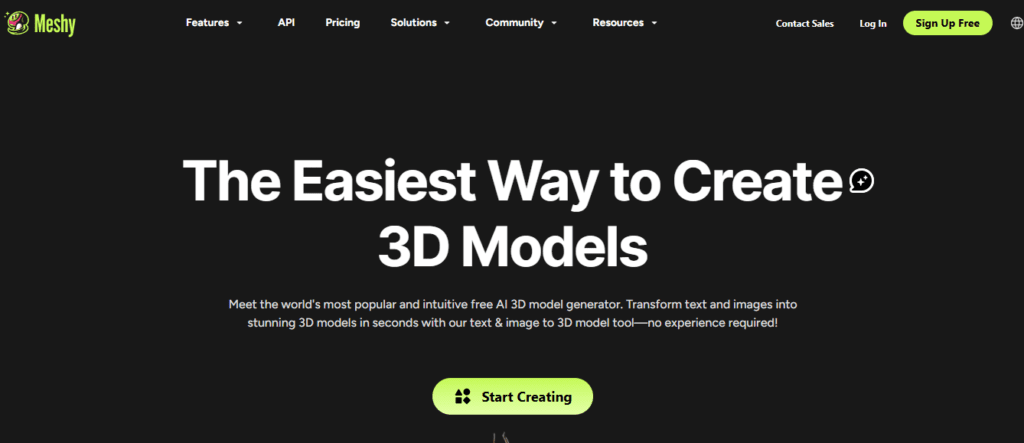
Meshy is the best-known and most capable AI 3D tool. You can generate your desired 3D structure with a short description. The tools let users generate the 3D model by uploading a reference image.
Meshy AI is well known for its strong image-to-3D pipeline. It handles complex shapes perfectly and produces textured outputs.
Best for: Concept artists, developers, and designers use the tools for fast 3D prototypes.
Pricing: Meshy AI has a freemium pricing structure. The paid tiers start from $10/month.
Key features
- Offers efficient text-to-3D and image-to-3D generation
- Texture generation is included in the output
- Allow users to export information such as GLB, FBX, and OBJ
Strengths: Meshy AI is an efficient and fast 3D modeling tool. While testing, our expert team noticed that the AI can generate 3D models in under a few minutes. The tools’ output quality was good.
Limitations: Topology is often messy. If you need the model for animation, you will need to clean it up in a separate tool.
Ideal users: Indie game developers and concept designers to create 3D models within a few clicks without deep software knowledge.
2. Sloyd AI
Unlike the other tools, Sloyed AI uses a parametric AI system. The tool is the best solution for producing game assets. You can select the categories, define parameters, and it builds the 3D model according to your idea.
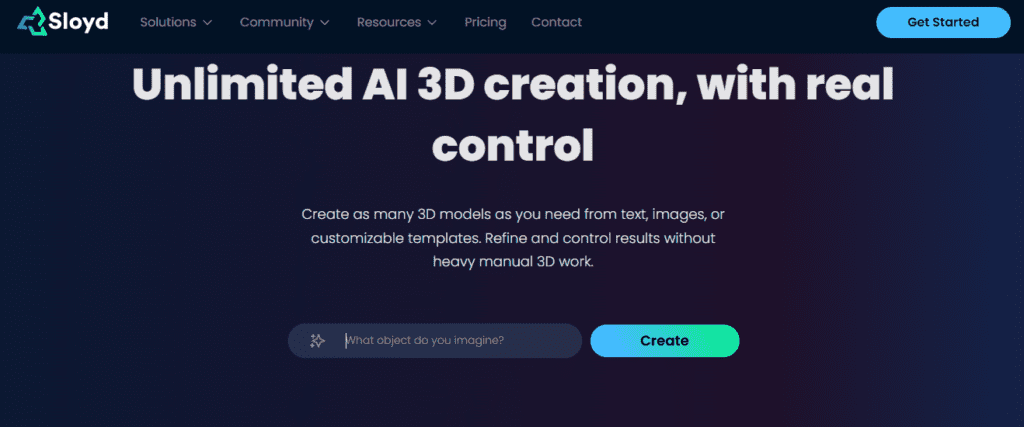
Best for: Game developers for creating consistent, game-ready 3D models.
Pricing: Offers the freemium pricing model. The monthly plans of the tool start from $7.49.
Key features
- The AI includes parametric generation for consistent outputs
- Offers game-ready topology
- Real-time in-browser generation
- Offers API access
Strengths: The tool offers assets that are closer to production-ready and require minimal cleanup.
Limitations: While using the tool, you will find that creative flexibility is lower. It is not the right tool if you want to generate 3D models from open-ended ideas.
Ideal users: Game studios, technical artists, and developers use it for building the 3D model.
3. Spline AI
Spline AI is an excellent match for web designers and UI creators to generate the 3D elements. While testing, we found that users can describe their idea for creating the 3D element, generate it, and then drop it into a web-based scene. It creates variations, which are useful for exploring visual directions.
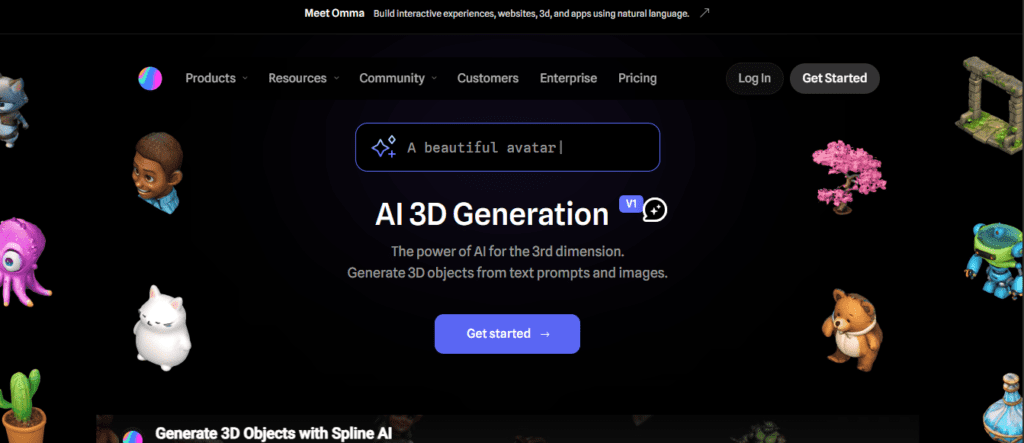
Best for: Web designers, product teams, and UI/UX designers to generate 3D elements on websites.
Pricing: Spline AI has subscription-based plans. You can get the subscription for $15/month.
Key features
- Offers easy text and image generation
- Interactive 3D for web environments
- Generate the variation for exploring different directions
Strengths: The tool primarily works on the web. Its interface is clean, and you can use it with a low learning curve.
Limitations: Not ideal for game engines. While leaving the browser environment with the output, the workflow gets more complicated.
Ideal users: Web designers, frontend developers, and product teams to create landing pages or app interfaces.
4. Canva AI 3D Model Generator
Canva is a well-known design platform. It added AI 3D generation as a suite of creative AI tools. Creating a 3D structure is simple; you describe your idea, and the AI generates a 3D-style graphic.
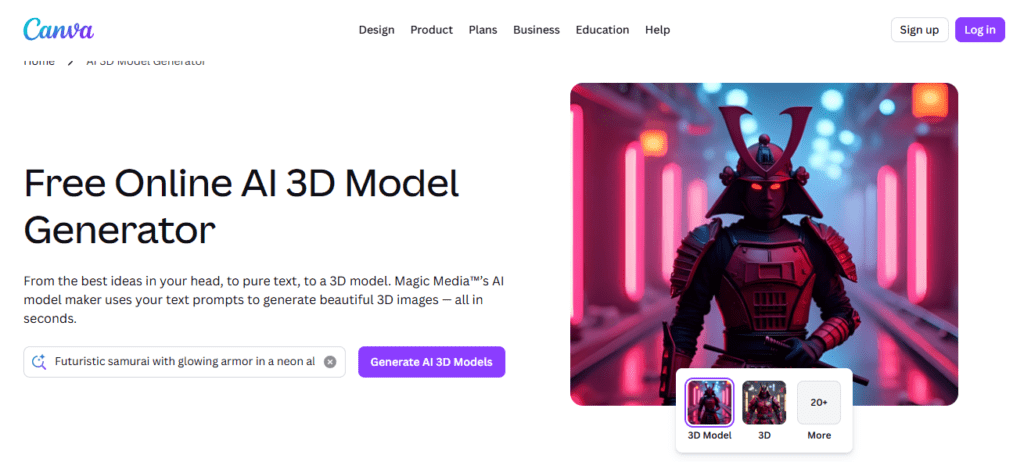
Best for: Marketers, social media creators, and business owners to generate 3D visuals without a learning curve.
Pricing: Canva AI 3D model generator has a freemium pricing structure.
Key features
- The tool has a simple text prompt interface
- Offers integration with Canva’s design workflow
- Export to standard image formats
Strengths: Canva AI tool for 3D modeling is free. The AI interface is simple and is considered one of the most accessible AI tools for 3D modeling.
Limitations: The tools do not create professional outputs. Similarly, the output is generated as an image of a 3D object, not a file. So, if you need a real 3D asset, this tool is not for you.
Ideal users: Marketing teams, social media managers and small business owners.
5. Tripo AI
Tripo AI generates the 3D assets in a few clicks from text, images, or sketches. Ideally, it creates AI texturing, model segmentation, and automatic rigging (the process of adding a skeleton to a model ) in a single workflow. Auto-rigging usually takes hours of manual work, but Tripo AI does it automatically.
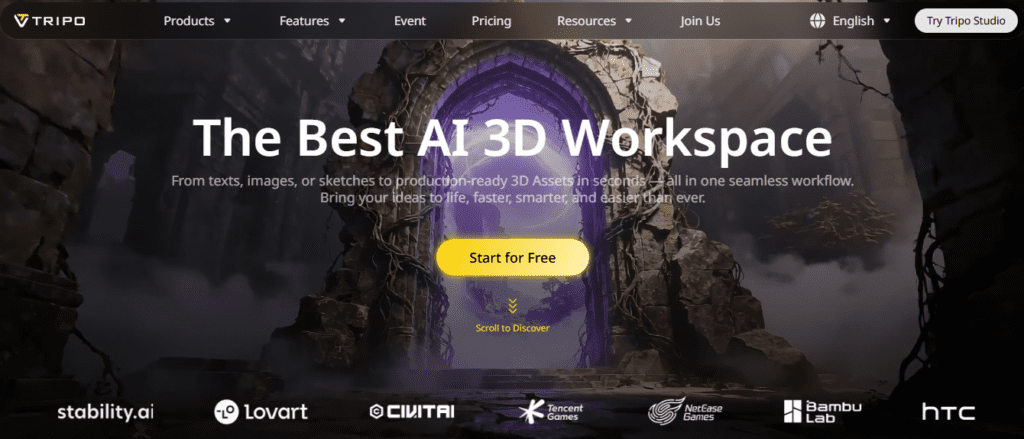
Best for: Character artists and game developers to create the models.
Pricing: Tripo AI offers free tiers for testing the tool’s performance with a credit limitation.
Key features
- Offers text-to-3D and image-to-3D model generation,
- Offers model segmentation with clean edges in a few clicks
- Automatic rigging with clean skeletons and smooth skin
Strengths: We noted that the combination of auto-rigging and clean topology makes the tools more professional. Both these features in a single tool are genuinely rare.
Limitations: Well, the AI produces a good output structure, but it’s slightly slower than Meshy for simple asset generation. The auto-rigging shows inconsistent results for the complex characters.
Ideal users: Game developers, character designers, indie studios, and creators.
6. Rodin AI (Hyper3D)
Rodin by Hyper3D uses AI to generate 3D models from text descriptions or reference images. It produces textured quad-mesh 3D models with PBR materials used in games and animation. The quad-mesh output differentiates it from the other tools.
Most AI 3D generators produce triangle meshes, which are difficult to edit. But Rodin’s quad meshes feature can be imported into Blender, Maya, or ZBrush for refinement.
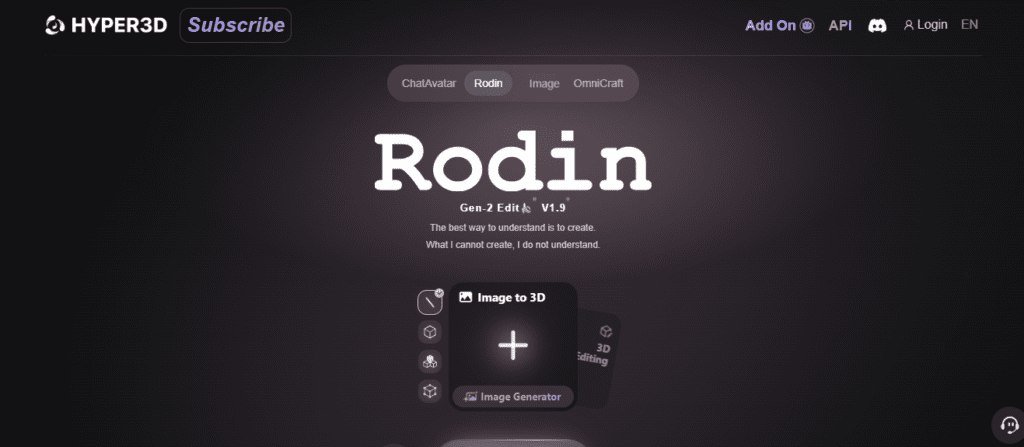
Best for: Professional studios, game developers, and product designers to generate quality output with clean topology.
Key features
- Text-to-3D and image-to-3D structure generation
- The Gen-2 engine for hard-surface objects
- Partial redo for selective regeneration
Strengths: The tools offer the best topology quality. You can generate clear hard-surface objects, such as furniture, weapons, architecture and more.
Limitations: Complex organic shapes, such as characters and animals, are also weaker than hard-surface objects.
Ideal users: Studios that focus on hard-surface assets and product visualization teams
7. Luma AI (Genie)
Luma AI approaches 3D creation from a different angle. The tools produce video-to-3D and NeRF-based reconstruction. You record a short video, upload it to Luma, and it reconstructs it into a 3D scene.

Best for: Product visualization and architectural documentation to create photorealistic 3D from real objects.
Pricing: The AI offers monthly paid tiers.
Key features
- Video-to-3D reconstruction
- Creat photorealistic texture
- Text-to-3D generation through the Genie model
Strengths: For product visualization or environment capture, the output quality is higher than AI generation from prompts or images.
Limitations: Video-based reconstruction takes longer to produce output than text- or image-to-3D tools. It takes 5 to 10 minutes per generation.
Ideal users: Product designers, e-commerce brands, architects, and AR/VR developers.
Where AI Fits in a Professional 3D Workflow?
AI does not replace the full 3D pipeline. It only replaces part of it. Generally, a professional workflow looks like this:
- Idea → AI Generation → Cleanup → Retopology → Rendering → Export
AI tools take the first steps, like bringing your idea into existence. That single task takes hours of manual hard works using software like Blender or Maya. Now, AI integration can do it in minutes.
After generating the 3D model, a cleanup is definitely required. And it involves removing bad geometry, fixing artifacts, and making sure the mesh makes sense structurally.
The honest reality is that AI compresses the front of the workflow. For indie creators and small teams, that is a significant shift in what is possible without large budgets.
How to Choose the Right AI 3D Tool?
If you are confused about where to start, this is a simple decision guide.
- If you are a game developer who needs consistent assets at volume, Sloyd AI is an ideal match for you. As I mentioned above, it uses a parametric approach, making it the most practical choice for production.
- If you are a concept artist or designer who needs to visualize ideas, Meshy AI is the most flexible option.
- For a web designer building 3D elements for websites or apps, Spline is the clear choice.
- For marketing or content creation, Canva can handle the 3D visuals needs.
Well, if budget is a major concern, several tools listed here offer free tiers worth testing, such as Meshy AI and Canva AI.
Conclusion
AI tools for 3D modeling have moved past the demo stage. The gap between AI-assisted work and fully manual work is closing faster. AI replaces the blank-canvas problem and the time spent on blocking out a rough idea.
In the guide, I have listed the best AI tools for 3D modeling. Some of these include the free tiers, which are ideal for testing. These tools help you bring the ideas into a 3D structure with refinement. The AI handles the generation.
Start with the free tier of whatever tool fits your category. Try a few prompts. See what comes back.
FAQs
What is the best free AI 3D model generator in 2026?
Meshy AI and Canva both offer the free tier. Meshy offers free generations with limits. However, it is a better choice for actual 3D files. Canva is easier to use but outputs rendered images.
Are AI-generated 3D models good enough for game development?
It depends on the stage and the type of game. AI tools work for indie projects, prototyping, or placeholder assets.
Do I still need to know 3D software if I use AI tools?
Some knowledge helps with refinement. AI generates the rough model. If you want to animate it, you will need a basic understanding of tools like Blender.