Getting a tattoo is permanent. But the idea you have and the design that ends up on your skin don’t always match. Here, the AI tattoo generator steps in to fill this gap. And honestly, these tools are really good to go.
But the most difficult part is which tool is better to use. Multiple tools are available online, and it’s confusing to choose the best match. To fix it out for you, we spent weeks going through multiple platforms. Typed hundreds of prompts and generated designs.
Some of those tools were knocked out, but others performed impressively. In this guide, I will discuss the best AI tattoo generator tools. Moreover, I will discuss what works, what doesn’t, and which tool makes sense in your tattoo journey.
Why So Many Americans Are Using These Tools Before Their Appointment?
The old process had a real problem. You’d walk into a studio, try to explain your tattoo design, and your tattoo artist would sketch it. The whole procedure takes hours, trying to get it right. But still, the final design is missing something.
AI tattoo generators have completely changed it. You spend an evening at home generating different variations of your tattoo concept. You get these within a few minutes and clicks if you are using the right tool.
You walk into the studio with actual visuals. The consultation is faster, and the whole process feels less stressful for everyone involved.
This workflow has taken off in the U.S. tattoo world fast. In 2026, using an AI tattoo generator before your appointment has become common. And it saves your money, energy, and time, and gets you the results exactly you want.
How We Selected These Tools?
Here are the scenarios on which we evaluated these tools.
- Design quality: Does the output look like something a real tattoo artist could actually do?
- Prompt accuracy: Did the tool deliver specific tattoo style, placement, and mood?
- Ease of use: Could a first-timer figure this out without a tutorial?
- Honest pricing: Is the tool actually free or not? A lot of platforms advertise “free” and then put every useful feature behind paid tiers.
Top 9 AI Tattoo Generator Tools in 2026
Here’s a quick overview so you can jump straight to what fits your situation:
| Tool | Best For | Free Plan | Starting Price | Tattoo-Ready Output |
| BlackInk AI | Serious tattoo planning | Yes | $15/month | Stencil-ready |
| Ink Studio AI | Fast styled mockups | Yes (1 generation) | $12.99/7 days | Yes |
| Canva | Total beginners | Yes (limited) | $14.99/month | Basic |
| Remaker.ai | Speed and volume | Yes (5 free credits) | $5.99/week | Moderate |
| Getimg.ai | Full creative control | Not Available | $10/month | Yes |
| Midjourney | Maximum artistic quality | Not Available | $10/month | Needs good prompts |
| ChatGPT GPT-4o | Conversational design | Yes (limited) | $20/month | Moderate |
| Photoleap | Virtual try-on | Yes | In-app purchases | Reference only |
| Vondy | No-signup free use | Yes | $20/month | Basic |
1. BlackInk AI: Best Overall for Serious Tattoo Planning
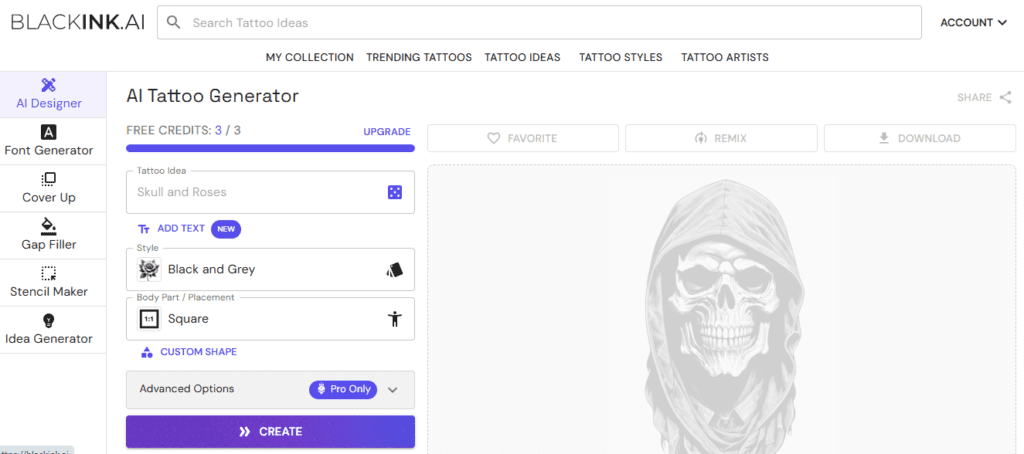
BlackInk AI isn’t a general image generator. It was built specifically for tattooing. Unlike general image generators, it understands the language of ink, stencils, shading, and specific styles. It masters advanced tattoo styles like Dotwork, Blackwork, Traditional Japanese, and Sketch.
The stencil generation is what sets it apart from other tools. BlackInk can automatically generate the black and white stencil from your design, which your tattoo artist needs to transfer the drawing onto your skin before inking.
It includes a community library with thousands of shared designs. If your text prompt isn’t producing what you want, browse what other users have made. It is genuinely useful.
Key Features
- Stencil generation
- Style-specific output
- Gap filler tool
- Cover-up designer
Pricing: BlackInk AI has a freemium pricing model.
Verdict: The most tattoo-specific tool on this list. Worth paying for if you’re actually getting inked.
2. Ink Studio AI: Best for Paid Users Who Want Fast, Styled Mockups
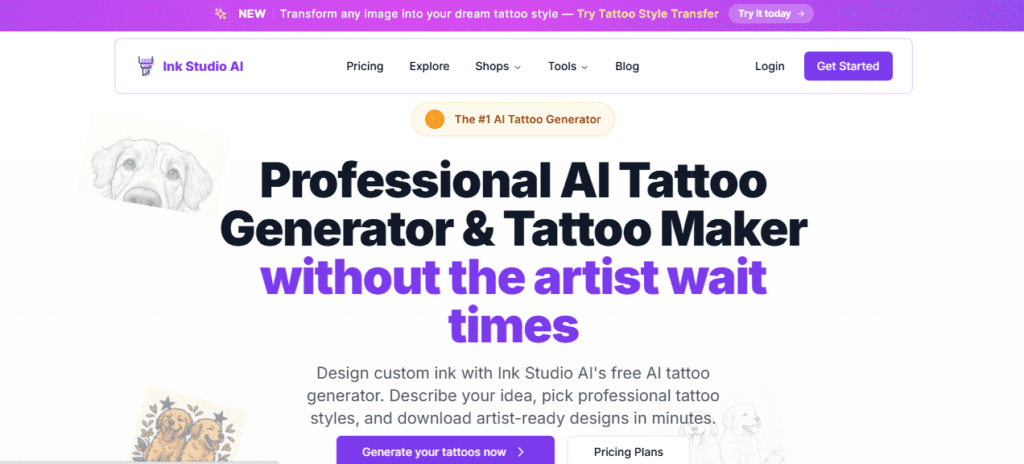
Ink Studio AI has a clean interface, and the results come fast. It includes the extra tools that are genuinely useful for someone who’s in active planning mode.
You can log in with Google and generate the first design in seconds. You can choose your style, color option, and background. Results can be sharp, stylised, and tattoo-ready. The font generator is a standout feature that most tools skip entirely.
For anyone who wants to get a name or text tattooed but is uncertain about font style, Ink Studio AI’s Tattoo Font Generator is genuinely useful.
Key Features
- Tattoo font generator
- Price calculator
- Body placement preview
- Size estimator
Pricing: The free plan includes only one generation. The paid tiers start at $12.99 for 7 days with unlimited access.
Verdict: Best if you’re in the final planning stage before booking.
3. Canva AI Tattoo Generator: Best for Total Beginners
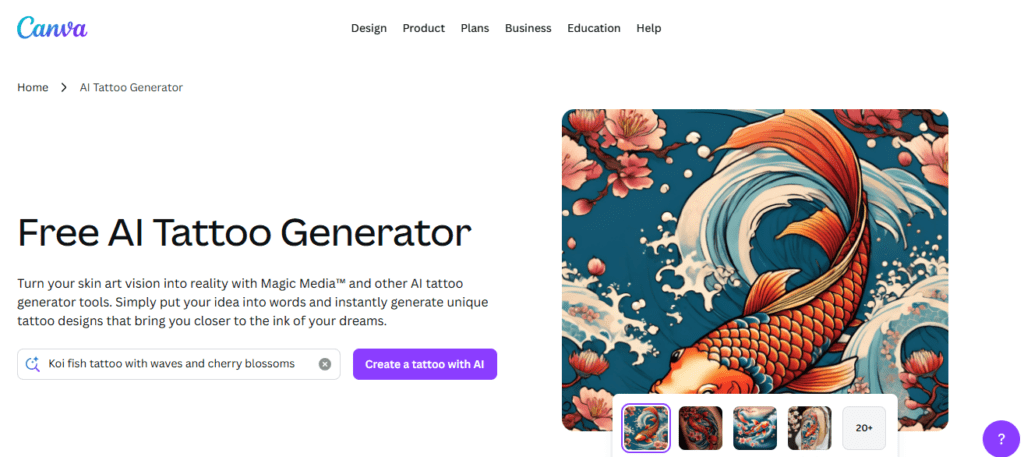
Canva is not a dedicated tattoo platform. Everybody knows it as a design platform. The tool can generate basic tattoo designs. You type a description such as “blackwork snake with flowers” or “fine line compass”. Canva generates a few design options.
We found that it allows users to adjust size, style, or layout using Canva’s editor. No steep learning curve or settings required. Th most interesting feature is its ability to quickly change tattoo colors. You can see the design in different colors, which helps you make a better decision.
Key Features:
- Color swap tool
- Drag-and-drop editor
- Multi-variation output
- Zero learning curve
Pricing: Free version available. Canva Pro at $14.99/month includes more features and generation capacity.
Verdict: Canva AI tattoo generator is the perfect starting point. Move to a dedicated tattoo tool once you know what direction you want.
4. Remaker.ai: Best for Speed
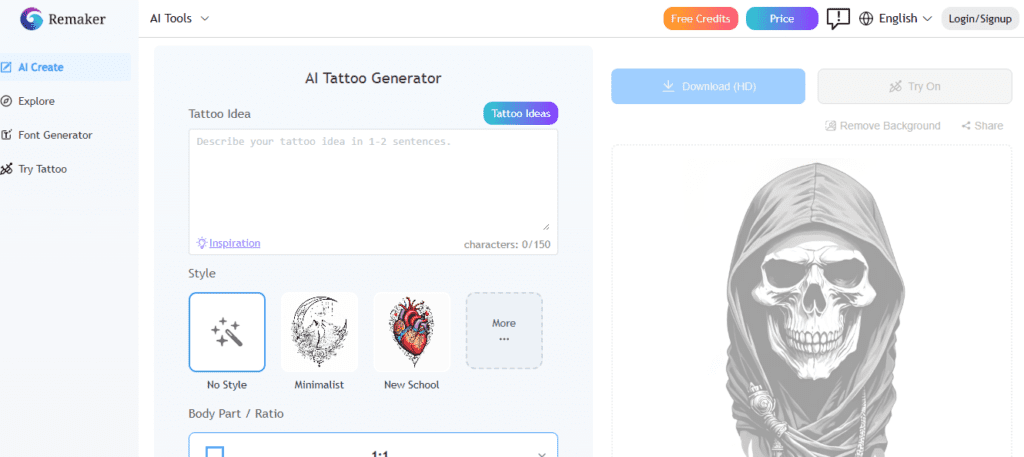
Remaker.ai generates tattoos in just 10 to 15 seconds, and you get the results that look polished. It also has a web app with no steep learning curve at all. The tool is a perfect match for early-stage brainstorming.
Well, we found that its output quality won’t compete with BlackInk for technical precision. But Remaker is for when you’ve got a rough tattoo idea. You can use it to see ten fast variations to figure out which direction is better for you.
Key Features
- 15-second generation
- Daily free quota
- Generate polished output
Pricing: The tool has a freemium pricing structure.
Verdict: The best tool for the very first phase of tattoo planning with low commitment.
5. Getimg.ai: Best for Creatives Who Want Full Control
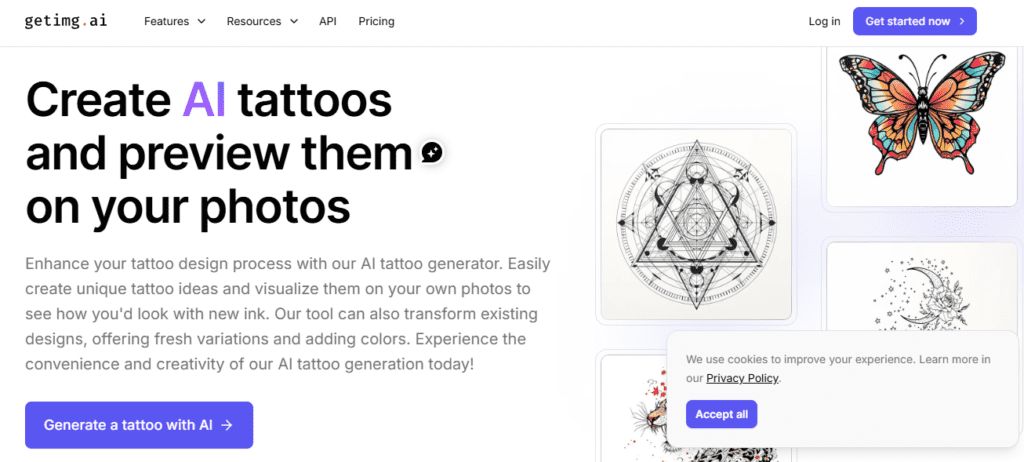
Getimg.ai is a complete creative suite. After the detailed evaluation of the tool, we found that users can train models, upscale images, and generate videos. The level of prompt control here is better than any other AI tattoo generator.
You can simply write a prompt that specifies tattoo style, line weight, shading technique, composition, color palette, and placement all at once. And in reward, you can get the customized AI-generated tattoo design output.
Key Features
- Custom model training
- Image upscaling
- Multi-tool creative suite
Pricing: Paid tiers start at $10/month.
Verdict: The best option for users with design experience or strong prompting skills.
6. Midjourney: Best for Artistic Quality
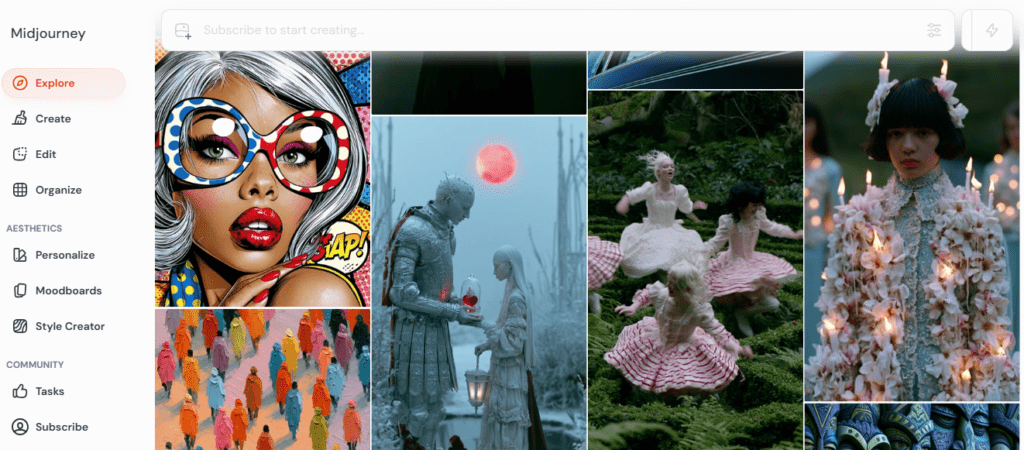
Midjourney is not a tattoo tool. It’s a powerful AI image generator tool with the right prompting skills.
Midjourney is not a dedicated tattoo app. But this general AI image generator can produce stunning tattoo designs if you prompt it well. The platform runs through Discord, which throws some people off.
There’s no dedicated tattoo style selector or stencil output. It’s a raw creative tool that requires you to know what you want.
Key Features
- Photorealistic rendering
- Advanced style mixing
- Ultra-high resolution
Pricing: No free plan available. The paid tiers start at $10/month.
Verdict: The highest possible ceiling for tattoo design quality. But you require the best prompting skills to get the perfect results.
7. ChatGPT (GPT-4o): Best for Conversational Design
ChatGPT for tattoo design is genuinely useful. It helps especially for people who struggle with traditional prompt writing. ChatGPT is easy to use. You just tell the AI what tattoo you want, and it does the rest.
While testing, we analyzed that its newest model produces results that don’t look artificial. The downside is that ChatGPT isn’t a dedicated tattoo platform, so it lacks the community and premium features.
I listed it here because you can use it for conversation. You describe your tattoo idea, you get a result, and then you just talk to it and change it according to your style. You can refine through dialogue instead of rewriting a prompt from scratch every time.
Key Features:
- Natural language refinement
- Iterative back-and-forth
- Multi-style versatility
Pricing: Free tier available. ChatGPT Plus at $20/month unlocks full GPT-4o image generation.
Verdict: Ideal for tattoo design. Best for people who think out loud and prefer to iterate.
8. Photoleap: Best for Virtual Try-On
Here’s the thing about tattoo placement that nobody tells you. Whenever the location changes, it changes the design. A design that looks perfect as a flat image may seem wrong on a particular part of your body. Photoleap solves that specific problem.
Photoleap has the ability to take a photo of your arm, leg, or back, and place the tattoo on it while maintaining the perspective of your body. You create the design, test it on your skin, and modify it.
It’s easy to use, and the virtual try-on experience is genuinely fun. You can show family and friends, and get real reactions.
Key Features:
- AR body placement overlay
- Skin-curve mapping
- Immediate visual preview
Pricing: Offers freemium pricing.
Verdict: Essential for anyone unsure about the placement of the tattoo.
9. Vondy AI Tattoo Generator: Best No-Signup Free Tool
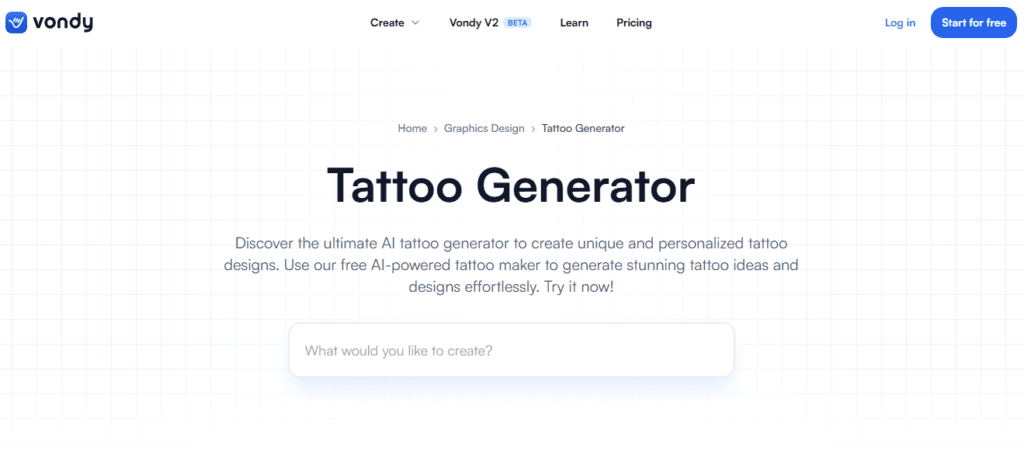
Vondy AI lets you create custom tattoo designs. It’s easy to use and doesn’t require signing up. Just visit the website and start designing a tattoo with AI.
It supports different tattoo styles, geometric, minimalist, nature-inspired, and abstract. You can also customize placement, size, and additional details without creating an account.
It won’t replace BlackInk for serious tattoo planning. The customization options are limited compared to Getimg or Midjourney.
Key Features:
- Style dropdown selector
- Free design downloads
- Instant results
Pricing: The paid tiers of the tool start at $20/month.
Verdict: The best completely frictionless starting point.
How to Write a Prompt That Actually Works?
This is where most people mess up. Vague prompts produce vague tattoos; that’s just how it works. The AI needs specifics to give you something worth using.
Here I am writing the two prompts to get you to know which is best and more specific. Compare these two:
Weak prompt: “Create a Wolf tattoo.”
Strong prompt: “Create a fine line wolf head, minimal shading, single needle technique. The black ink only, centred composition, designed for the inner forearm. The howling with mouth open, subtle geometric frame around face.”
Every detail you add helps you get the perfect output toward what you actually want. The more landmarks you give the AI, the closer it gets to your idea.
Which Tool Should You Use?
Here is the quick AI tattoo generator tool suggestion for you, according to your preference.
- If you are planning to get a tattoo soon, for the professional output, I would suggest BlackInk AI is the best match.
- If you have never ever used an AI tool and just want to explore, you can use Canva or Vondy.
- Photoleap is perfect for seeing the design on your actual body before committing.
- You have strong prompting skills and want maximum creative quality. I recommend you use Midjourney or Getimg.ai.
- You prefer to describe your idea in conversation rather than write formal prompts, use ChatGPT GPT-4o.
Conclusion
The AI tattoo generators have genuinely changed the tattooing. People approach getting inked from the first spark of a tattoo idea to walking into the studio with a clear visual plan.
In the guide, I have discussed various best AI tattoo generators to help you confirm your idea about tattoo design. BlackInk AI is the best tool if you’re serious about getting tattooed. Canva and Vondy are the right places to start if you’re still exploring.
Midjourney and Getimg.ai reward users who invest time in learning them. And Photoleap solves the placement problem.
AI gives you the concept, and the artist makes it permanent. Use both well, and you’ll end up with something you’ll actually want.
FAQs
Can I take an AI-generated design straight to my tattoo artist?
Yes, you can. It is treated as a reference and starting point rather than a final instruction. The tattoo artist will adjust line weights, simplify certain details, and adapt the design for how it’ll look good on skin.
Will my design be unique?
It can be unique, but not guaranteed. These tools generate designs based on patterns learned from existing images. So, similar prompts can produce similar results.
Do AI tattoo generators handle all tattoo styles?
The stronger tools, such as BlackInk, Getimg.ai, and Midjourney, handle a wide range of tasks well. Simpler free tools tend to produce more generic output.