Hundreds of AI tools are available right now to create images. Using the AI image generation tools, you can create professional visuals. But not every tool is ideal for meeting your requirements. Hence, the real challenge isn’t finding tools; it’s picking the right fit.
Many AI image-generation tools create artistic results. But it doesn’t mean that all of those tools are ideal for you. You have to analyse what you actually want to create and for what purpose.
To get you the right fit in this guide, I’ll list the best AI image generation tools, with detailed research, analysis, and evaluation. After reading the guide, you will be able to select the right fit for your workflow.
How We Selected These Tools?
Like many others, we didn’t just pick the most popular names. Our team reviewed and analysed what real creators, marketers, and designers are using and getting results.
Our experts evaluated each tool based on the given questions:
- Does the AI image generator actually generate images, or is it just a wrapper around another tool?
- Can someone with zero design experience use it?
- Is there a free plan or an affordable entry point?
- Does the tool fit inside a real workflow without setup?
Types of AI Image Generation Tools
Before using the image creation AI, it is ideal to know that not all AI image generation tools work the same way. These fall into the given categories.
- Text-to-Image Generators (Generative Prompting): These AI tools create images from text. You write the short description of what you want to create, and the AI turn your idea into visuals within a few minutes.
- Photorealistic Generators: These tools produce images that look like real photographs. Like the output has accurate skin textures, natural lighting and product-quality shots.
- Image-to-Image / Editing Tools: These modify the existing image based on your instructions. You can change backgrounds, remove objects, or apply a different art style.
AI Image Generation Tools by Category
Here’s a quick breakdown of which tools fall under each type:
| Category | Tools |
| Text-to-Image Generators | Midjourney, DALL·E 3 / GPT Image 1.5, Canva AI, Leonardo AI, Reve AI, Stable Diffusion, Nano Banana |
| Photorealistic Generators | FLUX 2 (Black Forest Labs), Midjourney V7/V8, Nano Banana Pro, Adobe Firefly, Seedream |
| Image-to-Image / Editing Tools | Adobe Firefly (Generative Fill), Leonardo AI (Canvas), Reve AI, Stable Diffusion (ControlNet), Canva AI |
Best AI Image Generation Tools (Quick Comparison)
| Tools | Best For | Difficulty | Pricing | Stength |
| Midjourney | Artistic and cinematic visuals | Intermediate | From $10/month | Best overall image quality |
| Adobe Firefly | Professional design workflows | Beginner to Intermediate | From $10/month | Deep Adobe integration |
| Leonardo AI | Game art and design assets | Intermediate | Freemium | Fine-tuned models |
| GPT Image 1.5 (ChatGPT) | General use, beginners | Beginners | Freemium | Easiest conversational prompting |
| Ideogram 3.0 | Text inside images | Beginners | Freemium | Best text rendering in AI |
| Nano Banana Pro | High-res, complex scenes | Intermediate | Included in select plans | Native 4K, reasoning-based output |
| Canva AI | Quick social and blog visuals | Beginners | Freemium | Built into an existing design tool |
| Reve AI | Team collaboration | Beginners | Freemium | Real-time conversational editing |
| FLUX 2 | Photorealistic product shots | Intermediate | Pay-per-use pricing | Sharpest photorealism available |
| Stable Diffusion | Full creative control | Advanced | Free | Unlimited customizable |
Best AI Image Generation Tools
1. Midjourney
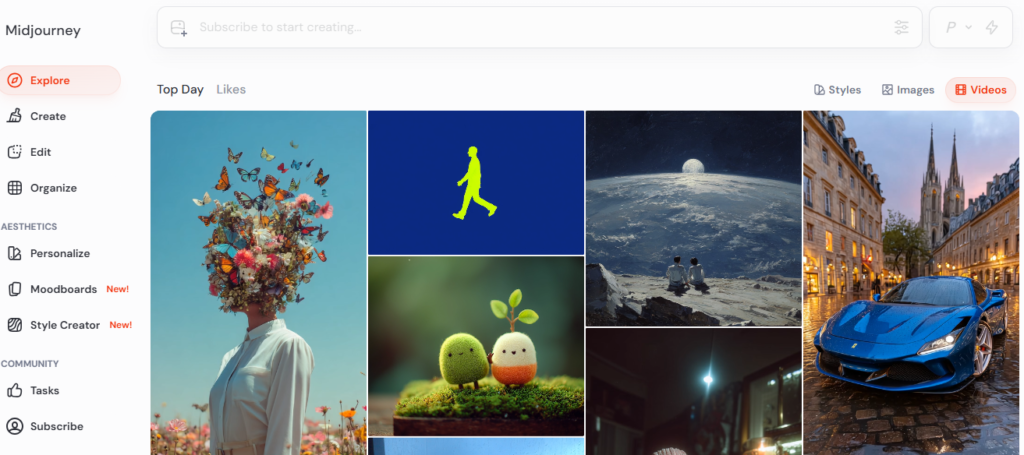
People start with Midjourney, and honestly, it produces the best-looking images. While testing experts found that, unlike the others, Midjourney AI specializes in different styles. It can create cinematic visuals, concept art, editorial photographs, and branded creative.
According to user reviews, V7 integration in Midjourney improved realism, particularly in skin textures and lighting. V8, released in early 2026, now delivers 5x faster generation at native 2K resolution.
The web app is clean and manageable. We found that once users get comfortable with how prompts work, the output’s artistic quality improves.
Best for: Artists, brand designers and filmmakers to create high-quality images.
Pricing: No free plan. The basic plan of the tools starts at $10/month (~200 images).
Limitations: Midjourney doesn’t have a free plan; you have to start with the paid tier. Steeper learning curve for beginners.
Ideal users: Designers, illustrators, creative directors, and digital artists.
2. Adobe Firefly
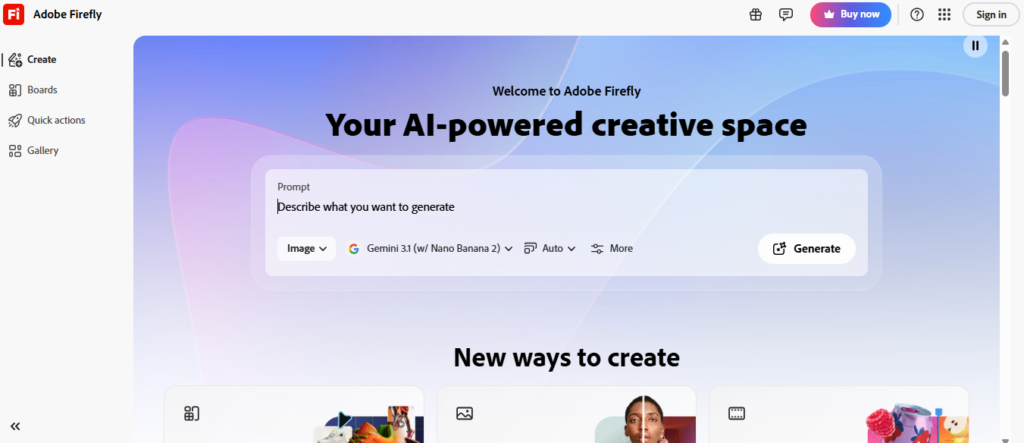
Adobe is one of the well-known creative tools among designers. So, they also integrated AI and built a useful text-to-image generator for professional workflows.
Firefly works in Adobe Express on the web, but its real power lies in Photoshop. The Generative Fill feature allows you to add, remove, or extend an image using plain text. The output is excellent as usual, with no messy edges or AI artifacts.
For the user’s flexibility, Firefly now includes Nano Banana alongside its own technology. If you are one of those concerned about commercial safety, it’s the strongest option on the list.
Best for: Designers, marketers, and anyone already working inside Adobe Creative Cloud.
Pricing: No free version available for the tool. The paid tiers start from $10/month.
Limitations: The tool underperforms outside the Adobe ecosystem. The web version of the platform is good, but not as strong as other AI platforms.
Ideal users: Professional designers, agencies, and marketing teams.
3. Leonardo AI
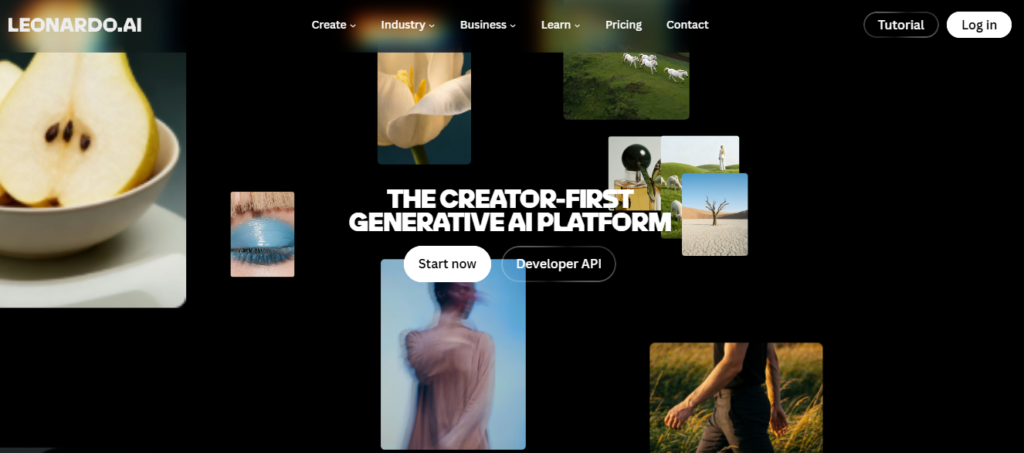
Leonardo AI offers more control for users, which makes it different from other AI image generation tools. Game developers, concept artists, and product designers use it to create high-quality visual assets at scale.
The additional feature it has is fine-tuned models. You can pick a model based on your visual creation requirements. You sketch and generate it at the same time. You will not find such a workflow in other online AI tools.
The free plan of Leonardo AI includes daily tokens, making it accessible to test before committing.
Best for: Game developers, concept artists, and design teams use it to create high-volume visual assets.
Pricing: Leonardo AI has a freemium pricing structure. The free plan includes the daily tokens. The paid plans start from $12/month.
Limitations: While using the tool, we found that its output appears slightly off for faces and hands in some generations. Support has had mixed reviews from some users.
Ideal users: Game studios, designers, and creative teams use it as a versatile AI image generation platform.
4. GPT Image 1.5 via ChatGPT
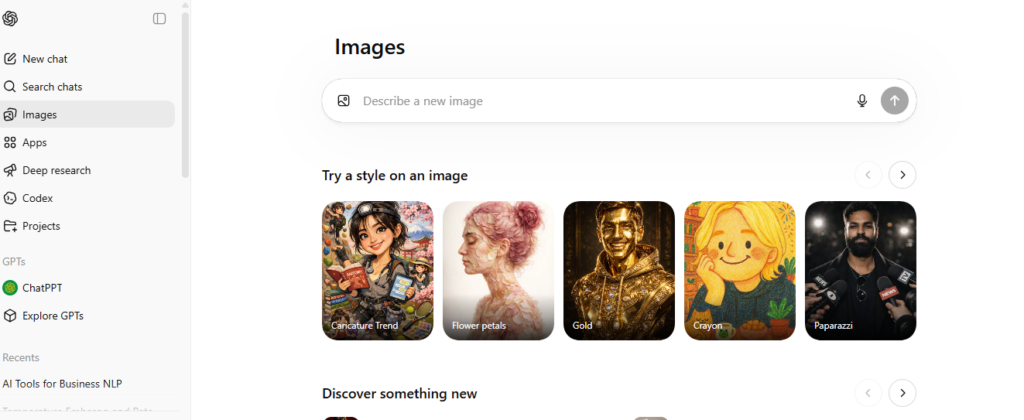
OpenAI offers a specialized image-generation model, GPT-4o, as GPT Image 1.5. The model works within ChatGPT, making it ideal for users to get the whole experience within a single platform.
You can describe what you want in the English language, and it generates the visual inside the chat. If the visual does not match your requirements, you can change it.
Testing experts found that the text rendering within images is excellent, putting it in a similar league to Ideogram.
Best for: Beginners, bloggers, and content creators.
Pricing: The tool has limited free access. The paid tiers of the tool start at $20/month.
Limitations: Compared to the top-tier tools like Midjourney, artistic depth and style control are compromised. It is less flexible for highly specific creatives.
Ideal users: Bloggers, marketers, small business owners, and anyone new to AI image generation.
5. Ideogram 3.0
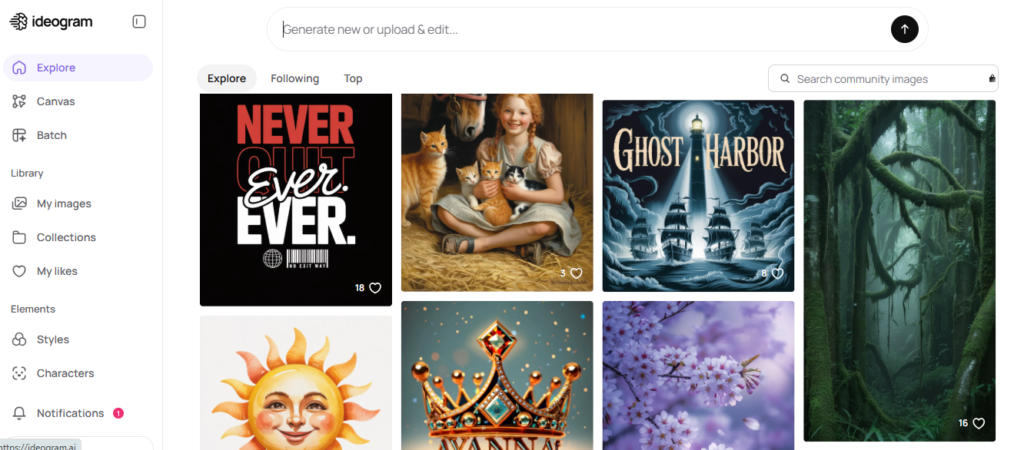
While analysing AI image generation tools, we found that most tools fail at putting readable text inside an image. But Ideogram 3.0 performed so well here. The tool is built for this.
In output visuals, we found 90 to 95% text rendering accuracy. The feature makes it genuinely useful for marketers and designers. Similarly, the Canvas editor helps you refine images after generation, which saves time when small adjustments are needed.
Best for: Marketers, graphic designers, and social media managers use it to create clean text-integrated visuals.
Pricing: Free tier available. Plus plan of Ideogram starts at $20/month.
Limitations: The AI don’t work well for the complex photorealistic scenes. You can also experience some consistency issues with detailed prompts.
Ideal users: Content creators, marketing teams, and designers.
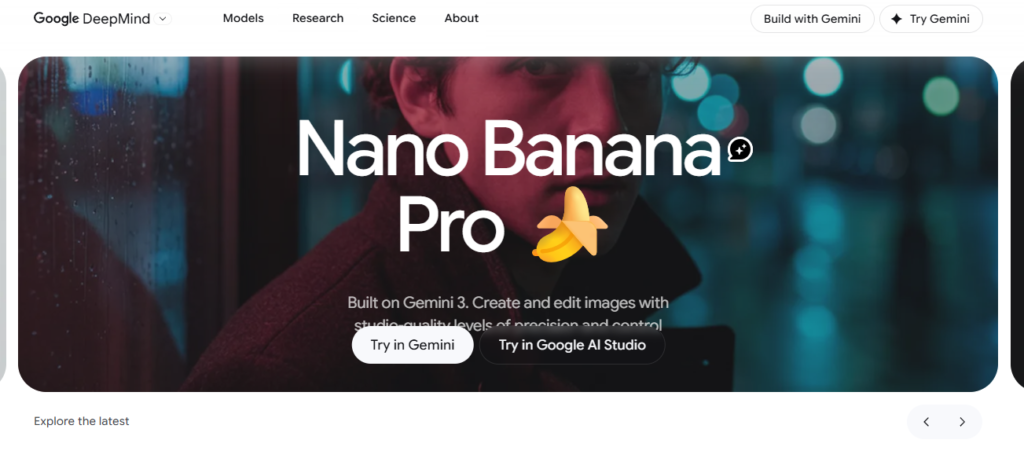
6. Nano Banana Pro (Gemini 3 Pro Image)
Nano Banana Pro is Google’s professional image model. The model works differently from other image generation tools. It uses a reasoning layer to think about the scene first, planning lighting and object placement before creating the final visuals.
The text rendering feature is strong across multiple languages, making it ideal as an ideogram for certain use cases.
You may have heard of Nano Banana 2. It is the faster variant based on Gemini 3.1 Flash architecture, which is available through Google Gemini. Nano Banana Pro is the higher-end version, with greater focus on quality.
Best for: Commercial designers, ad agencies, and professionals to create high-quality images.
Pricing: Available through Google Gemini (free tier) and as API pricing.
Limitations: The tool focuses on output quality, but it’s extremely slow. It is less accessible for casual beginners.
Ideal users: Professional photographers, agencies, and commercial designers.
7. Canva AI
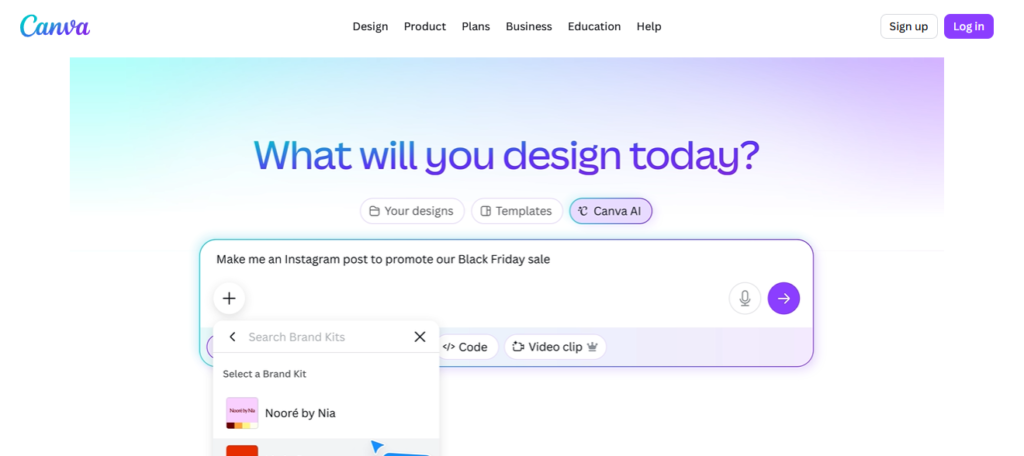
Most people already know about Canva for designing. Now, AI image-generation in the platform generates the visuals within seconds without manual effort.
You just need to type text, the image is generated in a few clicks, and you can drop it into your design. Canva AI is an ideal fit for social posts, blog post headers, and presentation slides.
Best for: Social media managers, bloggers and small business owners to create visual content for social media platforms.
Pricing: Cnava AI has a freemium pricing structure.
Limitations: You will notice that the image quality is not artistic. Similarly, the tools offer limited creative control.
Ideal users: Content creators, social media teams, and small businesses.
8. Reve AI
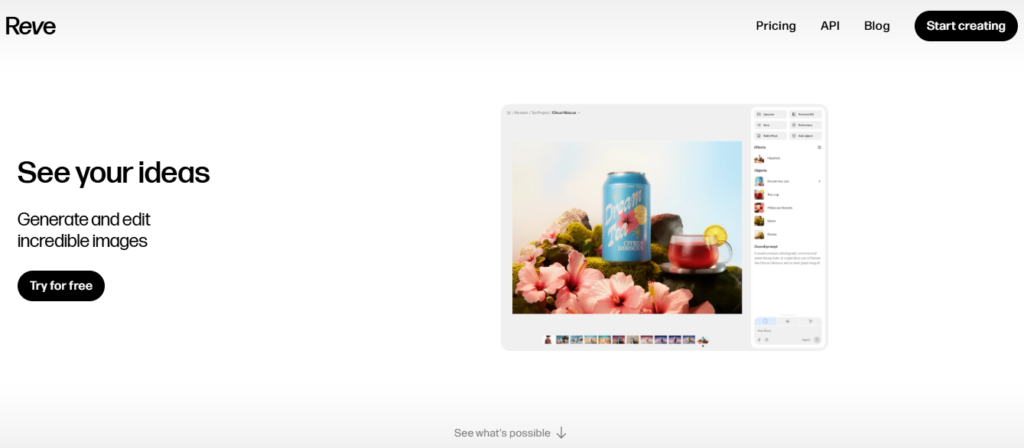
Reve AI launched in early 2025 and quickly became popular. Reve AI lets you just say “make the sky more dramatic” or “shift the lighting to golden hour”, and the image updates in real time. Such a type of fast image update is missing from multiple tools we looked at.
It runs entirely in the cloud, supports team collaboration, and exports work directly to tools like Photoshop. It is ideal for social media managers and video editors to create clean visuals.
Best for: Creative teams, social media managers, and video editors use it for image generation and editing.
Pricing: Free plan available. Paid subscription starts at $7.99.
Limitations: As the tool is newer, the model library and advanced features are still developing.
Ideal users: Small creative teams and content producers.
9. FLUX 2 (Black Forest Labs)
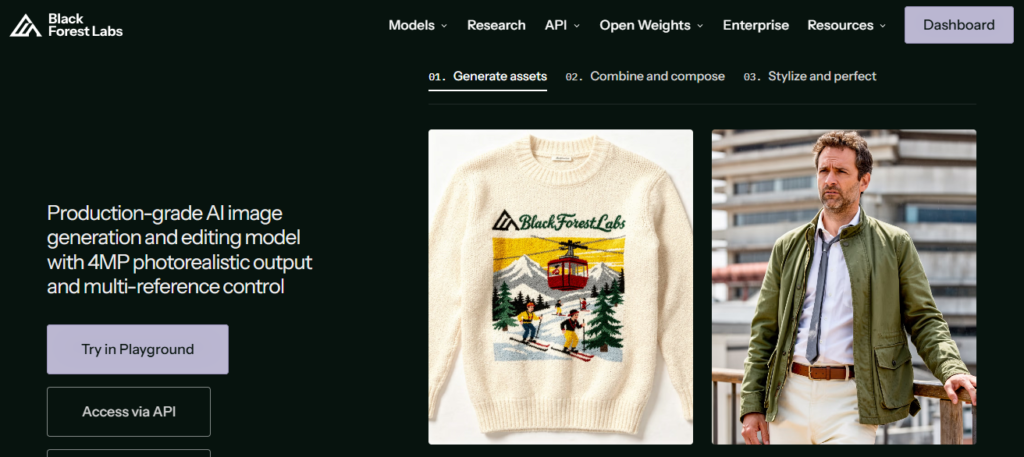
When photorealism matters to you, use FLUX 2. The tool is built to create commercial-grade images that look like they were captured with an actual camera.
While testing the skin textures, natural lighting and material rendering were at a level not found in other tools. FLUX 2 Max can generate up to 4-megapixel images in under 10 seconds via API. The tool is available through API and platforms like FAL.AI.
Best for: Product photographers, e-commerce teams, and commercial designers use it to generate photorealistic images.
Pricing: The AI model has a pay-per-usage pricing structure.
Limitations: Not an ideal tool for artistic or stylised work. It works well only in realism. To access the tool, you will require API access.
Ideal users: E-commerce businesses, product marketers, ad agencies, and photographers.
10. Stable Diffusion
Stable Diffusion is an open-source image generation option. It is simple and easy to use. You can simply use it on your hardware without any usage limitations.
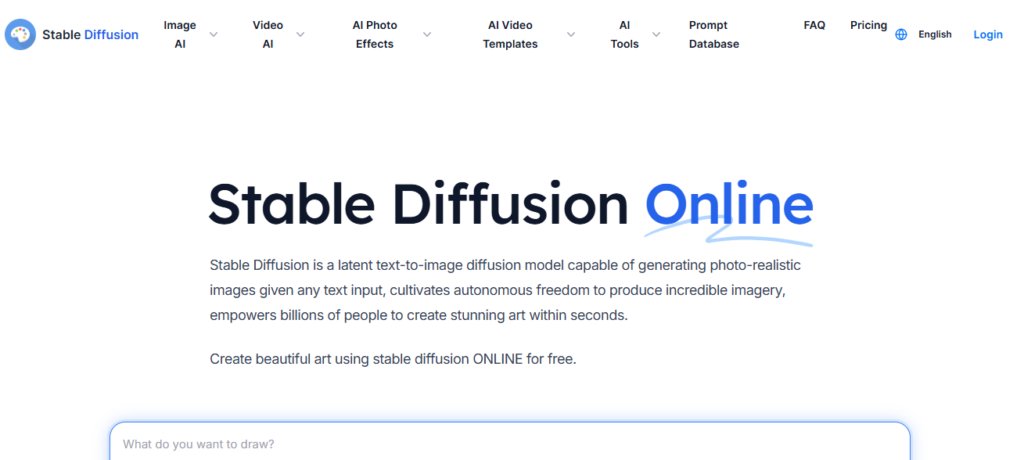
Best for: Advanced users, developers, researchers, and studios use it to create multiple images.
Pricing: The platform is free and open-source.
Limitations: The tool is perfect for beginners; it requires an initial setup.
Ideal users: Developers, AI researchers, studios, and experienced creators.
How to Pick the Right Tool for Your Work?
There’s no single best AI image generator. The right fit depends on what you actually need.
- Midjourney AI is the best fit if artistic quality is your top priority.
- If you’re already using Adobe products, Firefly is easy to use.
- GPT Image 1.5 in ChatGPT is the easiest entry point for beginners without setup.
- Ideogram 3.0 clearly wins if you deal with text inside your images.
- FLUX 2 stands alone for photorealism.
- Stable Diffusion is worth the setup time if you want unlimited visual generation.
Think about your budget, your skill level, and whether a free plan is enough to start.
Tips to Get Better Results From Any AI Image Tool?
Generating the best output according to your requirements depends on how you write your text prompt. Here are a few things that can help you.
- Be specific from the start. It will get you far closer to what you want.
- Name the art style. If you are creating photorealism, concept art, or illustration, clarify it in the first part of your description.
- Use aspect ratio settings. Tools allow you to choose landscape, portrait, and square orientations. Match the format to your use case.
- Build on what’s working. If you get a result 80% right, refine it with small changes.
Conclusion
Overall, the best starting point for beginners is GPT Image. Ideogram free tiers are also easy to use and allow for the production of real results without any technical setup. If you’re a designer or professional, Adobe Firefly or Leonardo AI give you the depth. And if image quality matters a great deal to you, Midjourney is still the artistic benchmark.
FAQs
Is there a completely free AI image generator with no restrictions?
Free AI tools without restrictions are rare because generating images requires a lot of computing power. However, you can use Ideogram, Leonardo AI, and Canva AI free plans for real work with usage limitations.
Can I use AI-generated images for commercial work?
It depends on the tool you are using. Adobe Firefly is the safest option for commercial use. Similarly, Midjourney’s paid plans include commercial usage rights.
Do I need any design experience to use these tools?
No, most modern AI image-generation tools have simple interfaces. You don’t require prior design experience to generate images.