A recent report says TikTok has crossed 1.9 billion monthly active users globally. What’s more interesting is that at least 136 to 170 million are in the US alone.
For many, scrolling through TikTok is now a daily habit. But many content creators and brands use it to grow an audience. TikTok content creation is not as simple as making a video and posting it on your account. It needs a decent setup, such as scripting, editing, captions, and voiceovers. And I know, the whole process takes many hours to create a masterpiece.
But in 2026, the AI integration made it easy for content creators and businesses to grow faster. They’re using AI tools for TikTok to build a full production with manual effort.
In this guide, I will discuss the best AI tools for TikTok to grow your audience without hours of manual effort. We tested all the tools listed here and identified who it’s best for, where it falls short, and how it fits into a real workflow.
Why AI Tools for TikTok Are Now a Serious Strategy?
Still, there’s intense disapproval for AI-generated content. A lot of people associate it with low-quality, robotic output. Yes, the low-quality output is possible if you have used a random free AI tool for content creation.
To get more precise and excellent results, you need to upgrade the AI tools for TikTok. Multiple AI tools are available right now online, you can select the one that matches your content creation requirments.
We tested across multiple verticals, product demos, educational content, and faceless commentary. And evaluated that the right AI video editor can produce short-form videos that viewers don’t immediately clock as artificial.
The algorithm doesn’t care whether your video is human or AI-generated. It cares about audience engagement and intent. TikTok’s algorithm rewards consistency. Accounts that post daily dominate discovery.
A solo creator cannot maintain that pace without assistance. AI TikTok video generation fills exactly that gap.
How We Tested These Tools?
Every tool on this list got the same script (a product launch scenario), rendered in vertical 9:16 format. We evaluated them on:
- Output quality: Does it actually look good?
- TikTok-native formatting: 9:16 at 1080p, captions baked in, correct pacing?
- Speed: How long does it take to generate a finished video?
- Ease of use: Can someone without a video editing background use it?
- Pricing fairness: Is the free tier actually useful, or is it a trap?
We also cross-referenced real user feedback from Reddit threads, G2, and creator communities.
Top AI Tools for TikTok at a Glance
| Tool | Best For | Starting Price |
| HeyGen | AI avatars & multilingual content | Free / $29/mo |
| InVideo AI | Text-to-video full pipeline | $20/mo |
| CapCut | Editing existing footage | Free / $19.99/mo |
| Canva AI | Brand consistency & templates | Free / $12.99/mo |
| FlexClip | Customizable AI video creation | Free / $19.99/mo |
| TikTok Creative Studio | Native TikTok ad creation | Free |
| Opus Clip | Repurposing long-form content | Free / $15/mo |
| Zebracat | AI scene generation for short-form | From $20/mo |
| Designs.ai | Beginner-friendly all-in-one | From $19/mo |
Best AI Tools for TikTok in 2026
1. HeyGen: Best AI Tool for TikTok Avatars and Multilingual Videos
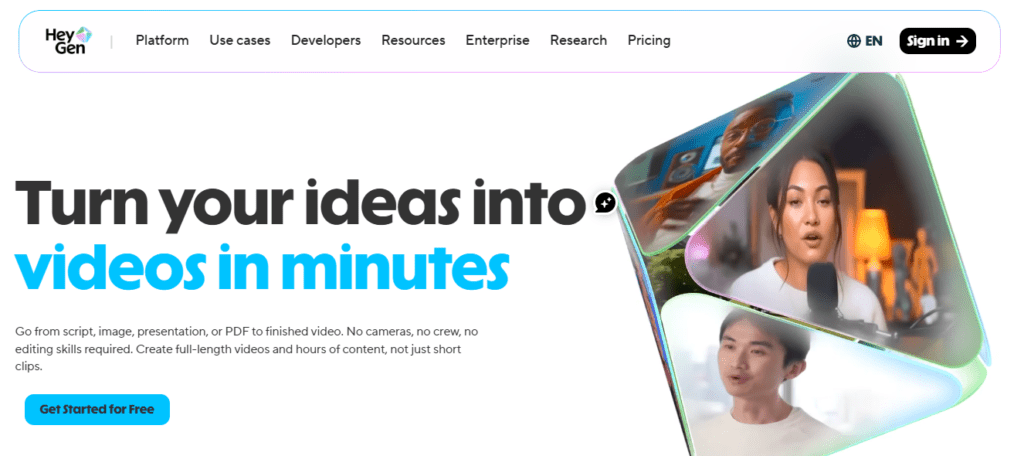
HeyGen is the most convincing AI avatar platform for short-form content. On our list, it earned the top spot for lip-sync holds in vertical close-up. You paste in your script, select the AI avatar, or pick your AI voice from the library. And the tool generates a publish-ready video.
It supports multiple languages, including English, Spanish, Portuguese, French, and other versions.
Key Features:
- Custom avatar creation
- Multilingual video generation
- 9:16 native output
- Template library
Pricing: The platform has a freemium pricing structure. The creator plan starts at $29/month.
Limitation: The platform has a polished avatar style for product content, tutorials, and professional niches. It doesn’t have a casual aesthetic that trends on TikTok’s For You Page.
2. InVideo AI: Best Text-to-Video Pipeline for TikTok
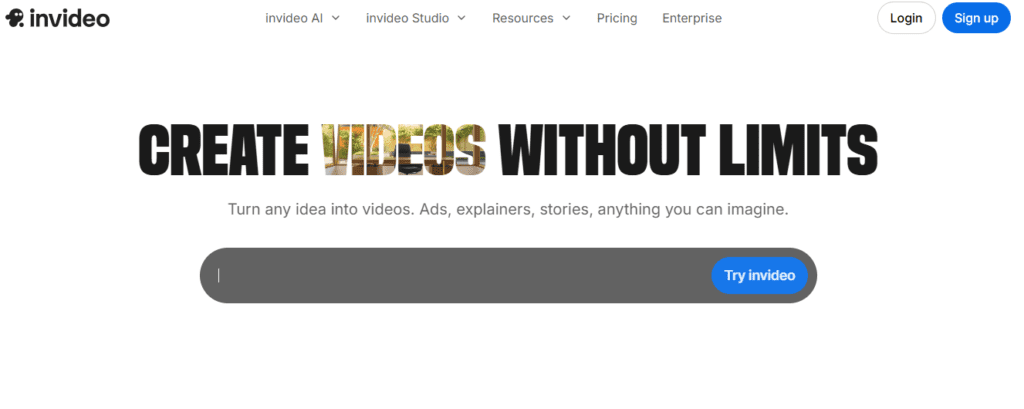
InVideo is for you if you want to go from a text prompt to a published TikTok without any editing. You type your idea in plain English, and it generates output according to your requirements.
The interesting thing is that InVideo AI can write a script. It sources relevant stock footage, adds an AI voiceover, captions, and exports in vertical format. The platform handles the AI TikTok video generation workflow in a single interface.
Users report that the 2026 update added a continuity engine and AI color grading, which meaningfully improved output consistency.
Key Features:
- Full text-to-video pipeline
- Auto-caption generation
- Stock footage library
- Directly publish to social platforms
Pricing: The AI has subscription-based pricing. The paid tiers start at $20/month.
Limitation: InVideo is built for speed, not precision. You can use it as a first-draft machine. Its output needs refinement.
3. CapCut: Best Free AI Video Editor for TikTok
CapCut is an excellent and simple tool for video editing for TikTok creators. While testing, we found the all-in-one package that includes basic to advanced video editing features. It has auto-caption, Background removal, AI voice effects, and text animations.
After the brief ban in early 2025 and the platform’s subsequent restructuring under U.S. majority ownership through the USDS Joint Venture LLC, CapCut maintained its user base. Some creators diversified their tools, but CapCut remains the most widely used video editor.
CapCut can now create a video from text. If you have footage and need to edit fast, there’s nothing better at this price point.
Key Features:
- Auto-captions
- Background removal
- AI voice effects
- Template library
Pricing: Offers freemium pricing. Paid tiers start at $19.99 per month.
4. Canva AI: Best for Creators Who Want Brand Consistency
Canva AI is not a dedicated AI TikTok video generator. It includes a video creation feature, which makes it ideal for TikTok content creators. If you already use Canva for graphics, adding TikTok video creation to that workflow makes a lot of sense.
You can pull in existing brand elements and apply them to video templates for short-form content. For brands and small businesses, that consistency across platforms is genuinely useful.
We evaluated that the text-to-video feature of the tools is excellent. You simply describe your concept, choose a style, and Canva generates short clips that you can use with transitions and music.
Key Features:
- Text-to-video generation
- Pre-built TikTok templates
- Built-in music
- Team collaboration for brand accounts
Pricing: Free tier available. Canva Pro plan starts at $12.99/month.
Limitation: Well, Canva has the video generation feature, but it is less advanced than dedicated tools.
5. TikTok Creative Studio: Best Native Tool for TikTok Ads
This one often gets overlooked, but it deserves a spot. TikTok’s own Creative Studio is an AI-powered platform that creates TikTok videos specialized for ads.
It uses artificial intelligence to analyze top-performing ads for your niche, suggest hooks, generate scripts, and produce video templates.
The Smart Creative features of the platform are superb. These automatically optimize video elements for different audience segments. You simply input your product, upload assets, and the system generates multiple ad variations.
Key Features:
- AI-generated video scripts
- Smart creative optimization
- Trend analysis
- Direct integration with TikTok Ads Manager
Pricing: The platform has a freemium pricing model. The premium features are locked behind the paid tiers.
Limitation: We found it less flexible for organic creator workflows.
6. Opus Clip: Best for Repurposing Long Content into TikTok Videos
Opus Clip is a specialized tool for repurposing long-form content into short TikTok videos. If you have YouTube videos, podcasts, webinars, or Zoom recordings, you can turn them into TikToks within a few clicks.
It’s simple. You just upload or paste a URL for a long video. Opus Clip’s AI identifies the most engaging moments like humor, surprising statements, and actionable insights. It clips them into 60-second segments, automatically adds captions, and outputs them in vertical 9:16 format.
The best feature we explored in it is the “AI Curation Score”. It predicts which clips are most likely to perform well on short-form platforms.
Key Features:
- Auto-clip detection
- Virality score for each clip
- Auto-captions in multiple styles
- Speaker detection and framing
Pricing: Opus Clip offers a free tier. Paid plans from $15/month.
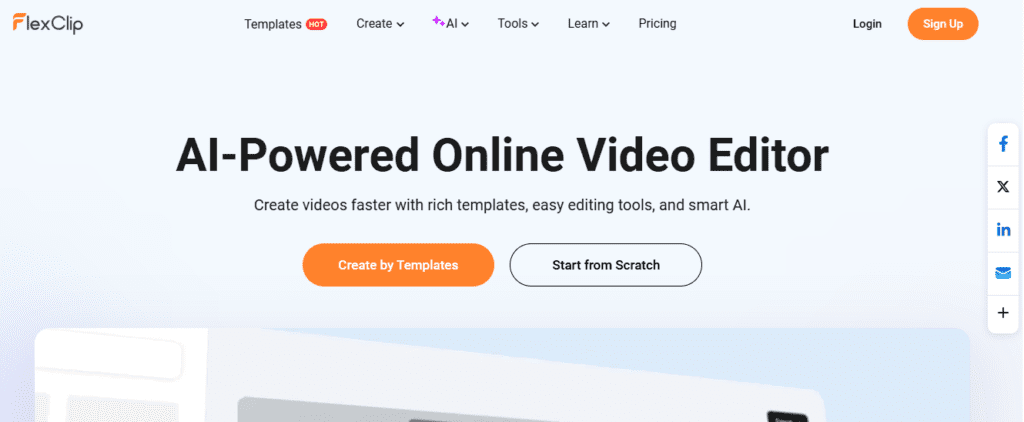
7. FlexClip: Best for Customizable AI TikTok Video Creation
After testing the tool, we placed FlexClip between a generator and an editor. It works well for creators who want more control.
The tool’s template library is genuinely for TikTok; you get the animated fonts, pacing, and visual style. It also includes an AI script writer that can generate a starting point for your video narrative.
Unlike the other tools, it gives you customization depth. You can make precise edits to individual scenes, adjust timing manually, swap in your own clips, and layer text animations with more control.
Key Features:
- AI script generation
- Text-to-speech in multiple AI voices
- Talking head avatar options
- Royalty-free media library
Pricing: FlexClip has a free plan. The monthly paid tiers start at $19.99.
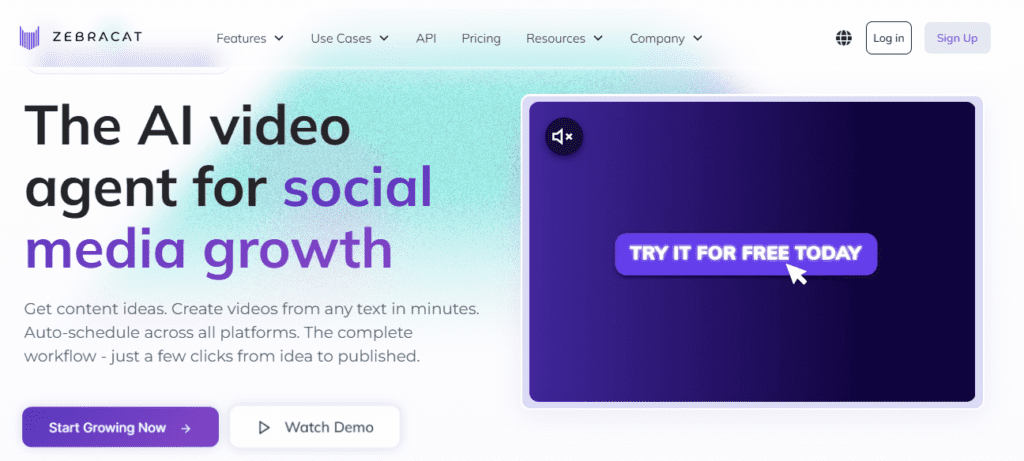
8. Zebracat: Best for AI Scene Generation
Zebracat is one of the newer tools in this space. It has the unique ability to convert blog posts, articles, or scripts directly into short-form videos.
Zebracat actually generates visual scenes using AI. You can get visuals that are conceptually consistent with your script. It’s specialized for abstract topics or niches.
Zebracat can turn a script into a visually compelling TikTok for creators in finance, personal development, or opinion-based content.
Key Features:
- AI-generated scenes
- Text or blog post to video conversion
- AI voice narration
- Auto-caption overlay
Pricing: Zebracat AI doesn’t have a free plan. The pricing plan starts at $39/month.
Limitation: The AI scene still looks noticeably artificial compared to realistic human scenes.
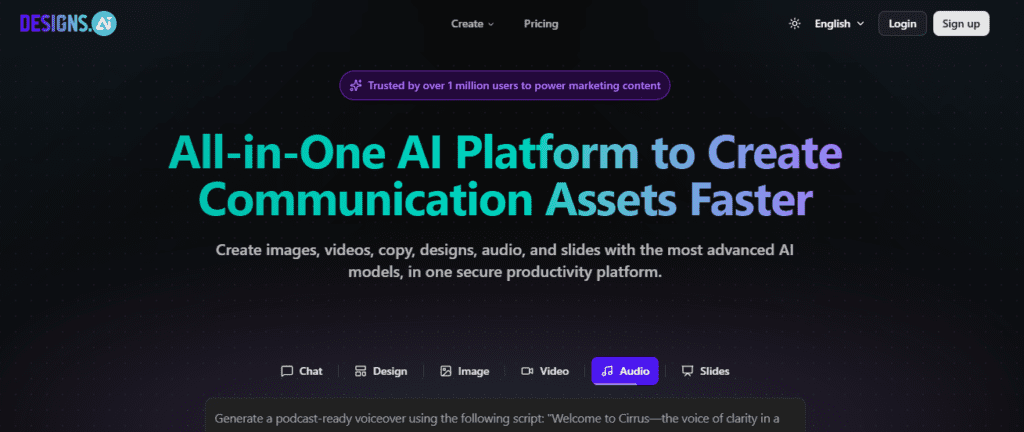
9. Designs.ai: Best All-in-One AI Tool for TikTok Beginners
If you want to start creating TikTok videos with AI but have never touched a video editor, Designs.ai is the honest first recommendation.
It bundles AI TikTok video generation, AI voiceovers, logo creation, and text-to-image tools all inside one browser. It doesn’t require any technical setup. You open a browser tab and start creating.
The video creation workflow itself is template-driven. Pick a structure that fits your content, drop in your script or topic, and the system handles layout, transitions, and timing.
Key Features:
- AI video creation with TikTok-optimized templates
- AI voiceover generator
- Logo maker
- No installation required
Pricing: Limited trial available. Paid plans from $39/month.
Limitation: The template-first approach is a feature for beginners and a frustration for advanced creators.
Video Creation & Editing Tools
Here are some other AI tools for creators who need specific output styles or tighter budget control.
| Tool | Best For | Free Plan | Starting Price |
| Synthesia | Corporate/educational AI avatars | Yes | $18/mo |
| Pictory | Article-to-video conversion | No | $29/mo |
| Vidu AI | Short cinematic AI clips | Yes | $10/mo |
Scheduling & Management Tools
Creating great content is only half the job. The other half is making sure it actually gets posted at the right time, to the right audience. AI scheduling tools for TikTok handle that side of the workflow.
| Tool | Best For | Free Plan | Starting Price | Key Features |
| PostEverywhere | Multi-platform TikTok scheduling at scale | No | $19/mo | batch scheduling, optimal time suggestions |
| Buffer | Simple scheduling for beginners | Yes | $6/mo | Engagement tracking, team collaboration |
Captions & Effects Tools
Captions are non-negotiable for TikTok. Over 80% of viewers watch without sound at some point during a session. If your text isn’t on screen, you’re losing your potential audience. These tools specialize in making that part of the workflow fast.
| Tool | Best For | Free Plan | Starting Price | Key Features |
| Submagic | Trendy animated captions for TikTok | No | $19/mo | Auto-captions, emoji overlays, keyword highlighting, |
| Captions.ai | Mobile-first AI caption generation | No | $9.99/mo | Auto-sync, filler word removal, 28 languages |
| Wisecut | Auto-cut silences + caption generation | No | $29/mo | Silence removal, background music sync |
Content Writing & Ideation Tools
Here are the best tools that focus on ideation and scripting for TikTok content creation.
| Tool | Best For | Free Plan | Starting Price | Key Features |
| ChatGPT | TikTok script writing & hook generation | Yes | $20/mo (Plus) | Conversational script drafting, trend angle suggestions, persona prompting |
| Claude | Long-form to short-form script adaptation | Yes | $20/mo (Pro) | Nuanced tone control, multi-format output, strong at strategic content frameworks |
| Jasper AI | Marketing-focused TikTok copy | No | $39/mo | TikTok caption templates, brand voice training, campaign-level content planning |
How to Choose the Right AI Tools for TikTok?
The question doesn’t have an exact answer. Which tool is right for you? It actually depends on your requirements.
- If you’re a solo creator just getting started, CapCut (free) + TikTok Creative Studio (free) + ChatGPT free tier is best for you.
- If you want to post without being on camera: HeyGen or FlexClip for AI TikTok video generation, CapCut for editing, and Submagic for captions. For this, you might require a budget of around $40–50/month.
- If you’re a brand or business running paid TikTok ads: TikTok Creative Studio (free) plus Jasper or Copy.ai for ad copy, paired with HeyGen.
How to Build a Complete TikTok Workflow with AI Tools?
Here’s a workflow that works:
- Ideation & Scripting: You can use ChatGPT or Claude for the specific prompt. Give the complete details to the tool to generate the prompt. Don’t ask “write TikTok script about productivity.” Be specific and ask for “write a 45-second TikTok script with a contrarian hook about why to-do lists make you less productive.
- Video Generation: Now copy that script and paste it into HeyGen, InVideo AI, or any other tools you like.
- Editing: Now pull the output into CapCut. Add your brand elements, adjust pacing, and drop in trending audio. All this process may take only 10 to 15 minutes.
- Captions: CapCut has the auto-caption tool, and you can also use Opus Clip’s caption layer. Don’t skip it.
- Repurposing: Once you have 5–6 strong pieces of long-form content, run them through Opus Clip. You’ll get a week’s worth of TikToks from a single source video.
It is the perfect system for a solo content creator to grow and be consistent. The algorithm rewards volume and quality.
Free vs. Paid: What Can You Actually Do Without Spending Money?
Useful free tiers:
- CapCut: The free tiers have full editing with 1080p export, no watermark on basic content.
- TikTok Creative Studio: It’s a powerful platform for ad creators, completely free to use.
- Canva: Its free tier has enough video tools for basic TikTok production.
- InVideo AI: Free tier has limited exports, but enough to test the tool.
Free tiers that are trials:
- HeyGen: It offers 3 videos/month at 720p with a watermark. Fine for testing only.
- Opus Clip: Allow creating limited clips per month.
The honest calculation: You can use HeyGen or InVideo for generating videos, CapCut for editing, and Opus Clip for repurposing. And all these run under $100/month at entry-level paid tiers.
Conclusion
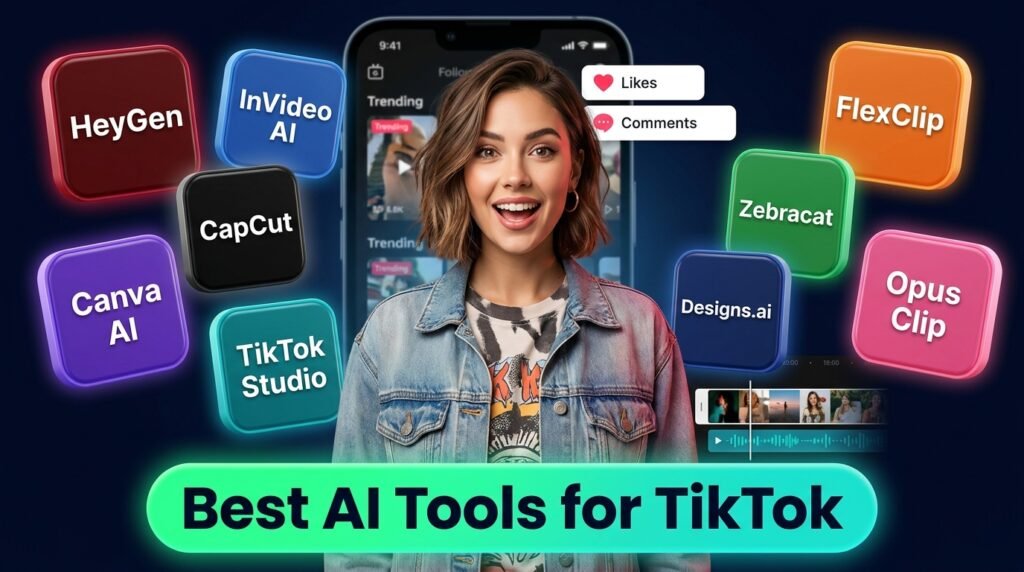
AI tools for TikTok simplify and speed up the entire content production workflow. The platforms such as HeyGen, InVideo AI, CapCut, Canva, TikTok’s own Creative Studio, Opus Clip, FlexClip, and Zebracat solve real problems in content creation.
No single tool does everything; you may need to use multiple tools for different tasks. HeyGen for AI avatars, InVideo for the full text-to-video pipeline, and CapCut are the best free video editors.
You don’t need a studio, a camera crew, or a full-time editor. With the right tools and a clear strategy, you can grow your audience.
FAQs
Can I really create TikTok videos without showing my face using AI?
Yes, you can. Tools like HeyGen let you use a custom AI avatar as a presenter. FlexClip and InVideo AI combine AI voice with stock footage for faceless TikTok content.
What’s the best AI tool for TikTok if I’m starting from scratch with zero budget?
Start with CapCut free tiers for editing and TikTok Creative Studio for script and ad ideas. You can also use ChatGPT for scripting. Once you’re posting and analyzing what’s working, upgrade to InVideo AI or HeyGen video generation.
How long does it take to generate a TikTok video with AI?
It depends on the tool you are using and its complexity. InVideo AI can produce a text-to-video output in five minutes. HeyGen avatar videos take 3–8 minutes.