Podcasting seems simple: you record, and people listen. But thats not true. Those who run a show better know what’s hiding behind that mic. The editing sessions that stretch to midnight, the show notes and social clips.
Production kills momentum, and it requires consideration. The best AI tools for podcasts are being developed right now. Using the AI tools for podcast you can make a professional podcast with minimal effort.
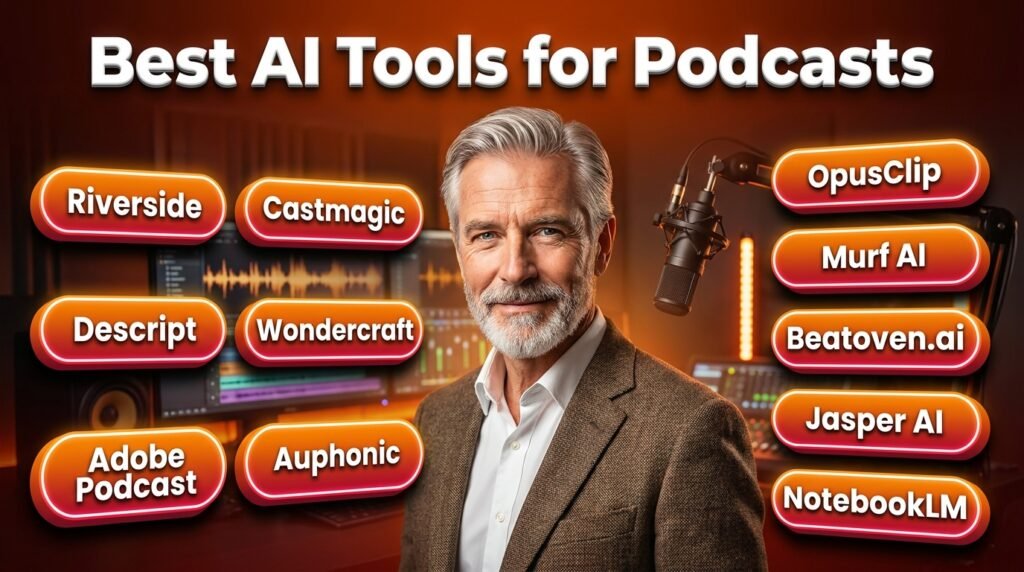
In this guide, I will discuss the best AI tools for podcasts that can help you get more focused results. I will go through what the tools do well, who they’re actually built for, and how to layer them.
How We Selected These AI Podcast Tools?
We didn’t just pull together whatever ranked on page. The selection was actually based on what actually matters:
- Real-world audio conditions, not demo files: We tested the tools the way actual podcasters use them. If a tool only works in ideal conditions, it’s not really useful.
- Workflow stage coverage: We made sure each tool covers different podcast stages, including planning, recording, editing, transcription, repurposing, and distribution.
- Beginner to advanced range. Tools were evaluated at both ends of that spectrum.
- Value vs. price. Free tiers were tested. Paid plans were assessed against what you actually get.
Best AI Tools for Podcasts in 2026
Riverside.com: Best All-in-One Recording + AI Suite
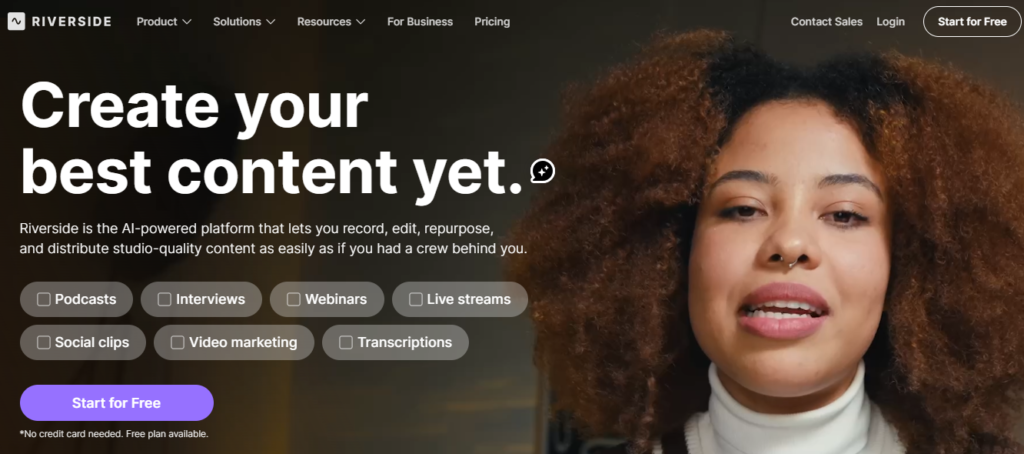
Riverside is an ideal option for podcasters to start with. It does remote recording better and offers an AI layer on top. It records studio-quality episodes remotely and allows 10 participants. You can capture separate audio and video tracks, which you can edit later.
For example, if a guest had a noisy neighbour, you can clean their audio without changing anything else. The Magic Audio feature of the tool enhances sound quality and removes background noise.
It has the social clip feature, which scans your episode and pulls out shareable moments.
Key features:
- Separate track recording
- AI audio enhancement
- auto transcription
- Magic Clips
- 4K video
Best for: Interview-format podcasters and video podcast creators.
Weakness: The tool is complex for audio-only solo shows. The paid tiers of the tool are pricey.
Pricing: Riverside AI offers a free plan ideal for testing the tool. The paid tiers start at $29/month.
Descript: Best for Transcript-Based Editing
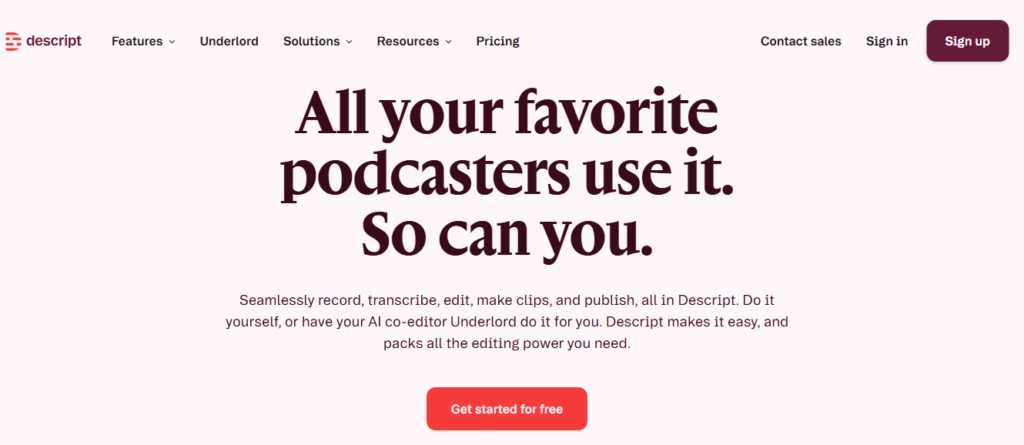
Descript genuinely changed how podcasters edit. The sounds are too clever. You can edit your podcast by deleting text in the transcript. Descript syncs those changes to your audio. It perfectly deletes words like “um” from the transcript and rearranges a sentence.
The Studio Sound feature of the tool makes the audio professionally recorded, even if the guest is in a noisy location. Similarly, if you record something wrong, voice cloning can fix the mistake. The voice cloning output is impressive but not seamless.
Key features:
- Text-based editing
- AI filler word removal
- Studio Sound
- Voice cloning
- Social clip generation
Best for: Solo podcasters and narrative shows.
Weakness: The platform’s voice cloning quality is not perfect; it varies by voice type. While testing the tools, we also found sync glitches on complex edits.
Pricing: Descript offers freemium pricing. The paid tiers start at $24/month.
Adobe Podcast: Best Free Audio Enhancement Tool
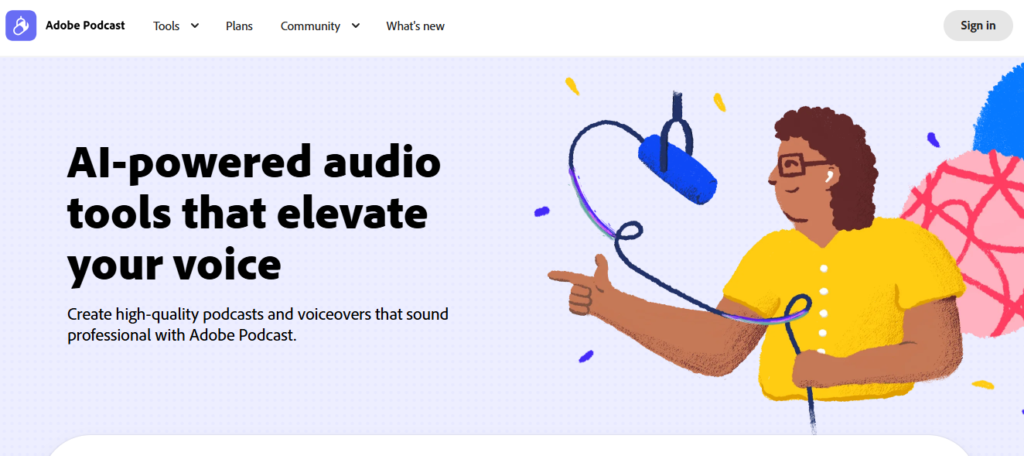
Adobe Podcast offers a free enhanced feature that is shockingly effective. It makes voice recordings sound professional. You can upload a rough file, and it processes the audio through and improves vocal clarity. You will notice the difference between the before and after audio files.
The platform transcribes words using industry-leading transcription in Adobe Premiere Pro. For beginners or budget-conscious podcasters, it is the most effective match.
Key features:
- AI speech enhancement
- Text-based editing
- Remote recording
- Browser-based
Best for: Podcasters and those who are recording with a laptop mic.
Weakness: We noticed that the tool has fewer features than Riverside or Descript for full end-to-end production.
Pricing: The platform offers free and premium pricing plans. Premium plan costs $9.99/month.
Castmagic: Best for Post-Production Content Creation
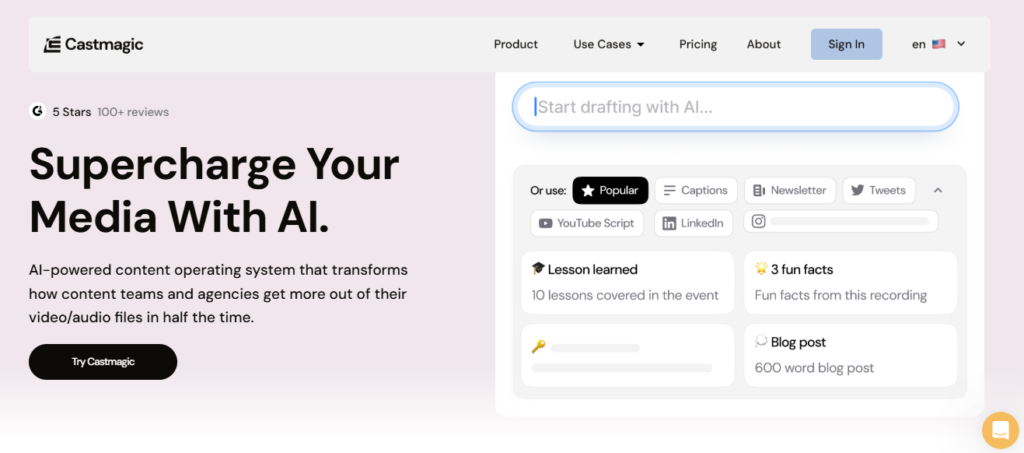
After episodes, now it’s time to talk about show notes, timestamps, social captions, newsletter content and blog summary. You upload your episode to Castmagic, and within minutes, you’ll receive a full transcription.
The transcription shows notes, bullet-point summaries, title suggestions and social media captions. The output is publish-ready, but still requires work on it; it’s stronger than the first draft.
We noticed that it cuts down the hours of work and creates polished content within minutes. If you’re publishing weekly and trying to maintain a social presence, Castmagic is the perfect tool for you.
Key features:
- Auto transcription
- Show notes
- Social captions
- Newsletter drafts
- Title suggestions
Best for: Content marketers, solo creators running multiple channels.
Weakness: After using the tools, the output still needs a human edit pass to add your voice and remove generic phrasing
Pricing: Castmagic doesn’t have a free plan. The paid tiers of the tool start at $29/month.
Google NotebookLM: Best Free AI Podcast Generator
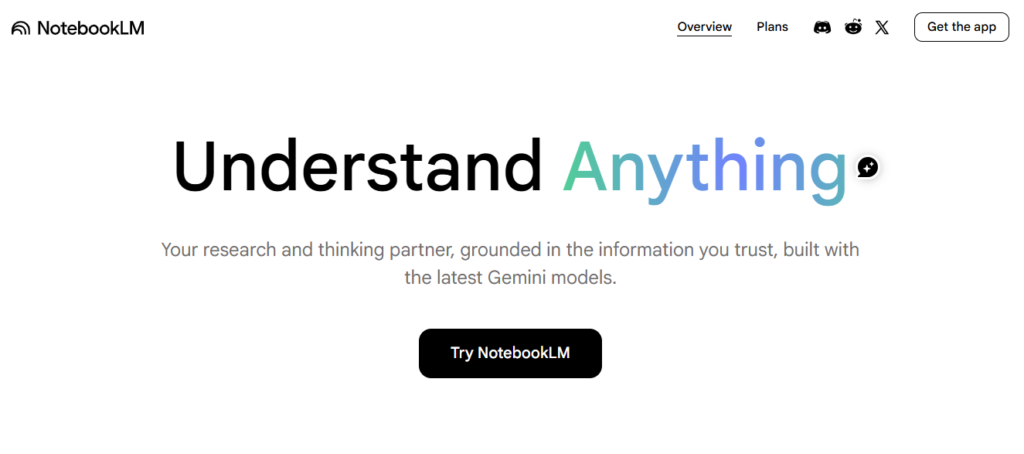
NotebookLM is the most unusual tool. It doesn’t help you edit; it only generates one from the documents you feed it. You upload a dense report or a long article, and NotebookLM produces a conversational “Audio Overview”. The two AI hosts discuss the material in a natural back-and-forth format.
If you are creating audio content from written material, it removes the need for recording infrastructure.
Key features:
- Document-to-audio conversion
- Conversational AI host format
- Google Workspace integration
Best for: Educators, researchers, teams use it for converting the written knowledge into listenable audio content.
Weakness: The tool has limited format control. It only has the two-host structure, which is not perfect for every use case.
Pricing: The tool is free to use.
Wondercraft: Best for Fully Produced AI Podcast Episodes
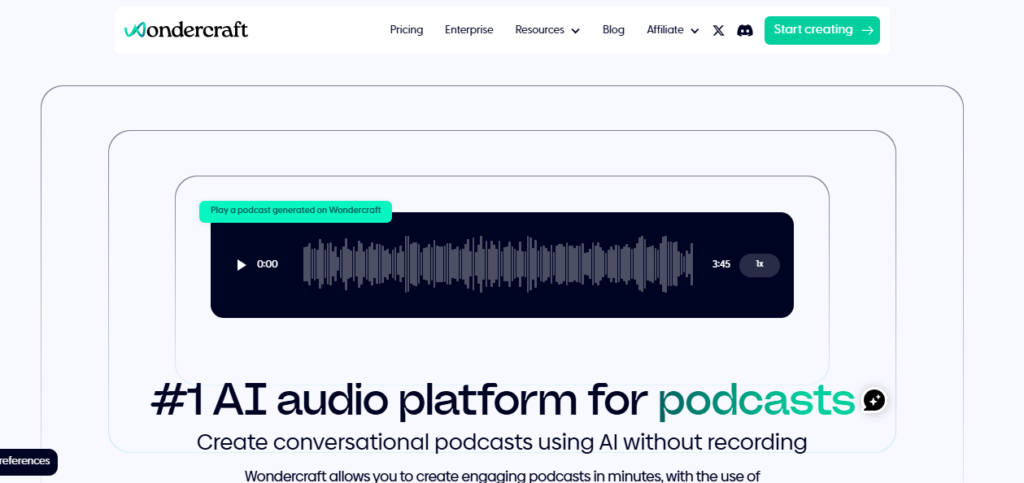
Wondercraft uses a different approach from many others. The platform helps you create content from scratch, including scripts, voices, music and sound effects. You can get the full package of the podcast AI features that can turn your ideas, scripts, or notes into podcast episodes.
Moreover, you can get the AI-generated scripts and voiceovers for music and sound effects. It is ideal for brands, agencies, and educators to produce consistent audio content without a studio.
Key features:
- AI script generation
- Voice cloning
- Royalty-free music library
- Timeline editor
- Team collaboration
Best for: Brands, content marketers and agencies to produce audio content.
Weakness: We found that the AI-generated voices lack the natural, real conversations. Not ideal for personality-driven shows.
Pricing: The free plan offers 150 credits, ideal for testing the tool. The subscription starts at $12.50/month.
Auphonic: Best for Final Audio Polish
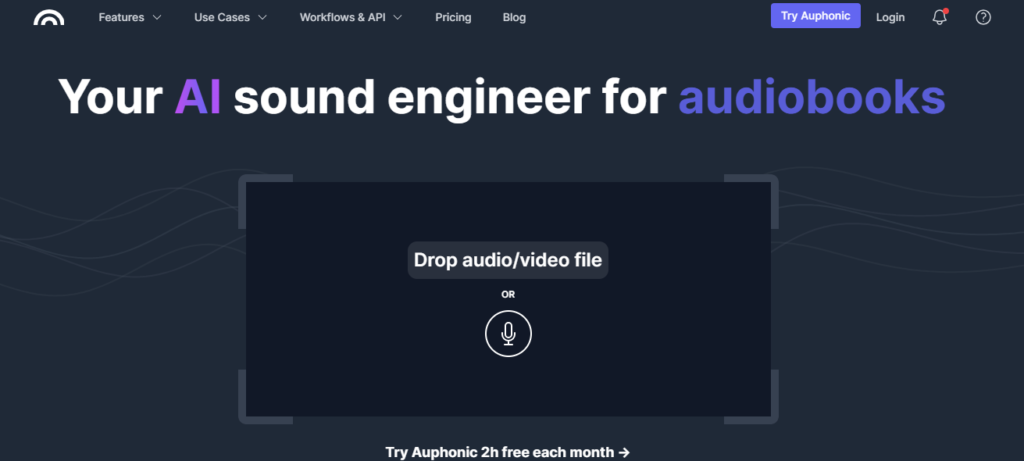
Auphonic is extremely good at making your final audio sound balanced and clean. It reduces noise, balances music, and exports in multiple formats. Auphonic’s founders have simply perfected audio leveling and noise reduction.
While evaluating the tool, we found that users can integrate it with most podcast hosting platforms. It’s particularly good at multi-speaker episodes.
Key features:
- Automatic leveling
- Noise reduction
- Music balancing
- Multi-format export
- Hosting platform integrations
Best for: Podcaster to get the professional-sounding audio.
Weakness: The tool only has audio post-production. It doesn’t include the editing, transcription, or content features.
Pricing: Auphonic has a freemium pricing model. The subscription starts at $13/month.
OpusClip: Best for Short-Form Social Clips
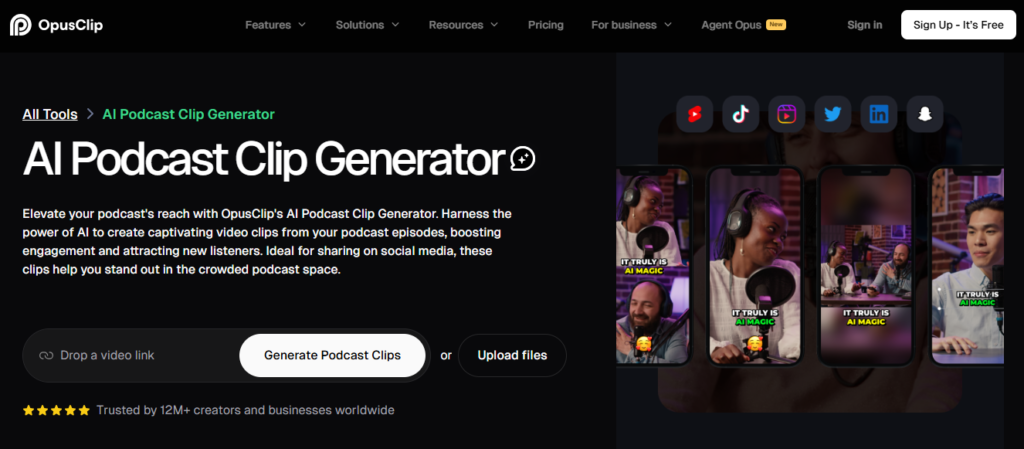
Most podcasters know that it’s beneficial to create their episodes into short clips for TikTok, Instagram Reels, and YouTube Shorts. OpusClip is the current leader in this feature. You drop a link, and it generates 10+ short videos.
It selects the best hooks and uses active speaker detection to crop the video. Moreover, it automatically adds dynamic captions. These clips work effectively and grab the new audiences who would never discover your show.
Key features:
- AI clip selection
- Virality Score
- Auto-captions
- Active speaker detection
- TikTok/Reels templates
Best for: Video podcasters and creators to grab more audience.
Weakness: The AI picks high-energy moments. The outputs are not always insightful and need human review.
Pricing: Offers the free plan, with paid tiers starting at $15/month.
Murf AI: Best for Professional AI Voiceovers
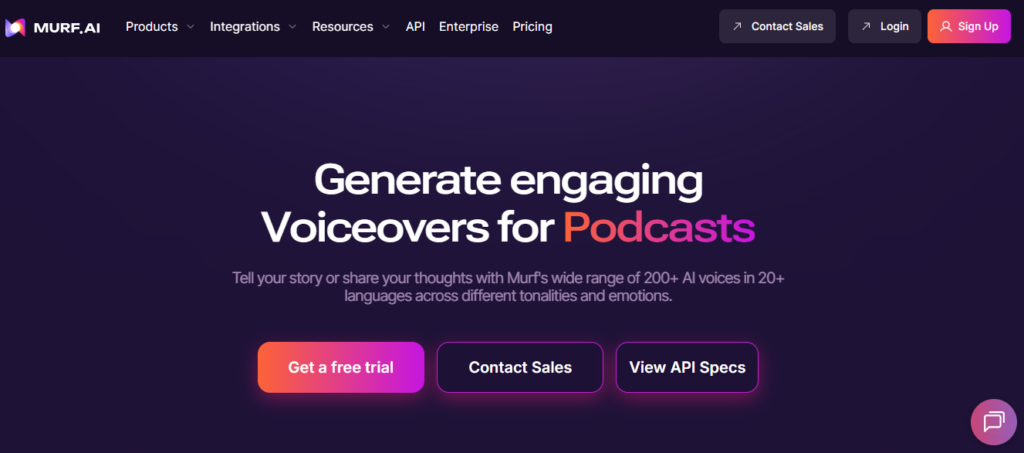
Murf isn’t a dedicated podcast production tool. It can turn the text-to-speech voiceovers that generally sound professional. Murf AI offers customizable tones and emotions according to your podcast style.
It has the collaboration feature, ideal for startups or marketing teams that need multiple people’s approval. If you run a podcast and require a narration voice for intros or ad reads, Murf is the most reliable option.
Key features:
- 200+ AI voices
- 20+ languages
- Tone and emotion control
- Built-in music library and team collaboration
Best for: Teams producing branded audio content and podcasters who need narration.
Weakness: The tool is not for production, but you can get the audio features in it. You’ll need other tools for editing and distribution.
Pricing: Murf AI has a freemium pricing structure. The paid tiers start at $29/month.
Beatoven.ai: Best for Royalty-Free AI Background Music
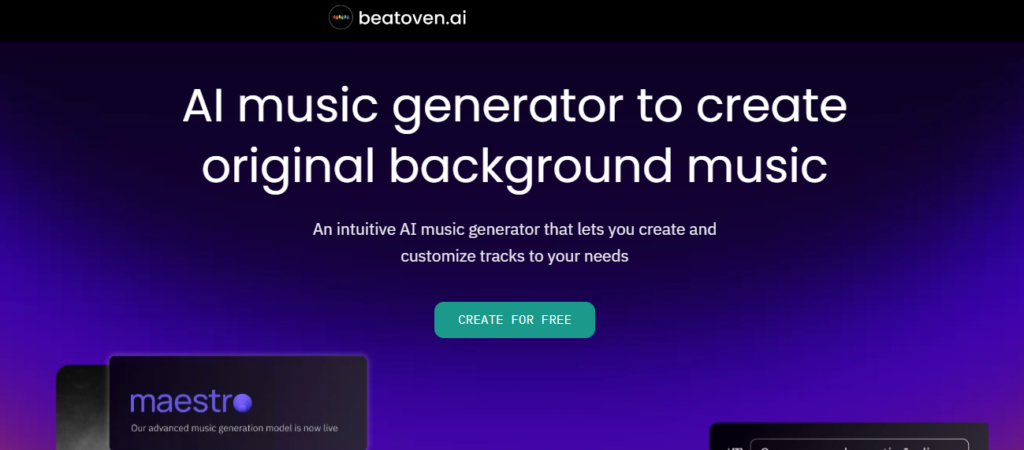
Finding background music for a podcast is annoying. Beatoven AI helps you to generate unique background music according to your podcast content. The music it generates is without any copyright issues.
It’s up to you to choose from 8 different genres and 16 different moods for different sections of your episode.
Key features:
- AI music generation
- Completely royalty-free,
- Custom cuts per episode section
Best for: Podcasters can use it for unique, legally clean background music.
Weakness: While testing, we found the music is good, but the quality varies by genre. Electronic and ambient genres are stronger than orchestral.
Pricing: Beethoven AI offers a free plan. The subscription plan starts at $10/month.
Jasper AI: Best for Podcast Content Strategy and Script Writing
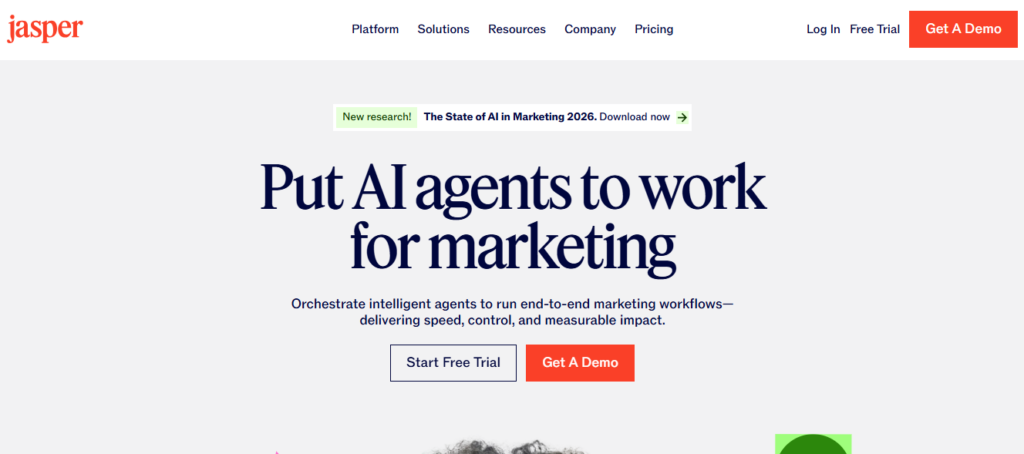
Jasper AI is a writing platform, and it helps podcasters to create content while maintaining their voice consistently. Jasper AI is a writing platform, and it helps podcasters to create content while maintaining their voice consistently. It writes marketing copy, creates script ideas, and generates interview questions.
You can use Jasper to write episode scripts, generate content ideas, and draft interview questions that match your style and context.
Key features:
- AI scriptwriting
- Episode idea generation
- Interview question drafting
- Brand voice training
Best for: Podcasters building a content brand or anyone who struggles with scripting.
Weakness: Jasper AI is expensive compared to simpler writing tools. No free plan is available.
Pricing: The paid tier of the AI platforms costs $69/month.
How to Build a Real AI Podcast Workflow?
- If you’re just starting out: Adobe Podcast and Google NotebookLM are the best tools to start. You can use the free plans initially and then switch to the paid tiers.
- If you record interviews remotely: For remote interviews, you can use Riverside for recording, Castmagic for show notes and social content and Auphonic for final audio polish.
- If growth is the priority: Use Riverside or Descript for production. OpusClip for social clips and Jasper for script are the right options.
- If you’re a brand or agency producing content at scale, you can use Wondercraft for AI-generated episodes, Murf for voiceovers and Beatoven for branded music.
What AI Can’t Do for Your Podcast?
It’s worth saying. AI can’t make a bad concept good. It can’t manufacture chemistry between the host and the guest. It can’t replace the specific perspective or earned trust that makes a listener come back every week.
It can only remove the production issues that slowly kill shows. The reason most podcasts stop at episode 20 is exhaustion. AI tools can handle the exhausting parts.
Conclusion
Multiple tools are available now that can help to record a professional podcast show if you don’t have a fancy setup. The podcasting space in 2026 is more competitive and the tools can help you stand out compared to others.
In the guide, I have discussed the best AI tools for podcasts that can help you in different stages. You can get assistance in planning, scripting, recording, editing, audio enhancement, and transcription.
You can get the perfect results if you choose the right match for your requirement. Start with the free plans of the tool; if that fits your goals, switch to the paid tiers.
FAQs
What is the best AI tool for podcast beginners in 2026?
Adobe Podcast is a beginner-friendly tool to get started. It offers a free plan, which you can test before moving to the subscription. It helps in recording, editing, and audio cleanup.
How accurate are AI transcriptions for podcast show notes?
If your audio is already clean, the accuracy runs above 90%. It drops if the audio has heavy accents, fast speech, or heavy jargon.
Which AI podcast tools are free or have genuinely useful free tiers?
Adobe Podcast, Google NotebookLM, Descript and Auphonic have meaningful free tiers. The free tiers are good enough to test whether it fits your needs or not.