Discover, Compare & Master Find the best AI tools for your next project in seconds. Check our latest AI insights

Murf AI

Verified Trending

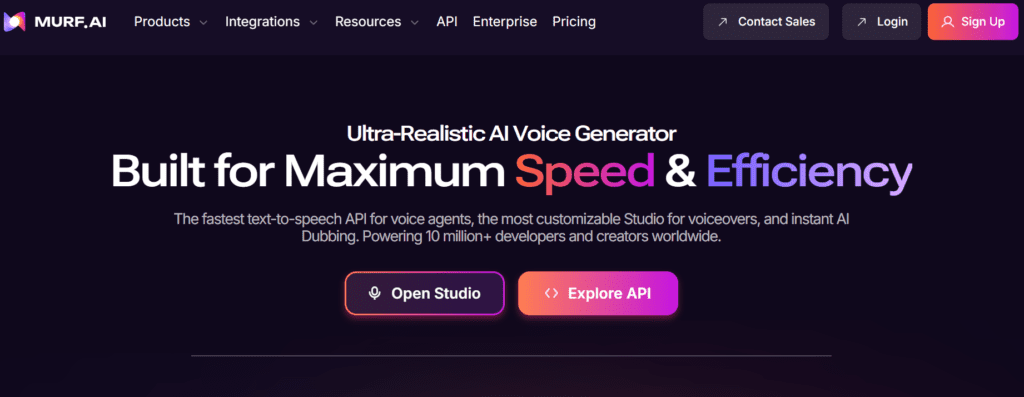
Murf AI converts text into realistic voiceovers with 200 plus voices & multilingual support. Review covers pricing, features, & real workflows clearly.

4.7/5 editorial rating 978 upvotes
  • Main category: audio
  • Subcategory: Text to Speech
  • Pricing: Freemium
  • Web
  • Best For Creating realistic AI voiceovers from text with multilingual support for videos, presentations, and marketing content
  • Free Trial Yes
  • Reviewed By Waleed Fayyaz
  • Last Updated April 17, 2026

Editorial note: ratings and verdicts on this page are internal editorial assessments, not third-party user review averages.

Free AI Voice Generator & Text to Speech Online | Murf AI

Murf AI Verdict

Murf AI provides strong functional value for users producing voiceovers at scale without hiring voice actors. The pricing is justified for businesses and creators who need consistent, multilingual audio output. It suits marketers, educators, and content teams. It is less suitable for users requiring full emotional depth or studio-level voice performance control.

What Is Murf AI?

Murf AI is a text to speech platform that converts written content into human-like voiceovers using AI-generated voices. It supports more than 200 voices across over 20 languages and provides tools for narration, dubbing, and voice customization.
The platform uses neural networks, natural language processing, and speech synthesis models to analyze text and generate realistic audio. It processes sentence structure, tone, and phonetics to produce speech with controlled pitch, speed, and emphasis.
In professional workflows, Murf AI acts as a voice production layer for videos, e-learning, ads, and presentations. Teams use it to replace manual voice recording, standardize narration, and scale multilingual content production across platforms such as Canva, Google Slides, and video tools.


Review Summary

  • Performance Score A
  • Content Quality Produces clear and natural-sounding voiceovers with consistent pronunciation and tone
  • Interface Studio-style editor with timeline controls and moderate learning curve
  • Ai Technology Generative AI, neural text-to-speech, NLP models
  • Purpose Convert text into realistic voiceovers for media and business content
  • Compatibility Web-based platform, integrates with Canva, Google Slides, PowerPoint, and APIs
  • Pricing Summary Freemium subscription model with tiered plans based on voice generation hours and features

Murf AI Key Features

  • 1

    Text-to-speech voice generation

  • 2

    200+ AI voices and multilingual support

  • 3

    Voice customization controls

  • 4

    AI voice changer tool

  • 5

    Voiceover video integration

  • 6

    Collaboration workspace

  • 7

    API and SDK access

Who Should Use Murf AI?

Is Murf AI Worth It?

Murf AI offers a free starting point, while paid plans may make sense for heavier or team-based use.

Pros And Cons

Pros

  • Large library of voices and languages
  • Suitable for commercial voiceover production
  • Integrates with presentation and design tools
  • Free plan available for testing

Cons

  • Paid plans required for commercial rights
  • Limited emotional nuance compared to human voices
  • Pricing increases for high usage
  • Requires editing for complex scripts

Murf AI Pricing

Free

$0/month

  • 10 minutes generation,
  • no commercial rights

Creator

$29/month

  • 2 hours generation,
  • commercial usage

Business

$99/month

  • 8 hours generation,
  • collaboration features

Enterprise

Custom pricing

  • unlimited generation,
  • advanced controls

Frequently Asked Questions