Discover, Compare & Master Find the best AI tools for your next project in seconds. Check our latest AI insights

Riverside AI

Verified

Riverside records, edits, & repurposes audio & video with AI tools. Review covers pricing, features, & real podcast workflows clearly.

4.7/5 editorial rating 934 upvotes
  • Main category: audio
  • Subcategory: Voice and Audio Editing
  • Pricing: Freemium
  • Web
  • Mobile
  • Best For Recording high-quality remote podcasts and videos with AI editing, transcription, and content repurposing workflows
  • Free Trial Yes
  • Reviewed By Waleed Fayyaz
  • Last Updated April 17, 2026

Editorial note: ratings and verdicts on this page are internal editorial assessments, not third-party user review averages.

Riverside: HD Podcast & Video Software | Free Recording & Editing

Riverside AI Verdict

Riverside provides strong value for creators who need reliable remote recording with integrated AI editing and distribution tools. The pricing is justified for teams producing frequent podcasts or video content where quality and speed matter. It suits podcasters, marketers, and media teams. It is less suitable for users needing detailed timeline-based editing or offline production control.

What Is Riverside AI?

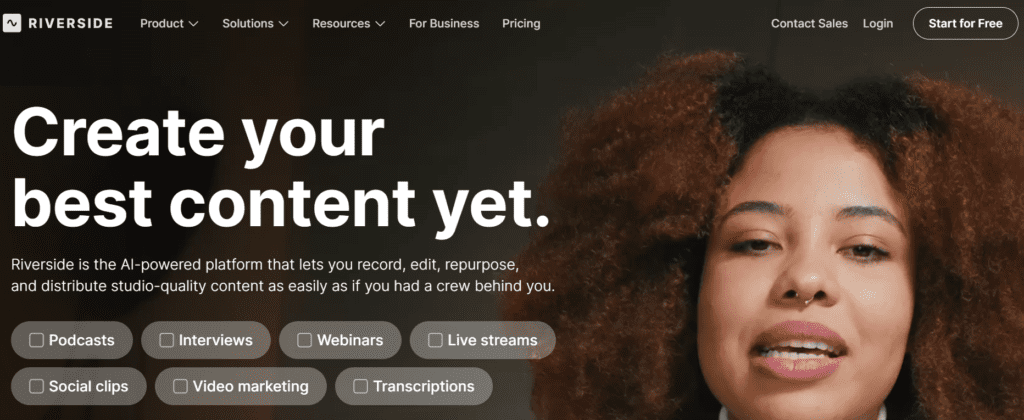
Riverside is a browser-based platform for recording, editing, and producing high-quality audio and video content remotely. It records audio and video locally on each participant’s device and uploads separate tracks to maintain quality regardless of internet conditions.
The platform uses AI and speech processing models to automate editing, transcription, and content generation. It provides features such as text-based editing, automatic transcription in multiple languages, and AI-generated clips for social media.
In professional workflows, Riverside functions as an end-to-end content production layer. Teams use it to record interviews, edit content using text, and generate clips, summaries, and posts for distribution. It reduces reliance on separate tools for recording, editing, and publishing.


Review Summary

  • Performance Score A
  • Content Quality Produces high-quality audio and video with separate track recording and minimal compression loss
  • Interface Structured browser-based studio with moderate learning curve for advanced features
  • Ai Technology Generative AI, speech recognition, audio processing models
  • Purpose Record, edit, and distribute podcast and video content with integrated AI workflows
  • Compatibility Web app, iOS, Android, integrates with YouTube, Spotify, Adobe Premiere Pro
  • Pricing Summary Freemium model with free plan and paid tiers based on recording hours and AI features

Riverside AI Key Features

  • 1

    Local audio and video recording

  • 2

    Multi-track recording system

  • 3

    AI transcription and text-based editing

  • 4

    Magic Clips for content repurposing

  • 5

    Live streaming and broadcasting

  • 6

    Screen recording and guest invites

  • 7

    AI content generation tools

Who Should Use Riverside AI?

Is Riverside AI Worth It?

Riverside AI offers a free starting point, while paid plans may make sense for heavier or team-based use.

Pros And Cons

Pros

  • High-quality local recording independent of internet quality
  • Integrated AI editing and transcription tools
  • Free plan available with core features
  • Supports multi-participant recording and streaming

Cons

  • Recording limits on lower plans
  • Requires stable upload for file sync after recording
  • Limited advanced timeline editing features
  • Pricing increases with higher recording needs

Riverside AI Pricing

Free

$0/month

  • 720p recording,
  • 2 hours separate tracks,
  • watermark

Standard

$15/month

  • 5 hours recording,
  • 4K video, no watermark

Pro

$24/month

  • 15 hours recording,
  • AI tools,
  • transcription, clips

Business

Custom pricing

  • team collaboration,
  • API,
  • advanced controls

Frequently Asked Questions