Businesses are integrating AI to fulfill their goals without hiring a task force. But many small find it hard to get the right match. Hundreds of tools are available right now that can help you boost your productivity.
But the real challenge is selecting the right fit. You can select the best AI tools for business to identify your pain points. Whether your HR, content creation, marketing or the finance team has a higher workload.
Evaluating this helps you to find the right fit. In this guide, I will discuss the best AI tools for your business after a detailed analysis, research and testing.
How We Selected These Tools?
We didn’t just Google the best AI tools for business 2026. Our experts analysed what actual teams are using consistently and getting better results.
Every tool listed in this guide was evaluated on a few simple questions.
- Does it solve a real business problem, or is it just a general chatbot?
- Can a non-technical team member use it?
- Is there a free or affordable entry point?
- Does it work inside tools your team already uses?
During evaluation, if any of the tools couldn’t answer those questions well, are not added to the list.
Top AI Tools for Business (Quick Comparison Table)
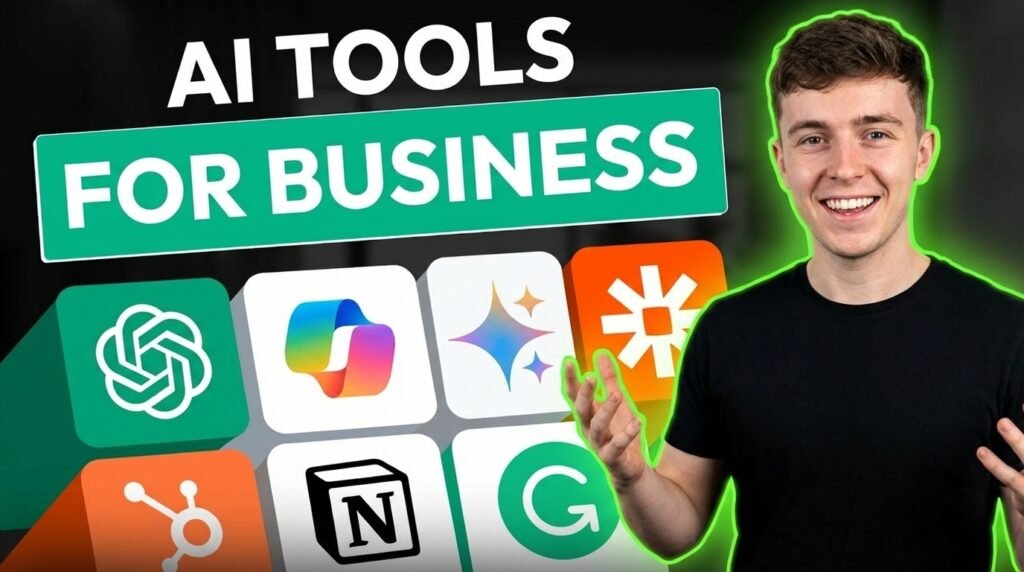
| Tool | Best for | Difficulty | Pricing model |
| Chat GPT Business | General use across all teams | Beginner to Intermediate | From $20/mo |
| Microsoft Copilot | Microsoft 365 team | Beginner | Business Plan at $25/mo |
| Google Gemini | Google Workspace users | Beginner | Free; from $19.99/mo |
| Jasper AI | Marketing content teams | Intermediate | From $69/mo |
| Zapier AI | Workflow automation | Beginner | Free; from $29.99/mo |
| HubSpot AI | Sales and CRM teams | Intermidiate | Free CRM; Pro+ for AI |
| Notion AI | Documentation procedures | Beginner | Free, from $12/month |
| Grammarly Business | Business communication | Beginner | Free, Pro $12/user/mo |
| Synthesia | Video and training content | Intermedicate | Free, From $18/mo |
Best AI Tools for Business
1. ChatGPT Business
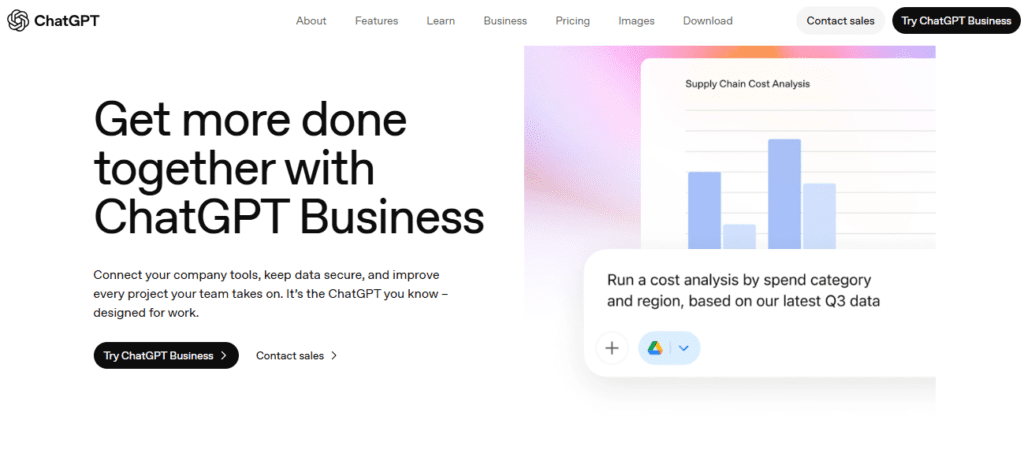
Most businesses start with ChatGPT, and honestly, GPT gives the best ideas. It’s not ideal in a single thing; it can assist in different departments such as marketing, finance, HR, and operations. You can use it without needing a separate tool.
The Business version of Chat GPT gives teams access to both GPT-4o for simple tasks and the o3 reasoning model for complex tasks such as analysing a financial report, or working on a strategic problem.
Most AI-powered platforms are compatible with one ecosystem. However, ChatGPT can work cleanly whether your team is on Google Workspace or Microsoft 365. The Custom GPT builder is also useful for businesses to be more focused on a specific task.
Best for: Businesses that require a simple AI assistant covering daily tasks.
Pricing: ChatGPT has a free plan. ChatGPT Plus at $20/month. Enterprise has custom pricing with proper security controls.
Limitations: The premium features of the AI tools are locked in the paid tiers. The AI is not completely error-free; users need to verify the information before using it officially.
Ideal Users: The tool is a perfect match for startups, small businesses, and larger teams to get flexible daily assistance.
2. Microsoft Copilot
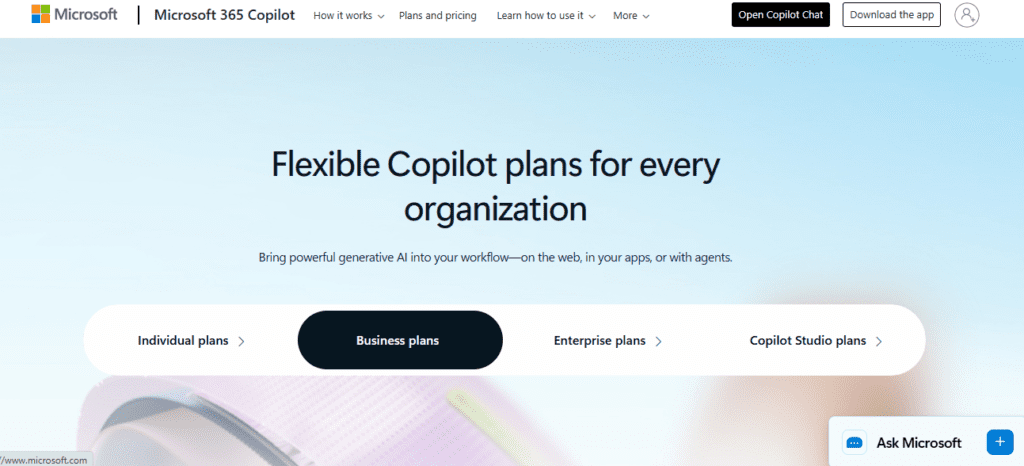
The ideal feature of Microsoft Copilot is that it doesn’t ask your team to change their working style. It can easily work inside Excel, Word, PowerPoint, Outlook, and Teams. While using the tool, we found that these features prevent the teams from switching between different tabs.
The tools integrate Python support in Excel, which is ideal for finance teams. Teams can build forecasts and run data without writing the code. In plain English, you can command the tool, and within a few minutes, you can get results.
Copilot inside Outlook can handle meeting summaries and follow-up tasks automatically. We found this tool to be one of the stronger enterprise AI tools when data security matters.
Best for: Businesses running on Microsoft 365 that want AI working inside their existing tools.
Pricing: Microsoft Copilot doesn’t offer the free plan. The Business tier costs $25/month, including the advanced features.
Limitations: Teams using Google Workspace won’t get much value from it. The best AI integration in workflows is available in higher-tier M365 plans.
Ideal Users: Enterprise teams, finance departments, and operations managers.
3. Google Gemini
The reason Gemini works well is that it ideally handles Google Docs, Sheets, Gmail, and Drive. It offers assistance in these systems and provides the suggested formulas and summarizes data without switching platforms.
Its docx integration helps the content management teams with drafting, rewriting, and simplifying the documents. Similarly, using simple language, you can sort out the complex data in the sheet.
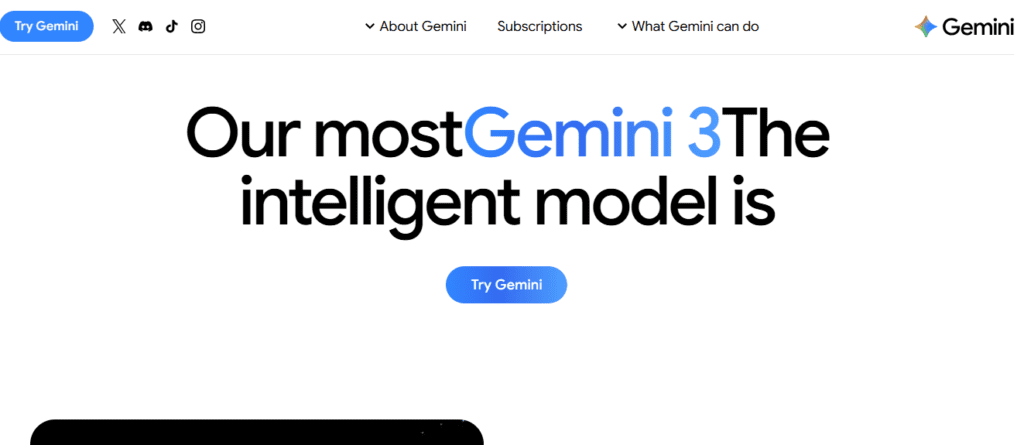
Best for: Small businesses and content teams use it for daily work runs through Google Workspace.
Pricing: Google Gemini is free to start. You can get the Google AI Pro for $19.99/month to access the premium features.
Limitations: Many users report that the tool is weak at working outside the Google ecosystem. Similarly, for complex reasoning, it is not strong enough like the ChatGPT o3 model.
Ideal Users: Teams can use it for daily work in Google Workspace.
4. Jasper AI
Most AI writing tools produce good content, but every AI content platform sounds the same. Compared to others, we found a difference in the Jasper AI content. Jasper is an ideal tool for marketing teams.
The AI maintains the brand voice feature throughout its work. Business marketing teams can train it on their existing content, such as blogs, emails, and ads. Its Campaign feature is a time saver.
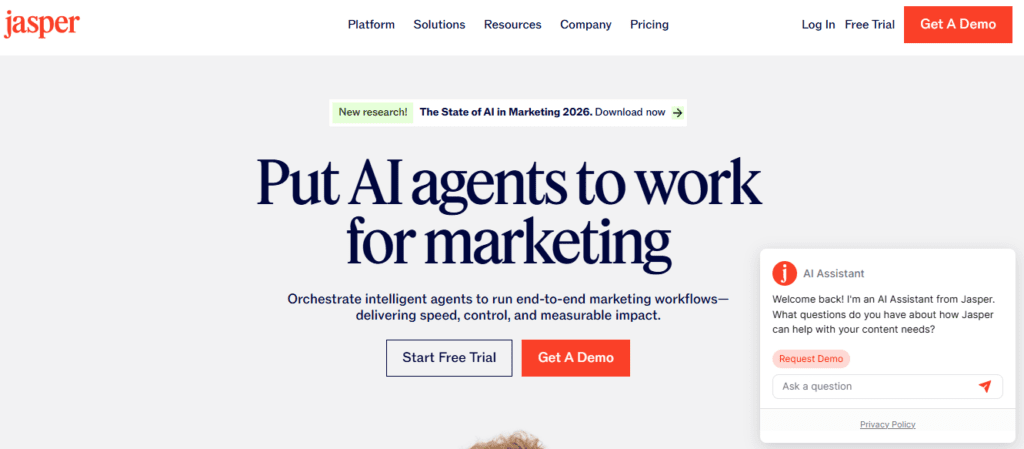
Best for: Marketing teams and content agencies use it to produce high volumes of branded material.
Pricing: No free plan is available. The business plan offers custom pricing.
Limitations: No free plan available. The tool is expensive for solo creators or small teams. The content output requires human review.
Ideal Users: Mid-size and large marketing teams, content agencies, and businesses to maintain brand tone consistency.
5. Zapier with AI Agents
If your team spends time on sending follow-up emails, routing leads or updating spreadsheets, you definitely need Zapier to handle all these tasks. The tool performs the basic automation and handles one-step triggers.
Zapier AI runs without requiring a manual human guideline. Lead comes in automatically, gets scored, gets assigned, gets a follow-up email, and gets logged in the CRM. The whole procedure doesn’t require code setup.
It is a time saver for small businesses to handle basic to advanced automation.
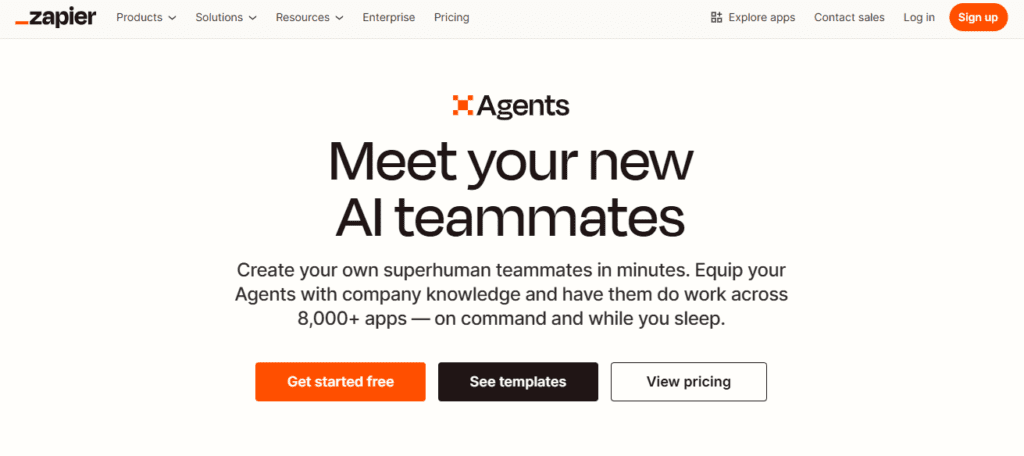
Best for: Operations teams and small business owners require it to handle repetitive tasks.
Pricing: Zapier has a free plan ideal for testing the platform. Paid plans start at $29.99/month.
Limitations: Complex automations require the paid tier. The tools don’t support content creation or research.
Ideal Users: Small businesses and operations teams to reduce manual workload.
6. HubSpot AI
HubSpot AI lead scoring, pipeline forecasting, email drafting, and customer support. If you are running a marketing agency, you definitely require the HubSpot AI. Your team can handle different tasks within a single platform without jumping between a CRM and a separate AI tool.
Well, customer support is a difficult task for any business, and automation handles common inquiries without human assistance. If you are one of those struggling with scale support, HubSpot AI for customer support automation earns its cost.
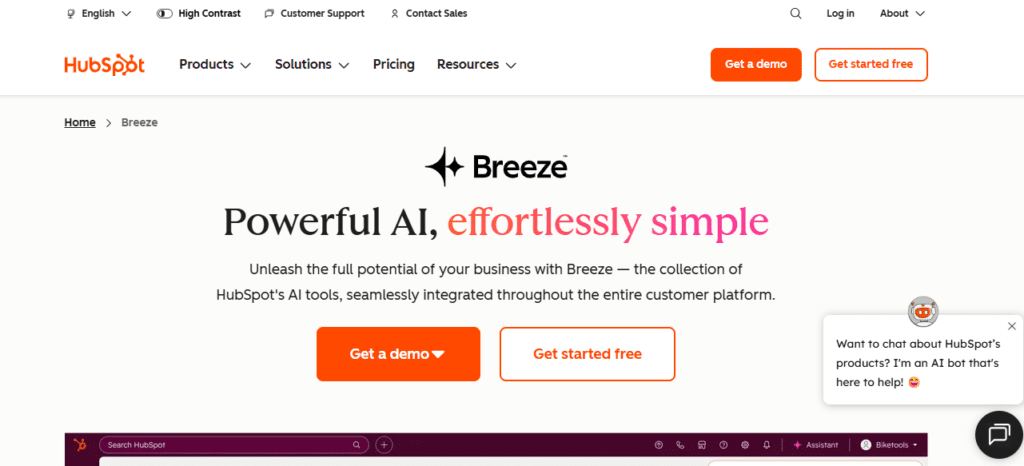
Best for: Sales teams, customer support operations, and marketing departments use it to work inside a CRM.
Pricing: Free CRM. AI features are in the Professional and Enterprise tiers.
Limitations: The advanced AI features of the tools are locked behind the paid tiers. The interface of the tools feels overwhelming for smaller teams.
Ideal Users: Mid-size and enterprise sales teams, and businesses with support operations.
7. Notion AI
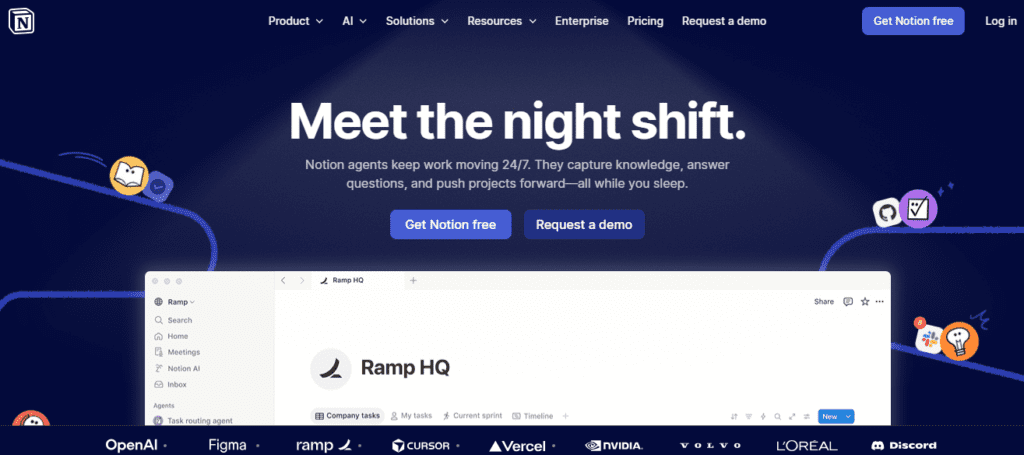
Notion AI is an ideal tool to fix the content your team already has. It can turn the meeting notes into clean summaries with action items. The tool turns dense internal policy into a simple document ideal for a new member to understand. It quietly turns the hours of weekly editing work into minutes for operations and product teams.
Best for: Operations teams, project managers, and businesses use it to manage heavy internal documentation.
Pricing: Notion AI has a freemium pricing model. The paid tiers start at $12/month.
Limitations: Not worth it if your team doesn’t already use Notion. The tool is weak for heavy content generation or customer-facing work.
Ideal Users: Operations teams, product managers, and organizations for internal knowledge management.
8. Grammarly Business
Grammarly AI is still considered just a spell checker. In 2026, it is helpful for your business teams specifically, so it’s ideal to upgrade it.
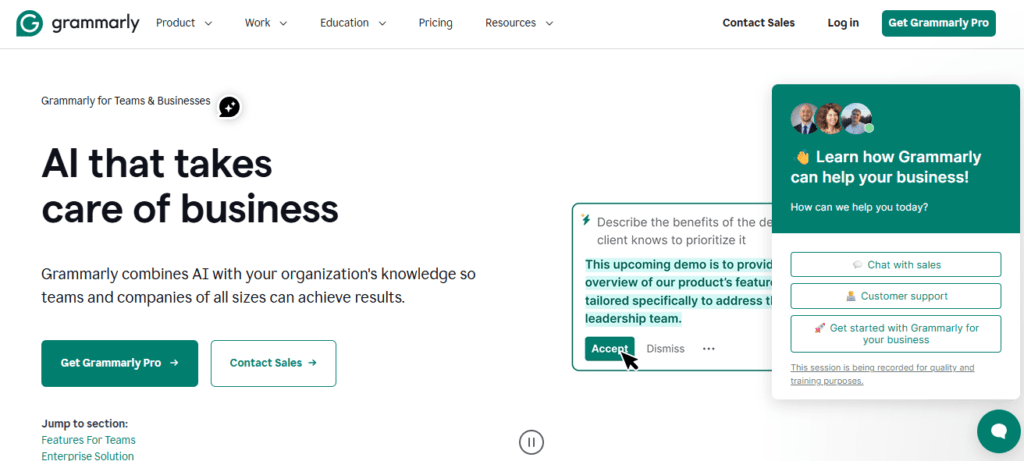
Well, honestly, it still catches grammar and spelling. But also evaluates tone, and flags clarity issues. It provides real-time feedback for sales teams, customer support agents, and anyone writing to clients.
The Business plan adds team-level controls. It includes shared style guides and brand tone settings. It polishes the quality of business communication at scale.
Best for: Sales teams, customer support agents, HR departments, and any business to improve communication quality.
Pricing: Free plan available for basic checks. Premium starts at $12/month.
Limitations: The tool doesn’t generate content itself, only improves writing. Full dependence on the tool can slow down the development of independent writing skills in junior staff.
Ideal Users: Any business professional who wants to create polished written communication.
9. Synthesia
Video content is one of the most effective formats for training, product explanation, and internal communication. It’s also one of the most expensive and time-consuming to produce, which small businesses skip.
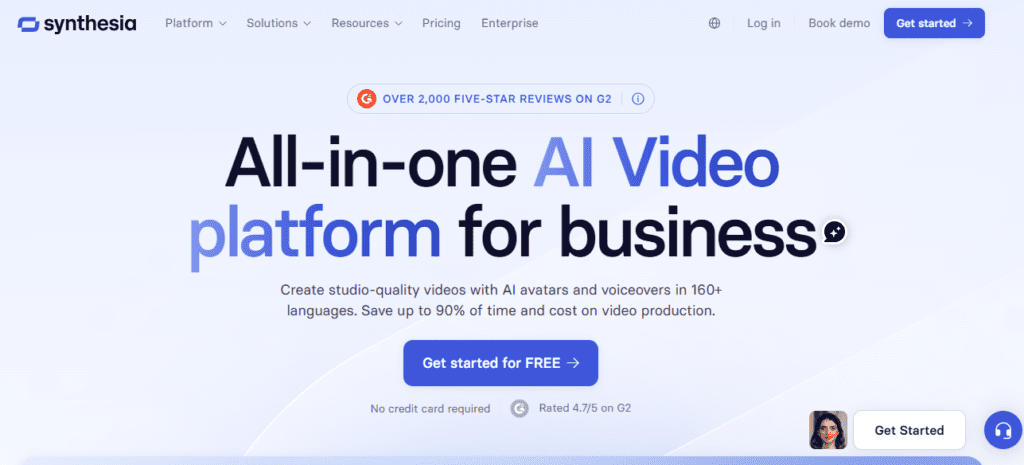
Synthesia AI removes the production barrier. It can create a professional video for you within a few minutes. You just need to write a script, pick an AI avatar, and get a finished professional video.
The tool is perfect for teams producing training content or HR departments building onboarding libraries. The AI avatars are realistic and ideal for making training content.
Best for: L&D teams and HR departments to create video content.
Pricing: Offers a freemium pricing structure. The paid plans start at $18/month.
Limitations: AI avatars work well for training content but aren’t a replacement for human-facing brand videos.
Ideal Users: L&D teams, HR departments, and businesses to produce training videos.
Best AI Tools for Marketing Teams
| Tools | What It Helps Marketers Do | Pricing | Ease of Use | Primary Value |
| Copy.ai | Short-form copy for ads, emails, social posts | From $29/mo | Intermediate | Fast marketing copy |
| AdCreative.ai | AI ad creatives for Meta, Google, LinkedIn | From $39/mo | Easy | High-converting ad variations |
| Surfer SEO | SEO content writing and optimization | From $119/mo | Intermediate | Content that ranks in search |
Best AI Tools for Sales Teams
| Tools | Sales Benefit | Pricing | Ease of Use | Best Use Case |
| Apollo.io | AI prospecting and outreach sequences | Free/ plans start at $59/mo | Intermediate | Lead generation at scale |
| Gong | Conversation intelligence and deal analysis | Custom pricing | Intermediate | Sales call coaching |
| Lavender | AI email coaching for individual reps | Paid tiers | Easy | Personalized outreach improvement |
Best AI Tools for Customer Support
| Tools | Support Function | Pricing | Ease of Use | Advantage |
| Intercom with Fin AI | Chat, ticket routing and resolution | From $39/mo | Easy | End-to-end support automation |
| Freshdesk AI | Automated responses and agent assist | From $23/mo | Easy | Reduces repetitive ticket load |
| Tidio AI | Chatbot and live chat for small teams | From $29/mo | Easy | Reduces repetitive ticket load |
| Zendesk AI | Enterprise-grade support automation | From $25/mo | Intermediate | Large-scale support operations |
Best AI Tools for Finance and Operations
| Tools | Operational Role | Pricing | Ease of Use | Strength |
| Motion | AI scheduling and workload management | Paid tiers | Easy | Auto-organizes team calendars |
| Runway Financial | Forecasting and scenario modeling | Custom pricing | Intermediate | Scenario planning for finance teams |
Best AI Tools for Content Creation
| Tools | Content capability | Pricing | Ease of Use | Best for |
| Writesonic | Blog posts, landing pages, ad copy | From $99/mo | Easy | High-volume content affordably |
| Canva AI | Visual content and presentations | Freemium | Easy | Fast branded visual creation |
Conclusion
Overall, ChatGPT Business is the best AI tool for businesses, handling the widest range of tasks across different departments. If you are a solo marketer, Google Gemini is ideal for working inside Google Workspace.
In the guide, I have discussed multiple tools after the detailed analyses and based on the users’ reviews. You can find your best match from these according to your requirements.
The budget-friendly AI tools for beginners include ChatGPT free + Zapier free + Perplexity free. These cover writing, automation, and research at zero cost.
FAQs
What is the best AI tool for a small business just getting started?
Google Gemini or the free ChatGPT plan is the best option for small businesses to start. Both can handle basic daily tasks such as drafting emails, summarizing documents and answering research questions.
How do I know if an AI tool will integrate with what my team already uses?
You can check the integrations page before committing to anything. Zapier connects with multiple apps. Similarly, Microsoft Copilot is built into M365 by default.
Which AI tools work best for data-based business decisions?
Microsoft Copilot in Excel is the strongest for financial modeling and forecasting inside existing spreadsheets. Perplexity handles real-time market and competitor research with full source citations.