Shotstack AI ⭐ Verified
What is Shotstack AI?
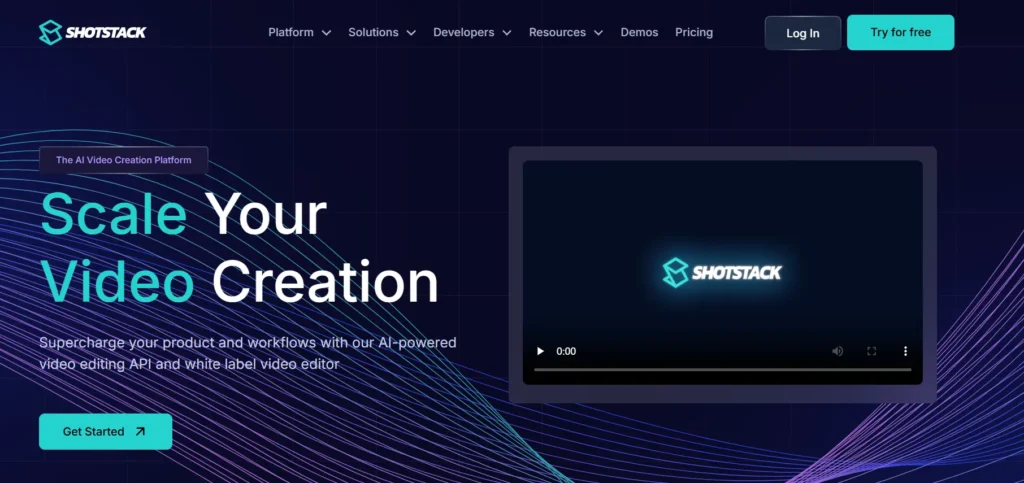
Shotstack is an AI-powered cloud video creation and editing platform that scales video production using an API-first architecture. Users can create, edit, and render videos using templates and AI-generated assets. The platform is built on a scalable cloud infrastructure. Shotstack leverages generative AI models to generate images, voiceovers, and personalized video content. Shotstack stands out for its API-centric approach that combines video editing with automation and AI asset generation. The AI is perfect for developers and businesses to handle the massive workload efficiently.
Review Summary
| Performance Score | A |
| Content Quality | Professional quality videos with customizable templates and AI-generated assets. |
| Interface | Developer-focused with JSON workflows and an optional visual editor. |
| Ai Technology | Integrates generative AI for automated asset creation (images, voiceovers). |
| Purpose | Built for automation, scalability, and enterprise-grade workflows. |
| Compatibility | Works via REST API and SDKs across languages. |
| Pricing Summary | Credit-based pricing starting with a free tier and subscription plans. |
Shotstack AI Key Features
| 1 | API-driven video editing and rendering |
| 2 | Generative AI asset integration |
| 3 | Template and JSON-based video automation |
| 4 | Bulk video generation |
| 5 | Developer Sandbox |
| 6 | White label editor SDK |
| 7 | Integrations with workflows |
Who is Best for Using Shotstack AI?
Shotstack AI is an AI-powered cloud video creation and editing platform that scales video production using an API-first architecture.
Is Shotstack AI Free?
Shotstack AI offers a free plan with limited features. Paid plans start at $39/month
Pros & Cons
Pros
- Powerful API for automated, scalable video creation.
- Free tier available for testing without an upfront cost.
- Supports AI-generated assets and automation workflows.
- Strong documentation and developer-friendly.
- Reliable customer support and community trust.
Cons
- Requires development skills to use the API effectively.
- The free tier has video length and watermark limits.
- Less intuitive for complete beginners.
- Visual editing features are not as advanced as desktop editors.
- Pricing can be high for very low-volume users.