

Benchmark Email ⭐ Verified
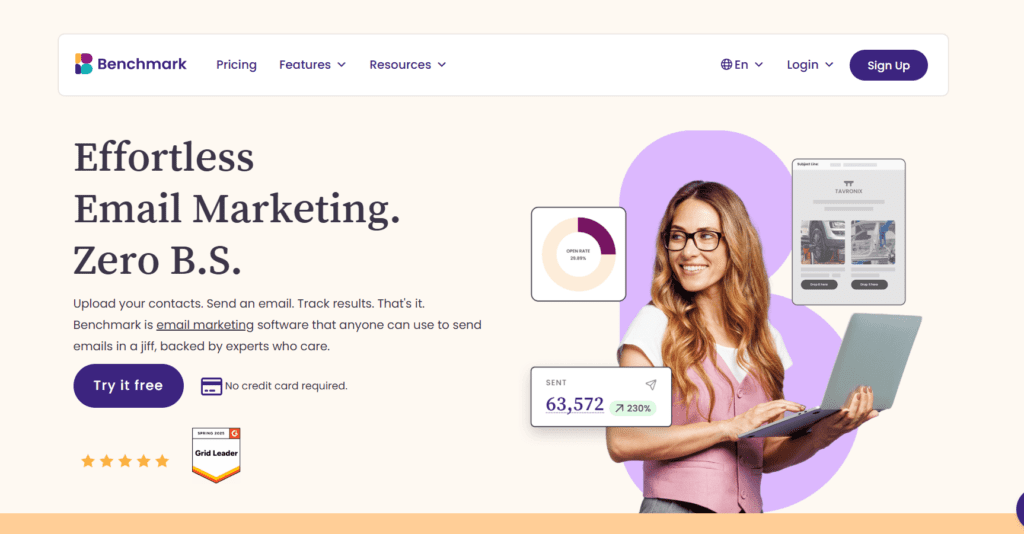

What is Benchmark Email?
Benchmark Email is a cloud-based email marketing and marketing automation platform that helps businesses create, send, and analyze professional email campaigns. It combines email design, subscriber management, automation workflows, and campaign analytics in a single platform. The platform allows users to design marketing emails using a drag-and-drop editor and responsive templates. Marketers can segment subscriber lists, personalize messages using contact data, and automate campaigns triggered by actions such as new sign-ups, purchases, or engagement events. Benchmark Email also integrates AI-powered writing and image-generation tools to help create subject lines, refine campaign text, and generate visuals for email campaigns. Combined with automation workflows, list management tools, landing pages, and real-time analytics, the platform helps businesses run targeted email marketing campaigns that improve engagement and conversions.
Review Summary
| Performance Score | A |
| Content Quality | High |
| Interface | User-Friendly |
| Ai Technology | AI Writing Assistant (Smart Text), AI Subject Line Optimization, AI Image Generation, Engagement Optimization Algorithms, Smart Sending Optimization |
| Purpose | Email marketing campaigns, Newsletter distribution, Ecommerce promotional emails, Lead nurturing sequences, Automated onboarding emails, Marketing teams managing subscriber lists |
| Compatibility | Windows, Mac, Linux, Integrations with WordPress, Zapier, Google Analytics, CRM ecommerce systems |
| Pricing Summary | Free tier + Subscription Model |
Benchmark Email Key Features
| 1 | Drag-and-Drop Email Builder |
| 2 | Responsive Email Templates |
| 3 | Marketing Automation Workflows |
| 4 | Subscriber Segmentation |
| 5 | AI Content Generation |
| 6 | Landing Page Builder |
| 7 | Signup Forms & Lead Capture |
| 8 | A/B Testing |
| 9 | Real-Time Analytics & Reporting |
| 10 | Email Deliverability Tools |
| 11 | API & Developer Access |
Who is Best for Using Benchmark Email?
Benchmark Email review covering features, automation, pricing, AI tools, and performance. Discover if this email marketing platform fits your business.
Is Benchmark Email Free?
Benchmark Email offers a free plan with limited features. Paid plans start at $19/Month
Pros & Cons
Pros
- The drag-and-drop editor makes it easy for beginners to create campaigns.
- AI writing and image tools speed up campaign creation
- Users can create automated email sequences triggered by subscriber actions
- Businesses can start email marketing without upfront costs.
- Detailed reporting provides insights into engagement and campaign performance.
Cons
- The automation system lacks complex branching workflows compared to enterprise tools
- Design options are somewhat limited.
- Campaign delivery rates can depend heavily on sender reputation and list quality



