

Superhuman AI ⭐ Verified

What is Superhuman AI?
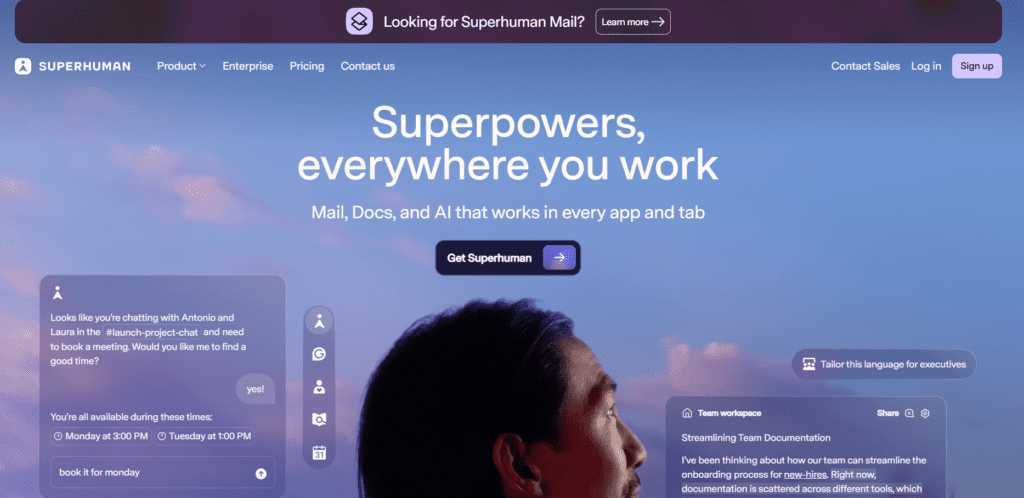
Superhuman AI is a premium AI-powered email client developed by Superhuman that enhances existing inboxes like Gmail and Microsoft Outlook. Instead of replacing your email provider, it adds a powerful productivity layer designed to help professionals manage high email volume faster and more efficiently. As an advanced AI email assistant, Superhuman uses artificial intelligence to generate full email drafts, rewrite messages for tone and clarity, summarize long threads, and automatically prioritize important conversations. Unlike basic smart compose tools, it can create structured, context-aware responses tailored for sales outreach, executive communication, recruiting, and internal collaboration. Superhuman AI is built around speed and Inbox Zero efficiency. With keyboard navigation, follow-up reminders, read receipts, and split inboxes, it transforms email into a streamlined, AI-optimized workflow for founders, executives, and high-performance teams.
Review Summary
| Performance Score | A |
| Content Quality | High |
| Interface | User-Friendly |
| Ai Technology | Proprietary large language model integrations for contextual drafting, summarization, tone adjustment, and priority detection |
| Purpose | Email-heavy professionals seeking AI-assisted productivity and faster inbox processing |
| Compatibility | Google Workspace, Gmail, Microsoft Outlook, macOS, Windows, iOS, Android |
| Pricing Summary | Free + Subscription Model |
Superhuman AI Key Features
| 1 | AI Email Drafting |
| 2 | Read Receipts & Engagement Tracking |
| 3 | Thread Summaries |
| 4 | Keyboard-First Workflow |
| 5 | Split Inbox & Priority Detection |
| 6 | Shared Conversations |
| 7 | Automated Follow-Up Reminders |
| 8 | Calendar & Availability Sharing |
Who is Best for Using Superhuman AI?
Superhuman AI review covering pricing, features, AI email writing, inbox automation, speed, pros & cons, and expert verdict. Neutral analysis for professionals.
Is Superhuman AI Free?
Superhuman AI offers a free plan with limited features. Paid plans start at $30/Month
Pros & Cons
Pros
- Extremely fast email processing
- High-quality AI-generated drafts
- Strong Inbox Zero workflow tools
- Effective follow-up automation
- Clean, distraction-free interface
Cons
- Premium pricing compared to standard email clients
- Learning curve for shortcut mastery
- Limited advanced automation rules
- Fewer third-party integrations than team-focused platforms



