

Vimeo ⭐ Verified
What is Vimeo?
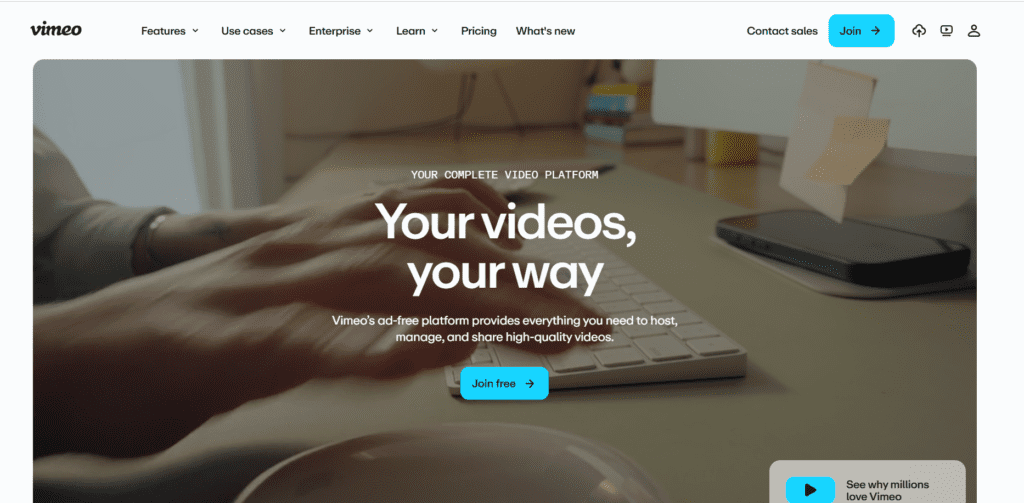
Vimeo is a professional video platform designed for hosting, managing, editing, and sharing videos without ads or algorithm-driven distractions. It’s widely used by companies and creators who want control over how their videos look, who can access them, and how they’re distributed. Vimeo AI adds automation on top of this foundation. Users can generate captions, translate videos into multiple languages, create highlights, edit videos using text commands, and produce searchable transcripts. These features reduce editing time and improve accessibility without requiring advanced editing skills. Rather than being a standalone AI video generator, Vimeo AI works as a workflow enhancer for polished, publish-ready videos.
Review Summary
| Performance Score | A |
| Content Quality | High |
| Interface | User-Friendly |
| Ai Technology | Speech recognition, AI transcription, captioning, translation, text-based video editing |
| Purpose | Video hosting, marketing videos, internal training, webinars, education, branded content |
| Compatibility | Web-based, mobile apps, embedded players, API access |
| Pricing Summary | Free + Subscriptions |
Vimeo Key Features
| 1 | AI-generated captions and subtitles |
| 2 | Advanced privacy and access controls |
| 3 | Video analytics and engagement tracking |
| 4 | Automatic video transcription |
| 5 | Multi-language translation support |
| 6 | Brand customization and white-label playback |
| 7 | Text-based video editing |
| 8 | Team collaboration and commenting |
| 9 | AI-powered video highlights and chapters |
| 10 | Customizable video players |
| 11 | Secure, ad-free video hosting |
Who is Best for Using Vimeo?
Vimeo AI helps teams create, edit, host, and share videos professionally. Explore pricing, AI features, use cases, and limitations in this in-depth review.
Is Vimeo Free?
Vimeo offers a free plan with limited features. Paid plans start at $20/month
Pros & Cons
Pros
- Ad-free, professional video hosting
- Accurate AI captions and transcripts
- Strong privacy and access controls
- Clean, brand-friendly video player
- Useful AI tools for editing and localization
- Built for teams and business workflows
Cons
- Not a full AI video generator from text
- Advanced features are locked behind paid plans
- Storage limits on lower tiers
- Less suitable for short-form social-first creators



