
Vidnoz ⭐ Verified

What is Vidnoz?
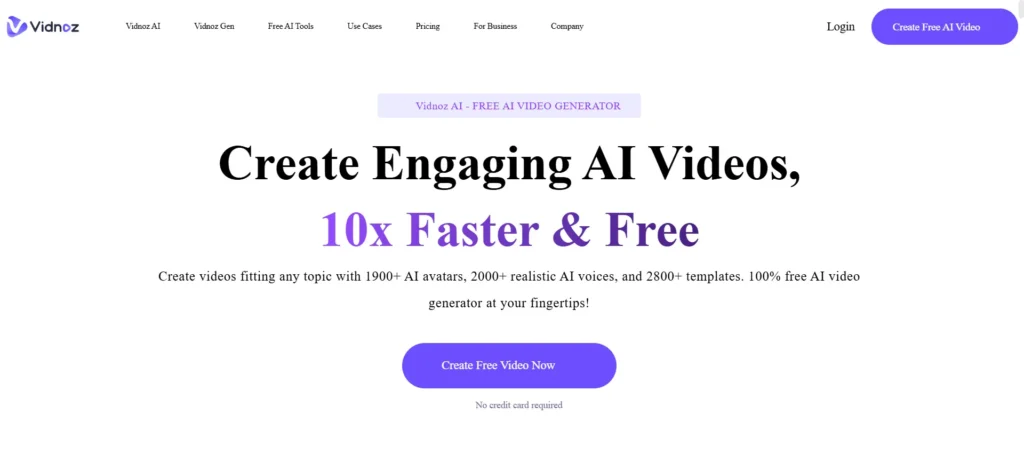
Vidnoz AI is an AI-driven video creation and editing platform that lets you generate videos using text prompts, scripts, templates, and AI avatars. It supports voice cloning, realistic avatars with gestures, template editing, and multilingual video translation (140+ languages). Choose ready-made templates or start from scratch, type your script, and let Vidnoz produce a fully animated video with natural-sounding AI voices, synchronized lip movements, and expressive avatars. Moreover, the platform also includes product avatar creation, motion avatars from photos, voice cloning, auto subtitles, script generators, and brand asset tools, enabling both marketers and educators to create professional content without filmmaking expertise.
Review Summary
| Performance Score | A |
| Content Quality | High |
| Interface | drag-and-play UI with templates, editing controls, and script tools |
| Ai Technology | Multimodal AI combining text-to-video, realistic lip-synced avatars, 2000+ voices, and voice cloning |
| Purpose | Producing marketing, training, explainer, social media, and multilingual videos efficiently |
| Compatibility | Web browsers, desktop, and smartphones |
| Pricing Summary | Free tier available; Starter & Business unlock advanced features; Enterprise provides custom solutions. |
Vidnoz Key Features
| 1 | Text-to-Video |
| 2 | AI Video Wizard |
| 3 | AI Avatars (>1900) |
| 4 | AI Voice Cloning |
| 5 | AI Script Assistant |
| 6 | Multilingual Translation |
| 7 | Product & Motion Avatars |
| 8 | Template Library |
Who is Best for Using Vidnoz?
Explore Vidnoz AI review, pricing, features, pros, cons, and real use cases for generating AI videos, avatars, voiceovers, and multilingual content.
Is Vidnoz Free?
Vidnoz offers a free plan with limited features. Paid plans start at From $26.99/month
Pros & Cons
Pros
- Creates professional-looking videos in minutes without cameras, actors, or editing skills.
- Offers a huge library of realistic AI avatars and natural-sounding voices.
- Supports 140+ languages, making it easy to reach global audiences.
- Includes ready-made templates that speed up marketing and explainer video creation.
- Provides voice cloning and avatar customization for brand consistency.
- Works entirely in the browser with no software installation needed.
Cons
- Free and lower plans have credit limits that restrict long or frequent video creation.
- Advanced features like voice cloning and Avatar Pro require extra add-on fees.
- Complex or cinematic videos may still need manual edits for the best results.
- Rendering speed can slow down when working on large or high-resolution projects.