

Vidio ⭐ Verified
What is Vidio?
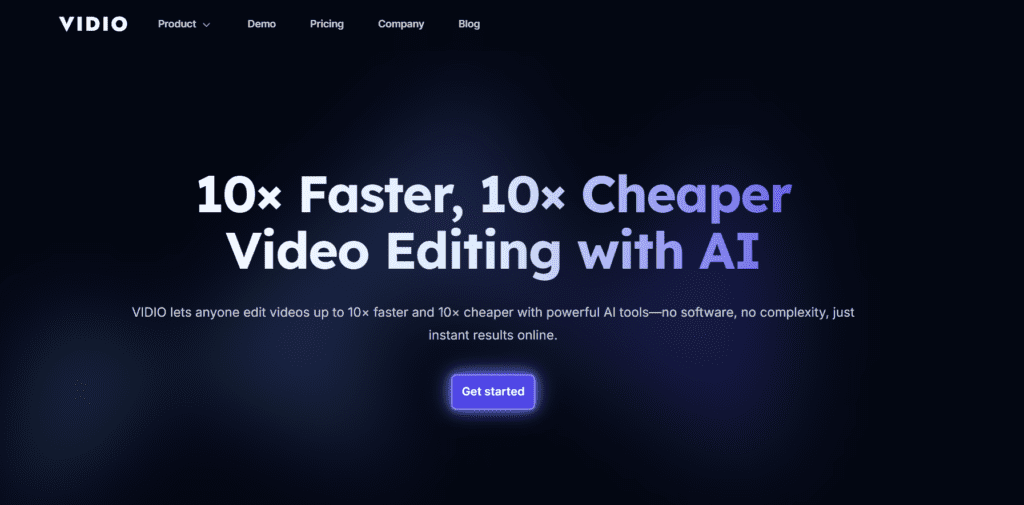
Vidio.ai is an AI-powered video editing platform that automatically cuts, summarizes, resizes, and repurposes videos for social media, marketing, and content creation. It’s built for creators and businesses who want professional-looking videos without learning complex editing software. Instead of manually trimming clips or adjusting formats, users simply upload a video, choose a goal (like creating short clips or promos), and let the AI handle the editing. Vidio.ai uses smart scene detection and conversational commands to produce ready-to-publish videos in minutes. The tool is especially useful for YouTubers, marketers, podcasters, and social media managers who need fast content turnaround across platforms like TikTok, Instagram, and YouTube.
Review Summary
| Performance Score | A |
| Content Quality | High |
| Interface | User-Friendly |
| Ai Technology | AI Conversational editing, summarisation, and generative tools |
| Purpose | Social creators, marketers, repurposing long form to shorts |
| Compatibility | Web-based |
| Pricing Summary | Free + Subscriptions |
Vidio Key Features
| 1 | AI Video Editing |
| 2 | E-Commerce AI Video Maker |
| 3 | XML Import for Editors |
| 4 | AI Video Summerizer |
| 5 | AI Conversational Video Editor |
| 6 | Multi Format Support |
| 7 | AI Social Media Video Maker |
| 8 | Auto Content Repurposing |
| 9 | AI Intro & Promo Maker |
| 10 | Cloud Storage Support |
Who is Best for Using Vidio?
Vidio.ai is an AI video editing platform that cuts, resizes, summarizes, and enhances video content automatically. Read pricing, features, pros, cons, and user insights.
Is Vidio Free?
Vidio offers a free plan with limited features. Paid plans start at $9.9/month
Pros & Cons
Pros
- Automates tedious video editing and saves hours.
- Simple drag-and-drop upload with AI prompts.
- Multiple video tools (summarizer, social maker, promo) in one platform.
- No software install or learning curve.
- Integrates with cloud drives for easy asset access.
- Export formats fit all major platforms.
Cons
- Some scam-detector sites flag medium trust scores
- The free plan has watermarks and feature limitations.
- Full AI customisation options may feel limited for pros.
- Output quality may vary based on input clarity and prompts



