

Baby Video ⭐ Verified
What is Baby Video?
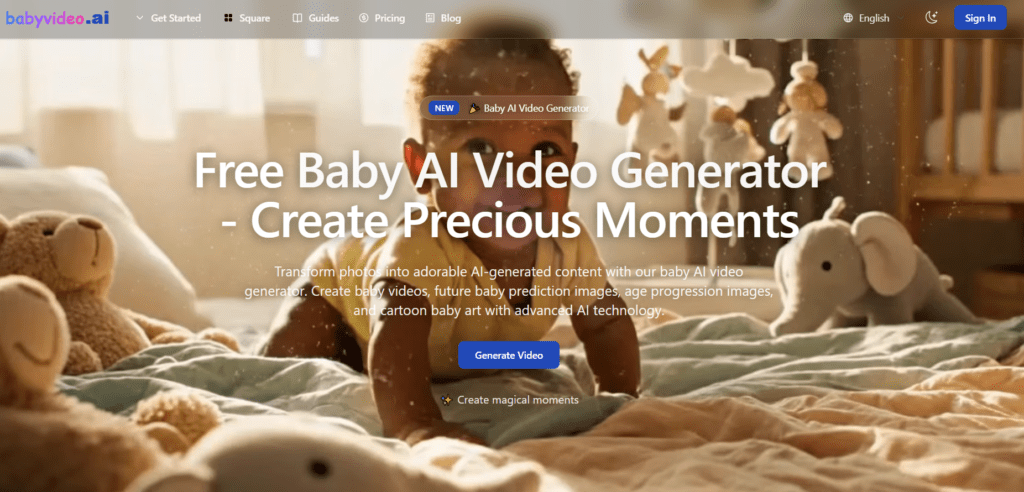
Baby Video AI is an AI-driven online tool that allows users to transform photos into adorable animated baby videos in seconds. It let users generate cute baby content like dancing, or talking baby clips. This tool is built on advanced AI video generation models that analyze facial features, motion patterns and produce lifelike animations. The models elevate the tool above basic animation apps by creating more natural movements. It stand out for social content creators, parents, and digital marketers seeking quick, engaging visual content.
Review Summary
| Performance Score | A |
| Content Quality | High-quality, photorealistic baby videos and images. |
| Interface | Simple, intuitive web interface for all users. |
| Ai Technology | Uses advanced generative AI for video and image creation. |
| Purpose | Designed to create adorable baby videos and related AI content. |
| Compatibility | Works on any modern web browser. |
| Pricing Summary | Freemium model with affordable monthly plans. |
Baby Video Key Features
| 1 | Generate animated baby videos |
| 2 | Multiple templates |
| 3 | AI Baby Podcast with text-to-speech. |
| 4 | Future baby prediction |
| 5 | Age progression |
| 6 | Cartoon baby image creation |
| 7 | HD & social media-ready outputs |
Who is Best for Using Baby Video?
Baby Video AI is an AI-driven online tool that allows users to transform photos into adorable animated baby videos in seconds.
Is Baby Video Free?
Baby Video offers a free plan with limited features. Paid plans start at Starting from $15/month
Pros & Cons
Pros
- Very user-friendly interface.
- Generates high-quality, photorealistic videos.
- Variety of creative templates.
- No editing skills required.
- Offers a free plan to test features.
Cons
- Only web-based, no mobile app.
- Some features require paid credits.
- Limited advanced customization.
- Quality varies with source photo.
- Voices/languages limited beyond provided options.



