

Worksync AI ⭐ Verified
What is Worksync AI?
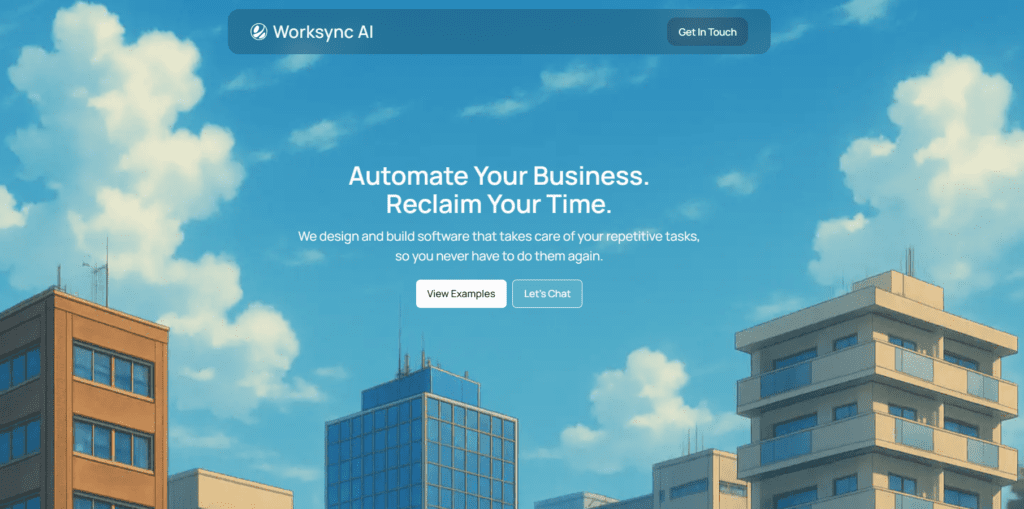
Worksync AI is an automation solution that helps users eliminate repetitive work, especially in job applications. It has a smart browser extension that auto-fills forms and generates tailored job application responses to save time. It is based on advanced generative AI technology like GPT-4o. Worksync AI interprets job descriptions and produces contextual content automatically. The tool generates stronger, relevant answers that stand out in competitive job markets. Worksync stands out for its ability to automate bulk applications efficiently and provide a streamlined dashboard experience. It is best suited for individuals looking to scale their job search without repetitive typing and form entry.
Review Summary
| Performance Score | A |
| Content Quality | Produces relevant, context-aware application responses. |
| Interface | Clean, intuitive browser extension and dashboard. |
| Ai Technology | Uses GPT-4o for advanced text comprehension. |
| Purpose | Designed to accelerate and automate job applications. |
| Compatibility | Works across major browsers (Chrome, Firefox, Edge, Brave). |
| Pricing Summary | Paid plans are not listed on the official site. |
Worksync AI Key Features
| 1 | AI-Driven Autofill for Job Applications |
| 2 | Bulk Application Automation |
| 3 | GPT-4o-Powered Response Generation |
| 4 | Dashboard with Templates & Analytics |
| 5 | Multi-Browser Support |
Who is Best for Using Worksync AI?
Worksync AI is an automation solution that helps users eliminate repetitive work, especially in job applications.
Is Worksync AI Free?
Worksync AI is a paid tool.
Pros & Cons
Pros
- Saves significant time on repetitive application work.
- Generates personalized application responses.
- Free tier available for users.
- Easy to install and use as a browser extension.
- Dashboard provides templates and analytics for tracking.
Cons
- The official site does not show exact pricing.
- Primarily focused on LinkedIn EasyApply automation.
- Full feature access requires a subscription.
- Some features (e.g., Indeed support) are still in development.
- Limited transparency on advanced feature tiers.



