ReRoto ⭐ Verified
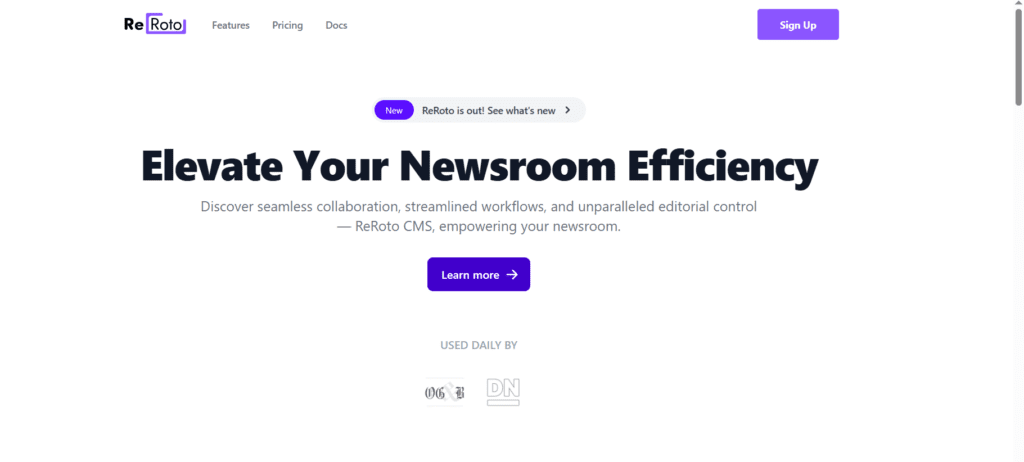
What is ReRoto?
ReRoto AI is an intelligent media enhancement platform that uses deep learning and advanced neural models to automatically restore, improve, and upscale images and videos. It analyses uploaded media to detect noise, blur, and low resolution, then applies AI-powered corrections to sharpen details, enrich colours, and raise overall quality without complex editing tools. The platform offers features like one-click restoration, video upscaling to higher resolutions, face enhancement, colourisation of black-and-white media, and artefact removal, all through a simple browser interface. ReRoto’s automation means users don’t need technical skills; just upload and let the AI generate higher fidelity media. ReRoto also supports batch and prioritised processing for paying subscribers, helping users manage large media collections efficiently.
Review Summary
| Performance Score | A |
| Content Quality | High |
| Interface | User-friendly |
| Ai Technology | Deep Learning Upscaling, restoration, face enhancement |
| Purpose | Photographers, Creators, archivists, marketers |
| Compatibility | Web Browser |
| Pricing Summary | Free tier with Subscription Models |
ReRoto Key Features
| 1 | AI Photo & Video Restoration |
| 2 | Noise & Artefact Removal |
| 3 | Web-Based Access |
| 4 | Smart Upscaling |
| 5 | Batch Processing |
| 6 | Credit & Subscription |
| 7 | Face & Detail Enhancement |
| 8 | Priority Processing |
| 9 | Colorisation |
| 10 | One-Click Workflow |
Who is Best for Using ReRoto?
ReRoto is an AI image and video enhancement platform that restores, upscales, and improves media quality with one-click automation for creators and professionals.
Is ReRoto Free?
ReRoto offers a free plan with limited features. Paid plans start at $15/Month
Pros & Cons
Pros
- Quickly improves photos and videos with automatic AI corrections
- Designed for users of all levels, from beginners to pros
- Raises quality without distortion or pixelation
- Efficiently processes large numbers of files
- Use free credits or upgrade for priority and commercial power
Cons
- Full quality requires paid access
- Not suited for frame-level manual editing
- Severely damaged media may not fully restore
- Fewer manual tweak options.