

PDF Translator ⭐ Verified
What is PDF Translator?
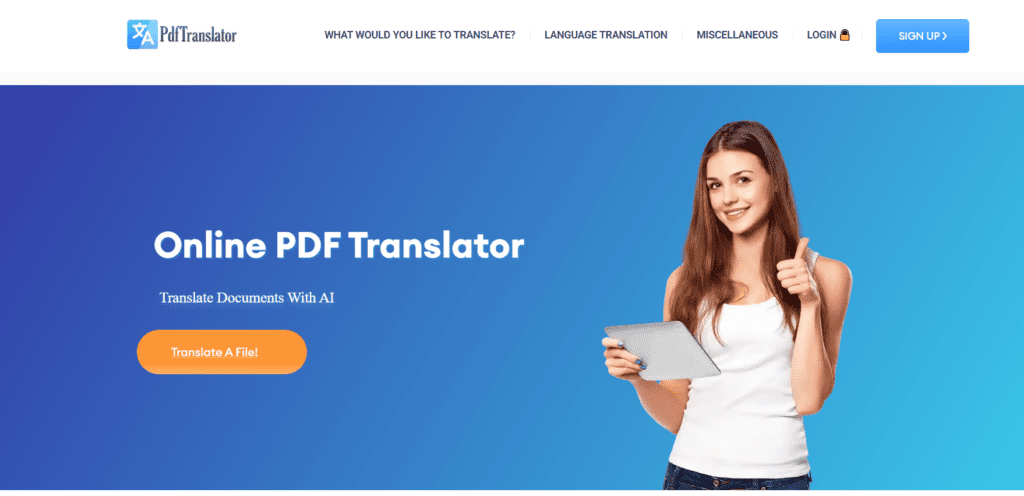
PDF Translator AI is a powerful tool that translates PDF documents and other files while preserving their original formatting and structure. The platform allows users to convert documents into different languages. The AI operates neural network–based AI models trained on linguistic relationships between multiple languages. AI models analyse document structure, recognise layouts, and interpret semantic meaning to generate the human resemble output. PDF Translator AI supports over 100 languages and multiple file formats. It enables seamless translation across PDFs, Word, Excel, and image files. The tool is ideal for professionals, researchers, educators, and global teams managing multilingual documentation.
Review Summary
| Performance Score | A |
| Content Quality | Context-aware translations suitable for technical and academic use |
| Interface | Clean, minimal interface requiring no learning curve |
| Ai Technology | Neural-network translation with OCR and layout detection |
| Purpose | Automated multilingual document translation |
| Compatibility | Supports PDF, DOCX, XLSX, PPTX, and image files |
| Pricing Summary | Offers a freemium pricing system |
PDF Translator Key Features
| 1 | AI-powered document translation |
| 2 | Layout and formatting preservation |
| 3 | OCR for scanned PDFs and images |
| 4 | Support for 100+ languages |
| 5 | Multi-format file compatibility |
| 6 | Secure encrypted uploads |
Who is Best for Using PDF Translator?
PDF Translator AI is a powerful tool that translates PDF documents and other files while preserving their original formatting and structure.
Is PDF Translator Free?
PDF Translator offers a free plan with limited features. Paid plans start at Starting from $14
Pros & Cons
Pros
- The tool preserves original document formatting accurately
- Supports scanned documents using OCR
- Fastly translate the large files
- Users-friendly interface with minimal setup
- Free usage available for small translations
Cons
- Complex layouts may need minor manual fixes
- Limited advanced editing features inside the platform
- Heavy files depend on processing time
- Requires an internet connection
- Subscription benefits not fully transparent upfront



