
Notebook Digitizer ⭐ Verified
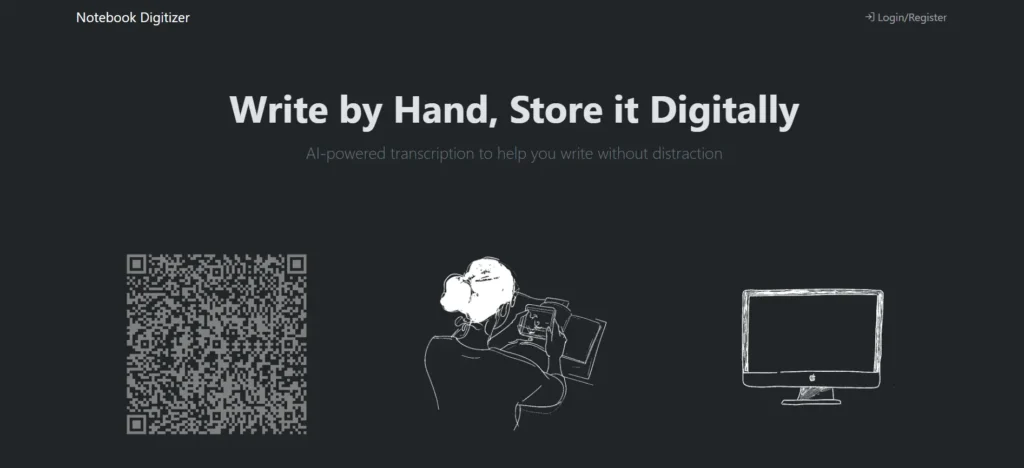

What is Notebook Digitizer?
Notebook Digitizer is a digital AI transcription and organization tool designed to convert physical handwritten notes into editable, searchable digital text. You simply upload photos or scans of your handwritten pages, and the platform uses intelligent handwriting recognition (OCR + AI/ML) to transcribe text quickly. Moreover, Notebook Digitizer applies machine learning and computer vision to improve recognition accuracy and streamline your workflow. It supports multi-page uploads, note organization, and easy access to digitized content. The tool bridges analog and digital workflows, helping students, professionals, and researchers keep everything together without manual typing.
Review Summary
| Performance Score | A |
| Content Quality | High |
| Interface | Easy upload and view interface |
| Ai Technology | OCR + AI-enhanced handwriting recognition and computer vision for better accuracy. |
| Purpose | Students, educators, professionals, researchers, and anyone who wants to digitize handwritten notes |
| Compatibility | Web Browsers |
| Pricing Summary | Free |
Notebook Digitizer Key Features
| 1 | Handwritten note digitization (OCR) |
| 2 | Upload photos or scanned notebook pages |
| 3 | AI-assisted handwriting recognition |
| 4 | Searchable note output |
| 5 | Digital text editing after transcription |
| 6 | Note organization & tagging |
| 7 | Cloud viewing across devices |
| 8 | Export to standard formats (text, PDF, DOCX) |
Who is Best for Using Notebook Digitizer?
Notebook Digitizer turns handwritten notes into searchable, editable digital text. Daily AI Tools’ complete review covers pricing, key features, pros & cons, and how it helps.
Is Notebook Digitizer Free?
Yes, Notebook Digitizer is completely free to use.
Pros & Cons
Pros
- Converts handwritten text into editable digital text quickly.
- Simple upload → transcription workflow
- Organizes notes into a searchable form
- Works inside the browser with no heavy software installs.
- Great for students, professionals, and large notebooks.
Cons
- Accuracy varies with handwriting quality and image clarity; messy notes may require editing.
- Some advanced export features or credit limits may be behind paid plans.
- Doesn’t handle diagrams or complex layouts automatically.
- Full cloud sync and collaboration tools may depend on the subscription tier.



