
Profile Picture Maker ⭐ Verified
What is Profile Picture Maker?
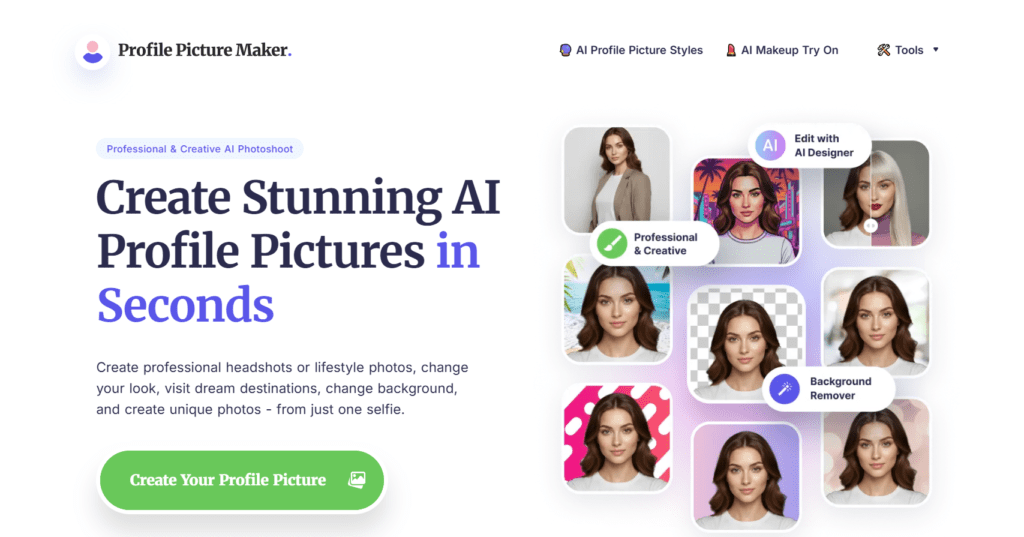
Profile Picture Maker is an AI-powered online tool that allows you to create professional profile photos instantly. It helps users transform regular images into polished profile pictures for resumes. PFPMaker AI uses computer vision and generative AI models for image segmentation and facial recognition systems. These AI models analyze facial structures, lighting, and backgrounds to isolate subjects and enhance visual quality automatically. The platform functions directly in the browser, making it ideal for professionals, creators, and job seekers needing fast profile optimisation.
Review Summary
| Performance Score | A |
| Content Quality | Produces clean, professional-looking profile photos |
| Interface | Minimal and beginner-friendly design |
| Ai Technology | Uses AI facial detection and background segmentation |
| Purpose | Quick creation of professional profile images |
| Compatibility | Works across browsers and devices |
| Pricing Summary | Affordable credit-based monthly plans |
Profile Picture Maker Key Features
| 1 | AI-powered background removal |
| 2 | Automatic profile photo enhancement |
| 3 | Multiple AI style variations |
| 4 | Instant image processing |
| 5 | Built-in editing tools |
| 6 | High-resolution downloads |
Who is Best for Using Profile Picture Maker?
Profile Picture Maker is an AI-powered online tool that allows you to create professional profile photos instantly.
Is Profile Picture Maker Free?
Profile Picture Maker offers a free plan with limited features. Paid plans start at $9/month
Pros & Cons
Pros
- Extremely easy to use for beginners
- Offers fast AI image generation
- Free version available to use the tool
- Generate professional-quality profile photos
- No software installation required
Cons
- Limited advanced manual editing controls
- The credit system may limit heavy users
- Requires good-quality input photos for best results
- Style customisation options are moderate
- Internet connection required