

PixArmory ⭐ Verified
What is PixArmory?
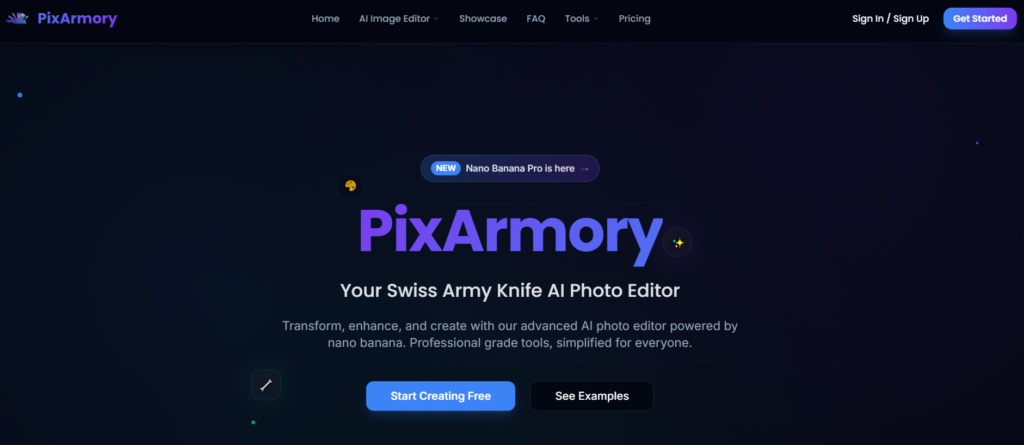
PixArmory AI is an all-in-one AI image-editing and generation platform. It combines powerful neural models with natural-language controls, enabling users to edit, enhance, and create visuals from text prompts or uploaded media. Moreover, the platform supports tasks such as background removal, image enhancement, artistic style transfer, and high-resolution upscaling, powered by advanced AI. The model accepts simple English descriptions, for example, “replace the background with a neon city at sunset”, and applies precise edits without manual masking or layered workflows. Beyond editing, PixArmory includes creative tools such as text-to-image generation and multi-image blending, expanding its use cases beyond routine photo fixes to imaginative visuals. PixArmory is suitable for social media content, e-commerce visuals, marketing assets, and personal projects, without requiring traditional design expertise.
Review Summary
| Performance Score | A |
| Content Quality | High |
| Interface | User-friendly |
| Ai Technology | AI Editing, Natural Language Prompt understanding, Nano Banana Model |
| Purpose | Social creators, marketers, e-commerce, and social media |
| Compatibility | Web Browser |
| Pricing Summary | Free trial with different Subscription Models |
PixArmory Key Features
| 1 | AI Image Editing |
| 2 | AI Image Upscaling |
| 3 | Smart background Removal |
| 4 | Photo Enhancement |
| 5 | Artistic Style Transfer |
| 6 | Text-to-image generation |
| 7 | Multi-Image Blending |
| 8 | Priority Processing |
| 9 | Batch Tools & API |
| 10 | Secure Cloud Workflow |
Who is Best for Using PixArmory?
PixArmory is an AI image creator & editor using natural-language prompts to generate, upscale, and enhance visuals. Quickly edit or remove backgrounds with ease
Is PixArmory Free?
PixArmory is a paid tool. Pricing starts at From $8.99/Month
Pros & Cons
Pros
- AI editing works with plain English prompts for easy control
- Smart background removal makes product and portrait edits fast
- Image upscaling brings low-res photos to high-quality output
- Artistic style transfer unlocks creative visual possibilities
- Flexible credit system lets users pay only for what they use
- Web-based workflow requires no software installation
Cons
- Free credits are limited and may run out quickly
- Not all export formats (such as PSD layers) are supported yet.
- Heavy usage requires a subscription for cost efficiency
- Processing times can vary with complex prompts



