

Design.com ⭐ Verified
What is Design.com?
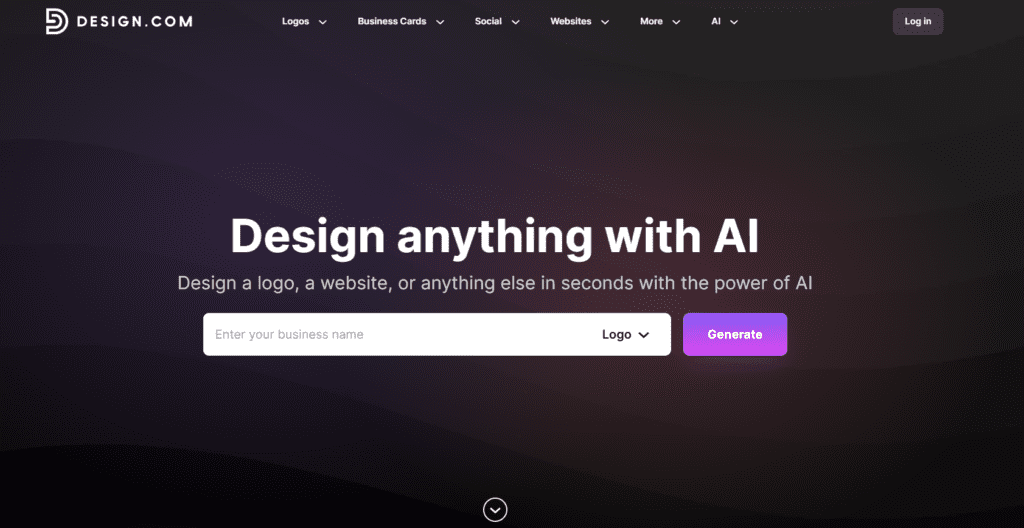
Design.com is an AI-powered design and branding platform that helps businesses create logos, brand identities, and marketing visuals using automated design technology. The system analyzes user inputs such as brand name, industry category, and visual style preferences to generate customized design concepts. The platform uses artificial intelligence to combine typography, icons, layout structures, and color palettes into professional logo designs and brand assets. Users can refine these designs through simple editing tools that allow adjustments to fonts, colors, symbols, and layouts. Design.com is a digital branding studio for startups, entrepreneurs, and small businesses. It offers logo design, social media graphics, brand identity kits, and marketing tools. Using automated technology and customizable templates, users can create professional visual assets without advanced design skills. It’s a powerful solution for AI logo generation, automated branding, and digital marketing design creation.
Review Summary
| Performance Score | A+ |
| Content Quality | High |
| Interface | User-Friendly |
| Ai Technology | AI logo generation algorithms, automated typography layout systems, intelligent color palette generation, AI-based brand identity automation, design recommendation engines, template-driven design optimization |
| Purpose | AI logo design, startup brand identity creation, marketing graphics generation, social media branding assets, small business design needs, website branding visuals |
| Compatibility | Windows, macOS, Linux, iOS, Android |
| Pricing Summary | Freemium Model with Paid Assets Download |
Design.com Key Features
| 1 | AI Logo Generator |
| 2 | Brand Identity Generator |
| 3 | Logo Customization Tools |
| 4 | Marketing Design Templates |
| 5 | Social Media Graphics Generator |
| 6 | Business Card Creator |
| 7 | AI Icon Library |
| 8 | High-Resolution Logo Exports |
| 9 | Vector File Support |
| 10 | Brand Kit Generator |
| 11 | Marketing Asset Generator |
| 12 | Cloud Design Workspace |
Who is Best for Using Design.com?
Design.com review covering AI logo generator, branding tools, design maker features, pricing, and creative automation platform.
Is Design.com Free?
Design.com offers a free plan with limited features. Paid plans start at $5/Month
Pros & Cons
Pros
- Generates professional logos quickly using automated design tools.
- Provides full branding assets, including marketing templates.
- Simple interface suitable for beginners and entrepreneurs.
- Supports scalable logo formats for professional use
Cons
- Final design downloads require purchasing packages.
- Customization options may be limited compared to advanced design software.
- Complex branding projects may require additional design refinement



