

Text-2-ICS ⭐ Verified

What is Text-2-ICS?
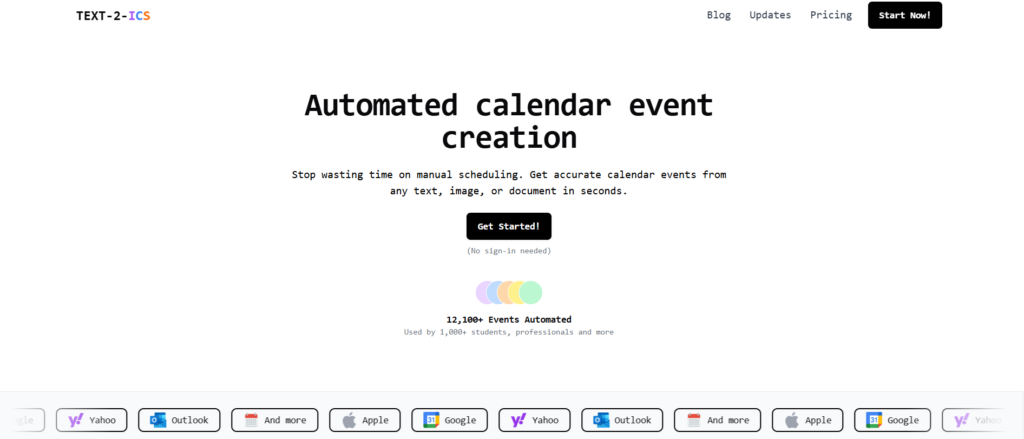
Text-2-ICS AI is the platform that converts text, documents, images, and PDFs into downloadable .ics calendar events. It eliminates the need for a manual schedule and extracts dates, times, and locations. Text-2-ICS AI is built on natural language processing and OCR-based AI models. These models understand the human-written schedules and generate the calendars. It offers multi-format support, recurring event detection, and bulk event creation. The tool is best for professionals, students, and planners to get fast, accurate calendar automation.
Review Summary
| Performance Score | A |
| Content Quality | Produces well-structured .ics calendar files with consistent formatting. |
| Interface | User-friendly interface for text-to-calendar conversions without a learning curve. |
| Ai Technology | Built on NLP to interpret natural language schedules and documents. |
| Purpose | Offers event creation of unstructured text and files into ready-to-import calendar entries. |
| Compatibility | Works with Google Calendar, Apple Calendar, and all platforms supporting .ics files. |
| Pricing Summary | Offers freemium (Free + Pay as you go + subscription). |
Text-2-ICS Key Features
| 1 | AI-powered natural language extraction |
| 2 | Multi-format support |
| 3 | Recurring & multiple events |
| 4 | Batch event generation |
| 5 | Chrome extension |
| 6 | Universal calendar compatibility |
| 7 | No sign-in required initially |
| 8 | Developer API |
Who is Best for Using Text-2-ICS?
Text-2-ICS AI is the platform that converts text, documents, images, and PDFs into downloadable .ics calendar events.
Is Text-2-ICS Free?
Text-2-ICS offers a free plan with limited features. Paid plans start at Starting from $2
Pros & Cons
Pros
- Generate the plain text into calendar events.
- Offers multiple input formats like PDFs, images, and CSV files.
- Produces a universally compatible .ics calendar.
- No sign-up required for the basic features usage.
- Offers a one-time pricing option.
Cons
- Sometimes misinterpret the complex event descriptions.
- Offers customization features.
- No mobile application is available.
- Free usage includes the credit-based restrictions.
- Not ideal for task management.



