

Colossyan ⭐ Verified
What is Colossyan?
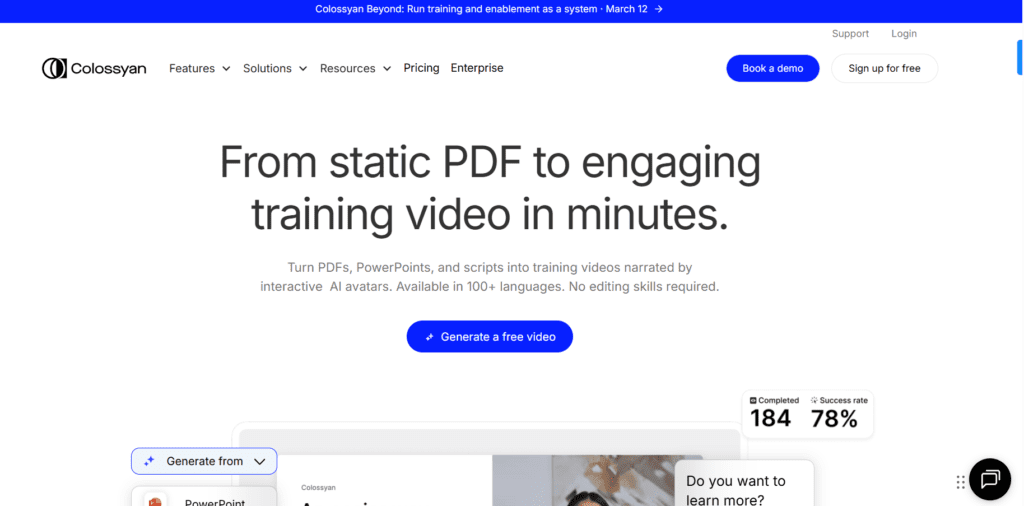
Colossyan is an AI-powered video creation platform that converts text, documents, or presentations into avatar-narrated videos. The platform is used for training, onboarding, and educational video production without the need for traditional filming. The AI operates on the advanced video generation models, such as NEO AI video models, combined with AI voice synthesis and avatar animation. The models help create facial expressions, natural speech delivery, and multilingual localization. Colossyan AI is ideal for corporate teams, educators, HR departments, and content creators to generate professional-quality videos.
Review Summary
| Performance Score | A |
| Content Quality | Produces professional avatar-led videos suitable for business training |
| Interface | Clean editor with a slide-based workflow similar to presentation tools |
| Ai Technology | Uses advanced avatar animation and AI voice synthesis models |
| Purpose | Designed mainly for training, onboarding, and explainer video creation |
| Compatibility | Works fully in-browser with export and LMS integrations |
| Pricing Summary | Flexible plans with free access and scalable business tiers |
Colossyan Key Features
| 1 | AI avatar video generation |
| 2 | 70+ languages with automatic localization |
| 3 | AI voiceovers with multiple accents |
| 4 | Custom avatar and voice cloning |
| 5 | Interactive videos and quizzes |
| 6 | SCORM export for LMS platforms |
| 7 | Screen recording and presentation import |
| 8 | Collaborative editing and brand kits |
Who is Best for Using Colossyan?
Colossyan is an AI-powered video creation platform that converts text, documents, or presentations into avatar-narrated videos.
Is Colossyan Free?
Colossyan offers a free plan with limited features. Paid plans start at $27/month
Pros & Cons
Pros
- Easy conversion of scripts into professional videos
- Realistic AI avatars and natural voiceovers
- Strong multilingual video localization
- Built specifically for corporate training workflows
- LMS-ready exports and collaboration tools
Cons
- Advanced features are locked behind higher plans
- Limited video minutes in lower tiers
- Customization flexibility can feel restricted
- Rendering time increases with complex scenes
- Pricing may be high for solo creators



