
Cursor AI ⭐ Verified
What is Cursor AI?
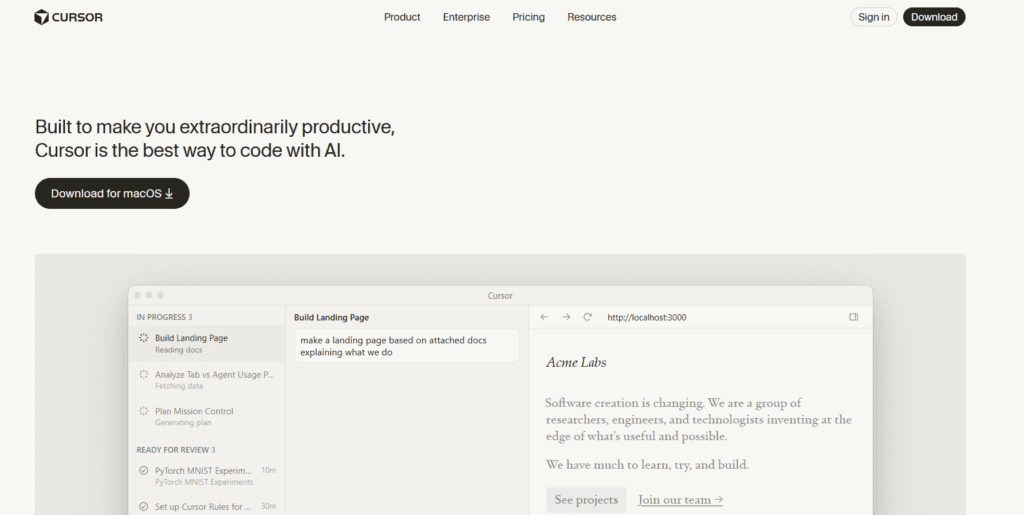
Cursor AI is a code editor assistant that helps developers write, edit, debug, and refactor code faster. It is built directly into a modern development environment. Cursor AI is based on large language models, including OpenAI GPT models, Anthropic Claude, and other frontier AI systems. The models make it stand out in deep codebase understanding, contextual suggestions, and multi-file reasoning. The platform can rewrite code, fix bugs, create tests, and answer code-related questions. It is ideal for professional developers, engineering teams, and fast-paced startups.
Review Summary
| Performance Score | A |
| Content Quality | Produces structured, context-aware code with strong logical consistency. |
| Interface | Clean, developer-friendly interface built for productivity. |
| Ai Technology | Uses advanced multi-model AI for deep code understanding. |
| Purpose | Designed to accelerate coding and reduce repetitive development tasks. |
| Compatibility | Supports major operating systems and integrates into dev workflows. |
| Pricing Summary | Offers a free tier with scalable paid plans for professionals and teams. |
Cursor AI Key Features
| 1 | Natural language code generation and editing |
| 2 | Context-aware autocomplete |
| 3 | Multi-file reasoning |
| 4 | Codebase indexing |
| 5 | AI automation |
| 6 | Bug detection and refactoring |
| 7 | Model switching support |
Who is Best for Using Cursor AI?
Cursor AI is a code editor assistant that helps developers write, edit, debug, and refactor code faster.
Is Cursor AI Free?
Cursor AI offers a free plan with limited features. Paid plans start at $20/month
Pros & Cons
Pros
- Accurate contextual code suggestions.
- Assist in handling large projects efficiently.
- Advanced AI model integrations.
- Strong productivity boost for developers.
- Free plan available for tool testing.
Cons
- Paid plans may be expensive.
- Requires an internet connection for AI features.
- Require a learning curve for advanced capabilities.
- Heavy AI usage can quickly consume plan limits.
- Not designed for non-technical users.