

Unity AI ⭐ Verified
What is Unity AI?
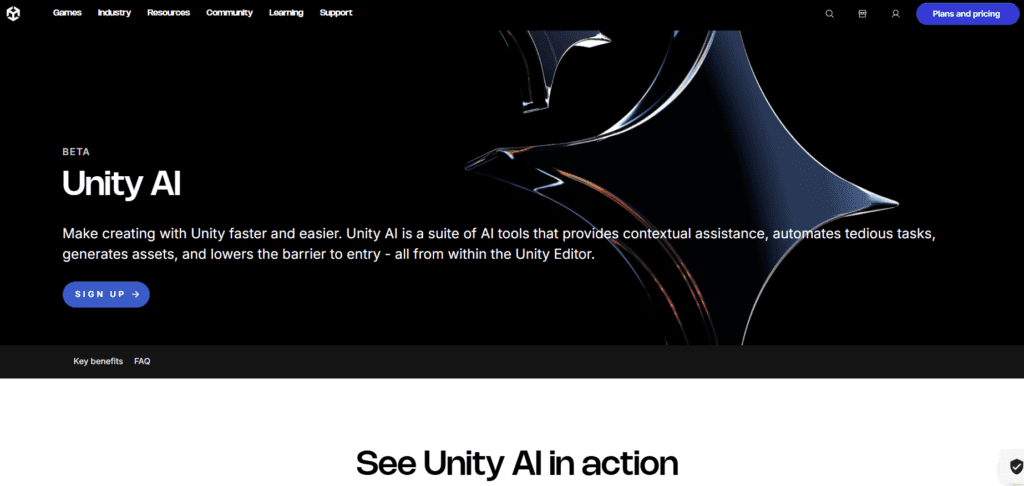
Unity AI is a collection of AI-powered tools and machine learning services built directly into the Unity platform to help developers create games and real-time 3D experiences more efficiently. It runs within the Unity Editor to support coding, asset creation, animation, testing, and intelligent gameplay behavior. The platform uses machine learning models, generative AI, and predictive systems to automate repetitive tasks and assist developers during production. Tools such as AI-assisted scripting, ML-Agents for NPC behavior, and generative content workflows help teams prototype faster, accelerate iteration, and reduce manual effort without sacrificing creative control. Unity AI is designed for developers building games, AR/VR experiences, simulations, and interactive 3D applications. It scales from solo creators using the free Unity Personal plan to large studios leveraging enterprise-grade AI services, making it suitable for both experimentation and production pipelines.
Review Summary
| Performance Score | A |
| Content Quality | High |
| Interface | Developer-friendly |
| Ai Technology | Machine learning, generative AI, Predictive Systems |
| Purpose | Game Development, AR/VR, Simulations |
| Compatibility | Unity Editor + Cloud AI services |
| Pricing Summary | Subscription model |
Unity AI Key Features
| 1 | AI assisted Code generation |
| 2 | AI-supported animation & motion workflows |
| 3 | Scalable AI services across teams |
| 4 | AI debugging |
| 5 | Smart Testing |
| 6 | Cross-Platform support |
| 7 | AI ML-agents |
| 8 | Performance Optimization |
| 9 | Real-time 3D projects |
| 10 | AI Generative tools |
| 11 | AI Integration |
Who is Best for Using Unity AI?
Unity AI enhances game and 3D development with AI-powered coding, asset generation, intelligent gameplay, and real-time optimization inside the Unity Editor.
Is Unity AI Free?
Unity AI is a paid tool. Pricing starts at Custom
Pros & Cons
Pros
- Accelerates development directly inside the Unity Editor
- Improves productivity without replacing creative control
- Strong support for AI-driven gameplay and simulations
- Works across games, AR, VR, and real-time 3D
- Backed by Unity’s mature ecosystem and toolings
Cons
- Limited to Unity-based projects
- Requires Unity experience to unlock full value
- Some AI features are usage-based
- Not designed as a standalone AI content generator.



