The best AI tools for YouTube automation help creators generate scripts, produce videos, edit content, create voiceovers, and optimize uploads automatically. These tools handle repetitive production work so creators can focus on ideas, quality, and channel growth.
YouTube doesn’t reward effort anymore. It rewards consistency, retention, and speed. That’s why creators now use AI tools to survive.
In 2026, most successful creators automate 70% of the production process and keep human control where it matters: ideas, tone, and quality.
This guide helps you learn what AI tools creators actually use to automate YouTube safely without risking monetization, quality, or trust.
How YouTube Automation Works
YouTube automation is not about pressing one button and walking away. It focuses on eliminating unnecessary tasks to help creators publish more content without experiencing burnout.
The AI-powered YouTube automation works like:
- AI generates ideas and scripts based on trends, keywords, and past performance
- Automation tools assemble visuals, voiceovers, and pacing from the script
- Editing tools trim, caption, and format videos automatically
- SEO tools optimize titles, descriptions, and tags before upload
- Schedulers publish content at the best time for reach and retention
The creator still controls direction, branding, and final quality. AI just does the heavy lifting. That’s why automated YouTube channels grow faster because they move at the speed YouTube now demands.
Key Applications of AI in YouTube Automation
Creators don’t use one AI tool because there is not a single one. They use a stack, each one solving a specific problem in the workflow.
The stack of AI tools helps the most in:
Script Writing & Ideation
AI helps generate video ideas, hooks, and outlines in minutes. This saves hours of blank-page thinking and keeps content flowing.
Video Creation & Visuals
AI turns text into full videos with stock clips, transitions, and timing. This step alone removes the biggest barrier to consistent uploads.
Voice Generation
AI voices handle narration for faceless channels and explainer content. Creators can publish high-quality videos without recording audio.
Editing & Trimming
Automation tools cut silence, add captions, and format videos for YouTube and Shorts.
This keeps videos tight and retention high.
SEO Optimization
AI tools optimize titles, descriptions, and tags using real-time search data. This helps videos get discovered faster.
Scheduling & Publishing
Some tools upload and schedule videos automatically across platforms. This keeps the channel active even when the creator is offline.
Best AI Tools for YouTube Automation 2026
Most creators fail with automation because they pick tools based on hype. At Daily AI Tools, there is a team of experts that analyzes every AI tool to its top performance. These tools are tested across real creator workflows including faceless channels, Shorts automation, educational content, and monetized YouTube pipelines.
The research will help you to find the right tool for the right task. Below are the trusted AI tools creators actually use to automate YouTube without risking quality or monetization:
Script & Topic Ideation AI Tools
These tools handle planning, hooks, and structure, the part that slows creators down the most.
ChatGPT (GPT-4o+)
Best for: flexible scripts, storytelling, and multi-niche channels
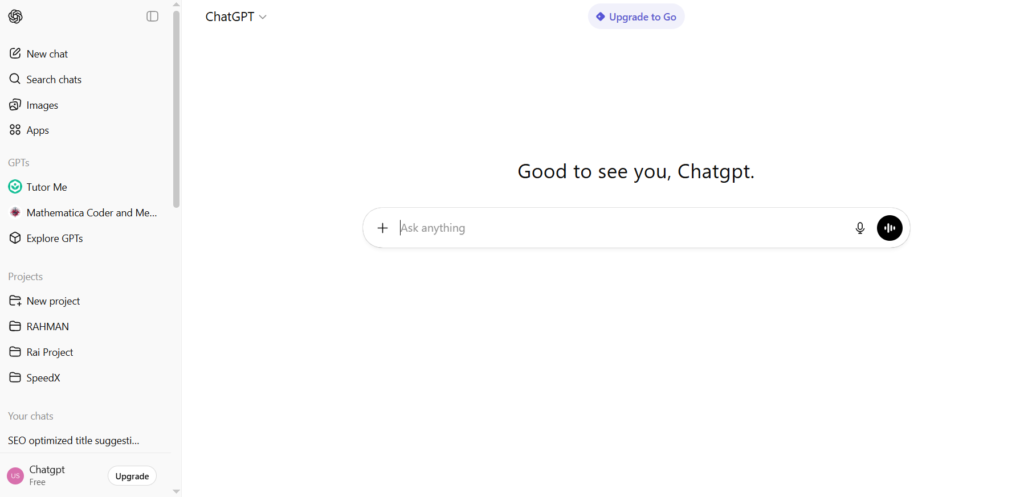
ChatGPT helps creators write hooks, outlines, and full scripts that fit any niche. This generative AI tool is best for tone, pacing, and length based on prompts, making it ideal for long-form and Shorts.
- Generates ideas, scripts, descriptions, and outlines
- Works across any YouTube niche
- Best when creators guide it with clear prompts
Limit: needs human direction to avoid generic scripts
Jasper AI
Best for: marketing-style scripts and structured content
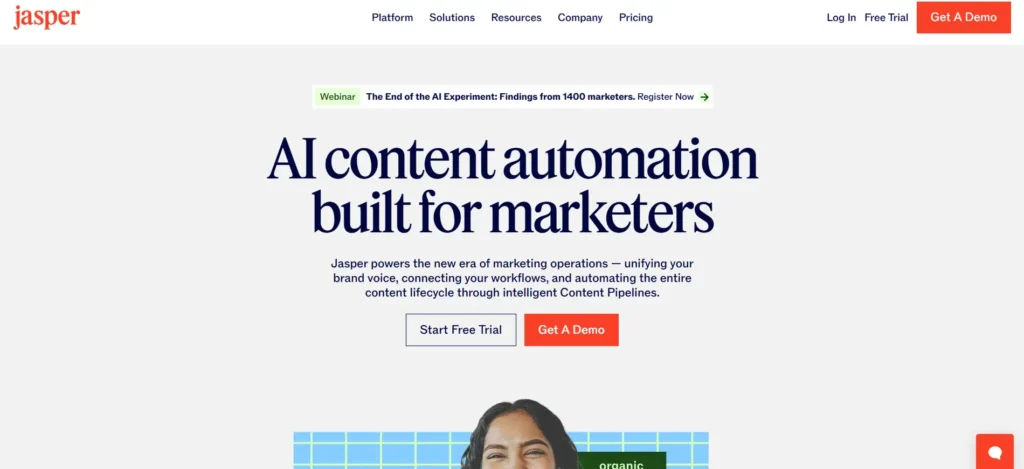
Jasper focuses on conversion-driven writing. Creators use it for titles, intros, CTAs, and promotional content.
- Strong at hooks and calls-to-action
- Fast output for high-volume channels
- Good for product or affiliate videos
Limit: less creative freedom than ChatGPT
Script Tools Comparison
| Tool | Best For | Strength | Limitation |
| ChatGPT | Flexible scripts | Adapts to any niche | Needs prompting skill |
| Jasper AI | Marketing scripts | Strong hooks & CTAs | Less narrative control |
Text-to-Video & Automated Video Creation
These AI tools for Youtube Automation tasks remove editing barriers and help creators publish faster.
InVideo AI
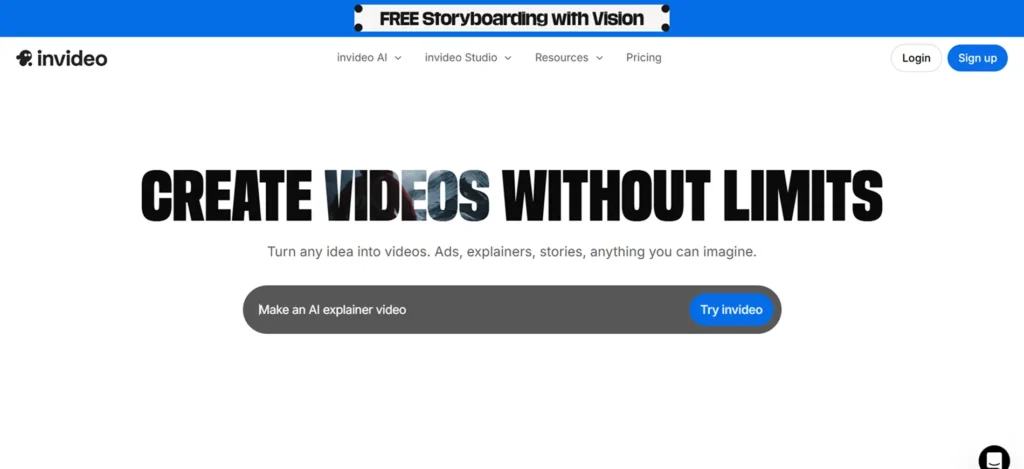
Best for: beginners and fast full-video creation
InVideo AI turns text or scripts into complete videos with visuals, transitions, and pacing. It’s one of the fastest ways to go from idea to upload.
- Full video creation from text
- Built-in stock and templates
- Ideal for new automated YouTube channels
Limit: limited manual creative control
Mootion

Best for: faceless channels focused on retention
Mootion automates visual pacing and storytelling for long-form and Shorts. Creators use it to keep viewers watching without manual editing.
- Optimized for watch time
- Designed for faceless automation
- Great for daily posting workflows
Limit: less customization for advanced editors
Pippit (CapCut AI)
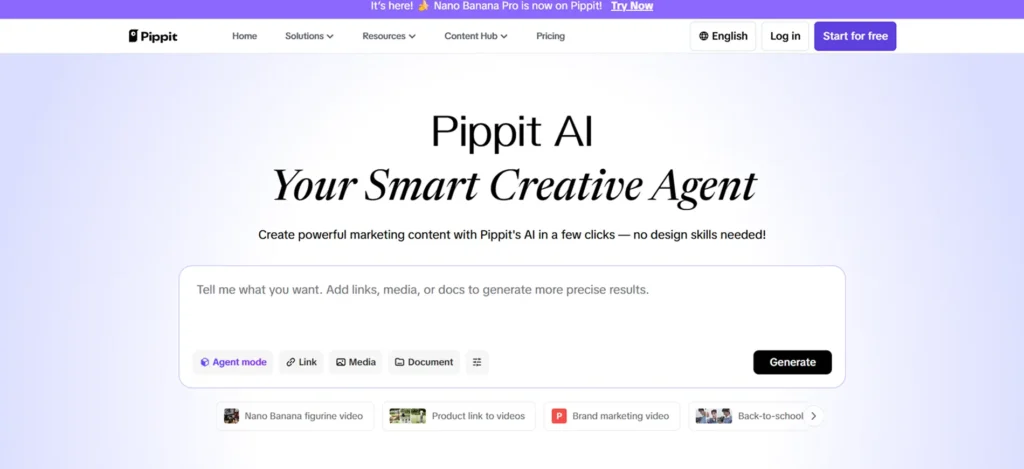
Best for: scaling volume and Shorts automation
Pippit (CapCut AI) allows bulk video creation with one setup. It’s popular for Shorts channels publishing multiple videos per day.
- One-click bulk creation
- Strong Shorts formatting
- Fast iteration for trends
Limit: needs initial setup for best results
Video Creation Tools Comparison
| Tool | Best For | Strength | Limitation |
| InVideo AI | Beginners | Fast full-video creation | Limited control |
| Mootion | Faceless channels | Retention-focused pacing | Less manual editing |
| Pippit | Scaling volume | Bulk automation | Setup required |
Voice & Audio Automation
Voice quality directly affects retention. These tools handle narration without recording.
ElevenLabs
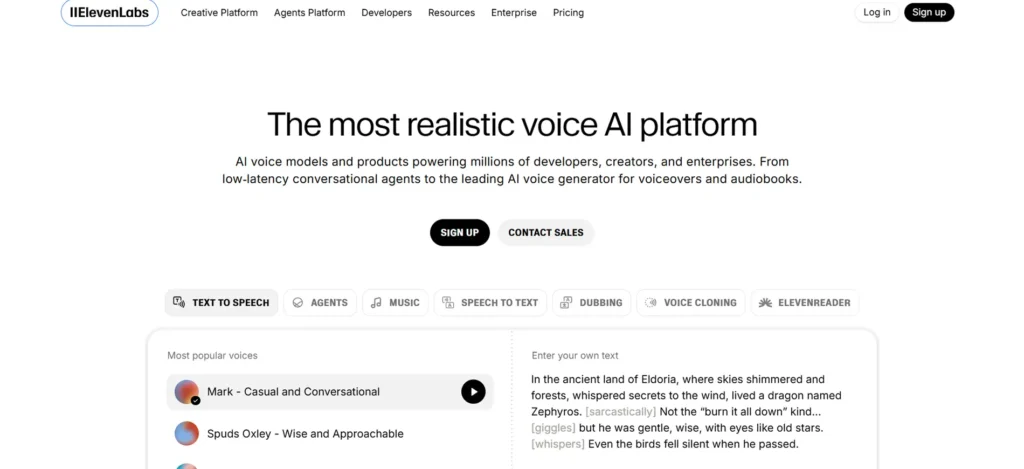
Best for: professional, human-like narration
ElevenLabs produces the most natural AI voiceovers used in YouTube automation today.
- Realistic tone and pacing
- Multiple voice styles
- Ideal for documentaries and explainers
Limit: limited free tier
- Built-in Voices (InVideo / Pippit)
Best for: speed-first creators
These voices work when creators need fast publishing without extra steps.
- No setup required
- Fully integrated
- Good for Shorts and quick uploads
Limit: less natural tone
Voice Tool Comparison
| Tool | Best For | Strength | Limitation |
| ElevenLabs | Professional narration | Most realistic voice | Limited free tier |
| Built-in voices | Speed | No setup | Less natural |
Channel Growth & Optimization Tools
Automation fails without optimization. These tools help videos get discovered.
VidIQ
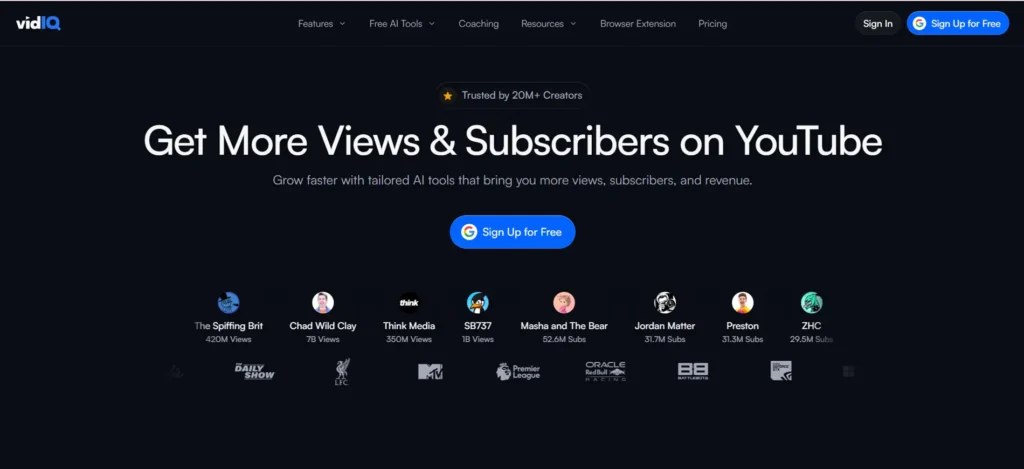
Best for: keyword research and trend discovery
VidIQ helps creators find topics that actually rank.
- Keyword and trend insights
- Competitor tracking
- Strong discovery tools
Limit: limited editing features
TubeBuddy
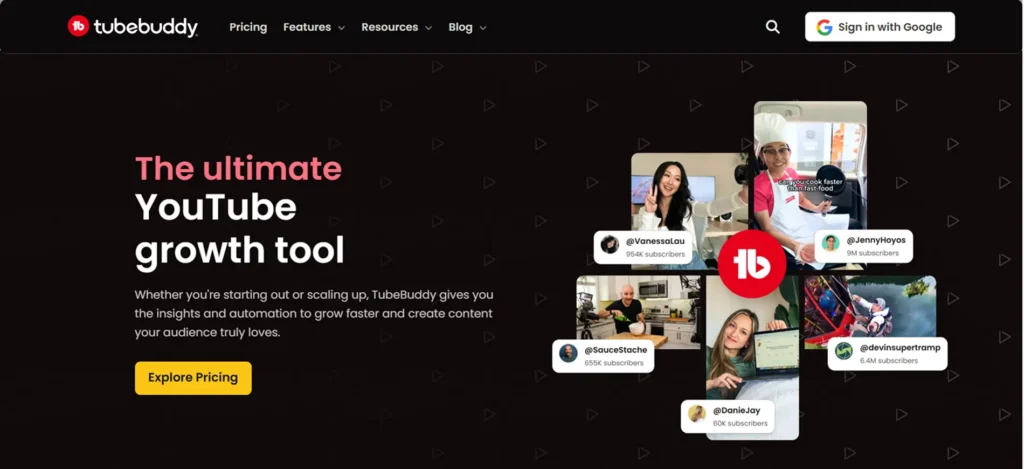
Best for: CTR and optimization
TubeBuddy focuses on titles, tags, thumbnails, and A/B testing.
- Thumbnail testing
- Tag optimization
- CTR improvement tools
Limit: less discovery insight
Growth Tools Comparison
| Tool | Best For | Strength | Limitation |
| VidIQ | Discoverability | Trend + keyword data | Limited editing |
| TubeBuddy | Optimization | CTR improvement | Less discovery |
Why This Stack Works in 2026
Successful creators don’t rely on one AI tool. There is no one tool that completely automates YouTube channels.
Multiple AI tools stack means:
script → video → voice → optimization → scheduling
pipelines that cut production time by 60 to 80%. That’s how automated YouTube channels stay consistent, safe, and profitable.
How to Choose the Right AI Tools for Your YouTube Channel
Most YouTubers don’t struggle because AI tools don’t work. They struggle because they pick tools that don’t match how they actually create.
Moreover, many influencers are marketing fake tool stacks nowadays. Since they are getting only affiliate profits but the stack they share are of no use.
The simple trick is: If you know your channel type, you know your tools.
Recommended AI Tool Stacks (By Channel Type)
| Channel Type | Best Tool Stack | Why This Setup Works |
| New creators | ChatGPT + InVideo AI + TubeBuddy | Easy to learn, fast to publish, no technical friction |
| Faceless channels | Mootion + ElevenLabs + VidIQ | Keeps videos engaging without showing your face |
| Shorts-focused channels | Pippit + CapCut AI + VidIQ | Helps you post more often without burning out |
| Educational channels | ChatGPT + InVideo AI + ElevenLabs | Clear scripts, clean visuals, and a voice people trust |
| Growth-focused creators | ChatGPT + VidIQ + Scheduler | Helps you pick topics that actually get views |
| Affiliate channels | Jasper AI + InVideo AI + TubeBuddy | Built for clicks, not just views |
| News or update channels | ChatGPT + Pippit + VidIQ | Lets you post fast while topics are still hot |
| Multi-language channels | ChatGPT + ElevenLabs + InVideo AI | One script, multiple languages, same message |
How to Pick Your Stack (Without Overthinking)
- If you’re just starting, focus on speed.
- If you’re growing, focus on consistency
- If you want to monetize, focus on retention and trust.
Tools don’t build channels. Good workflows do.
A Common Mistake to Avoid
Many creators automate everything too early. They post fast, but viewers leave faster. The channels that last in 2026 do three things well:
- they use AI to save time
- they review before publishing
- they keep their content human
That balance is what turns automation into growth.
Use Cases of AI YouTube Automation (2024–2026)
Creators now use AI tools to speed up production, not to remove themselves from content. The strongest channels combine automation with human review.
The following are the ways AI tools are integrating into YouTube automation:
Shorts Channels Publishing Daily
Shorts creators use AI to turn one idea into multiple clips. They generate scripts, visuals, captions, and music in one workflow. Many channels now publish 2 to 5 Shorts per day without editors.
Faceless Long-Form Channels
Faceless channels use AI to create full videos from scripts. They rely on AI for visuals, voiceovers, and pacing. Human review keeps quality and monetization safe.
Educational Creators Scaling Content
Educators use AI to draft scripts and visuals faster, freeing time for teaching rather than editing. This approach lets them publish consistently without hiring staff.
News and Trend Channels
Trend-based channels use AI to publish while topics are still hot. They generate scripts, clips, and uploads in hours, not days. Speed now decides reach.
Pros & Cons of AI YouTube Automation
AI automation helps creators move faster, but it also brings limits. Knowing both keeps channels safe.
Benefits of AI Tools for YouTube
- Faster video production
- Consistent upload schedules
- Less editing burnout
- Lower cost compared to hiring teams
- Easier scaling across formats
Limitations Creators Must Manage
- Over-automation reduces originality
- Low-effort content risks demonetization
- AI voices still need review
- Visual repetition hurts retention
AI works best when creators stay involved.
Monetization & Policy Reality Check
YouTube does not ban AI content. It only bans low-value content. Monetized channels always add human value through:
- editing choices
- pacing decisions
- topic insight
- unique framing
Creators who review and improve AI output stay safe. But those who mass-publish raw AI content lose revenue. This rule has not changed in 2026.
Future of YouTube Automation (2026+)
AI will not replace creators. It will replace slow workflows.
- Shorts automation becomes standard
- Multi-language channels grow faster
- AI connects analytics directly to video creation
- Creators publish more without hiring teams
Automation becomes invisible. Quality still decides success.
Daily AI Tools Verdict
AI handles editing, formatting, and repetition. Humans control ideas, trust, and direction. The best YouTube creators in 2026 use AI to move faster, not to disappear. Automation helps channels grow. Human judgment keeps them alive.