Everyone tells us to work smarter, but no one talks about how. We all go through a condition when 47 tabs open, with three unanswered Slack messages, and writing an email to Clint.
So yes, you can work smarter and faster with AI life assistant tools. That’s what I am going to talk about in this guide. Life assistant tools are the best personal assistants that can manage your entire schedule for the day.
They can handle task management, write replies, and save your deep hour of manual work. You can talk with these tools in plain English or any other language. They use natural language processing to understand what you mean and what you want.
In this guide, I will discuss the top AI life assistant tools that you should definitely use to make your daily routine easy. We tested these based on the cross-references and the real user feedback.
What Are AI Life Assistant Tools? Why Do You Need One Right Now?
Think about the last week you forgot to reply to an email and also double-booked a meeting. These are the infrastructure problems that we all make. And AI life assistant tools are built to fix it.
You may have a misconception that these are just chatbots. No, these are not. The personal assistant AI tools combine natural language processing, calendar awareness, and automation, which make them a useful colleague who knows your schedule.
The tool can draft replies, schedule your meetings and even assign tasks across projects accurately. But what needs consideration is that not every tool works for every person. For example, if you are a founder who needs full-day automation, requires completely different tools from a writer who just wants cleaner task management.
How We Selected These Tools?
Here’s how every tool listed here earned its place. We looked at five non-negotiable criteria.
- First, does it actually work in real-world use?
- Second, how well does it play with other tools?
- Third, how steep is the learning curve?
- Fourth, is the pricing structure honest? Is the free tier available or not?
- Fifth, does it actually give you time back?
We tested each tool for at least two weeks. Some for longer. We also cross-referenced user reviews across Reddit threads, G2, and Capterra to catch patterns.
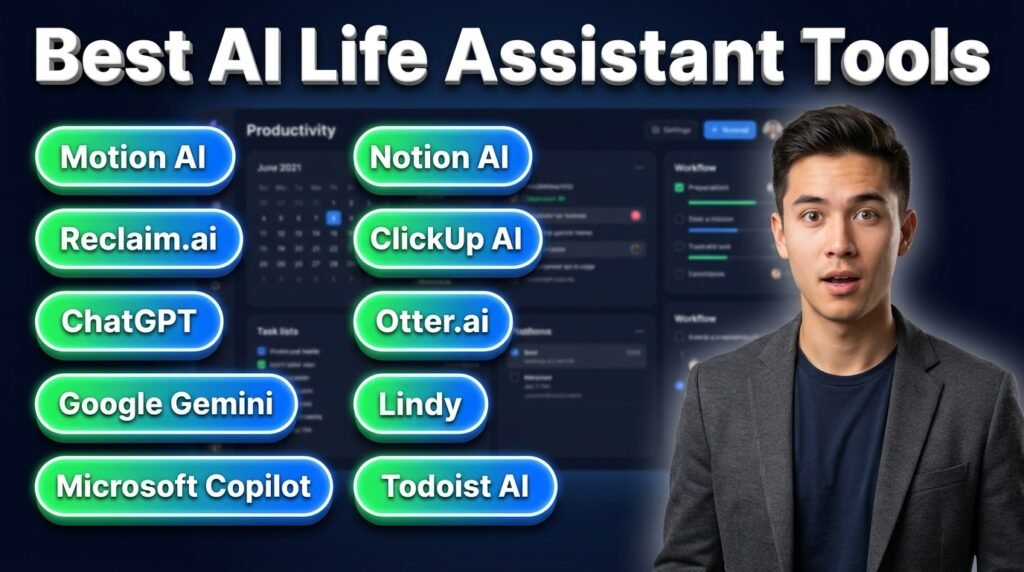
Top 10 Best AI Life Assistant Tools at a Glance
| Tools | Best for | Pricing |
| Motion AI | AI-powered scheduling + task planning | $29/month |
| Reclaim.ai | Calendar protection + habit scheduling | Free / $12/month |
| ChatGPT | Conversational tasks + general AI help | Free / $20/month |
| Google Gemini | Google ecosystem integration | Free / $19.99/month |
| Microsoft Copilot | Microsoft 365 productivity | $9.99/month |
| Notion AI | Knowledge management + writing | $12/month add-on |
| ClickUp AI | Project management + writing | Free / $10/month |
| Otter.ai | Meeting transcription + summaries | Free / $16.99/month |
| Lindy | Workflow automation + delegation | Free trial / $49/month |
| Todoist AI | Task management + GTD workflows | Free / $7/month |
10 Best AI Life Assistant Tools
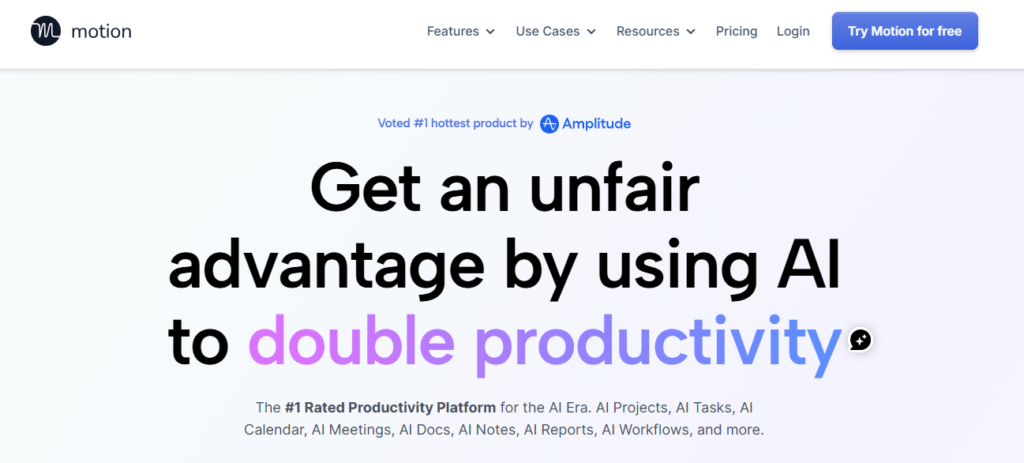
1. Motion: Best for AI-Powered Scheduling and Task Planning
Motion AI is an ideal productivity platform that can manage different tasks. You can add your tasks, connect your calendar, and make your entire day more productive.
It is not like a standard calendar app; it includes an intelligence layer that carves out space for deep work and inserts breaks. The platform also protects you from distractions by marking them as busy.
It can also can excellent match for the project management. It automatically assigns tasks, tracks progress and lets you handle the actual work.
Best for: Professionals and small teams to get the full-day automation.
Key Features:
- AI auto-scheduling
- Task management and calendar
- Natural language task entry
- Real-time rescheduling
Pricing: Motion AI doesn’t have a free plan. It offers paid tiers that start at $29/user/month.
Limitation: While testing, we found that Motion AI can only manage your calendar and tasks. It cannot draft the email, prepare the presentation or research the client.
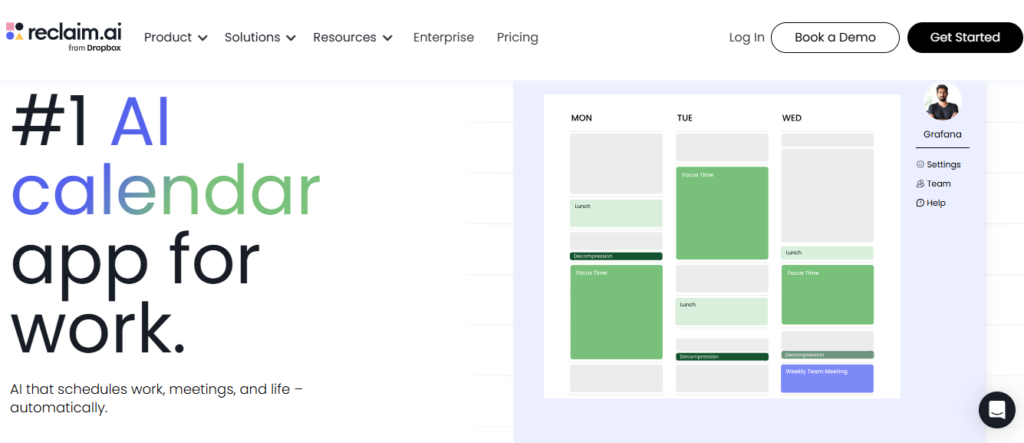
2. Reclaim.ai: Best for Protecting Your Focus Time
Reclaim is the only tool that mainly focuses on defending your calendar from chaos. For your convenience, you can connect it to Google Calendar and set your priorities. It is cool to find slots for deep work and schedule your focus blocks.
One test found Reclaim maintained 87% of its target during a heavy meeting schedule. Now you can pair it with Slack, Asana, and other productivity tools in its ecosystem.
Best for: Individuals and teams who keep losing their best work hours to back-to-back meetings.
Key Features:
- Smart habit scheduling
- Auto-protection for deep work
- Automatic rescheduling
- Team scheduling
Pricing: Reclaim AI has a free plan available. The subscription starts at $12/month.
Limitation: The tool is primarily Google Calendar-focused. We evaluated that it’s not a full AI personal assistant because it doesn’t draft emails or help with writing tasks.
3. ChatGPT: Best for Conversational Tasks and General AI Help
You definitely know what ChatGPT is and what it can do. I added it to the list because it is the most flexible AI tool for a lot of people, useful for managing daily tasks.
It can answer your basic to complex questions, brainstorm, draft, summarize, and even do light coding for you. Many of us talk to it like a person, and it responds the same way. The newer GPT-4o model is noticeably sharper for the longer documents.
Best for: Writers, consultants, and those needs flexible, high-quality AI help for daily tasks.
Key Features:
- Deep conversational ability
- Document analysis
- Custom GPTs
- Voice mode
Pricing: ChatGPT has free tiers ideal for basic tasks. Plus plan starts at $20/month.
Limitation: The platform has no native calendar or task management integration. Like many other life assistant AI tools, it can’t schedule meetings for you. The free plan now has usage limits.
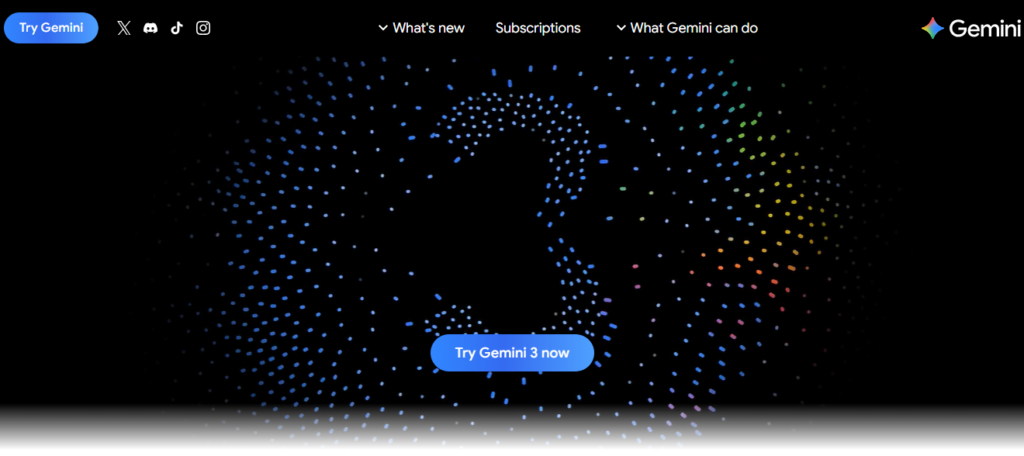
4. Google Gemini: Best for the Google Ecosystem
If your entire work runs through Gmail, Google Docs, Google Meet, and Google Calendar, Gemini is the perfect AI personal assistant for you. Drafts and summaries can show up in Gmail, Docs, Sheets, Slides, and Meet.
Scheduling meetings, drafting replies, pulling notes from Meet all inside the apps you’re already in. Gemini Live is worth noting here. It can handle real-time voice interaction with screen and camera context.
While testing, we explored the “Gems” feature that creates the user’s mini AI personal assistants tuned to specific workflows.
Best for: Professionals already using the Google ecosystem.
Key Features:
- Integration across Google Workspace
- Gemini Live
- Extensions available
- Personalized AI assistant customization
Pricing: Gemini has a free plan available. Google AI plans start at $19.99/month.
Limitation: Google Gemini works excellently inside Google’s world. The tool responds well, but doesn’t initiate scheduling or task management on its own like Motion or Reclaim.
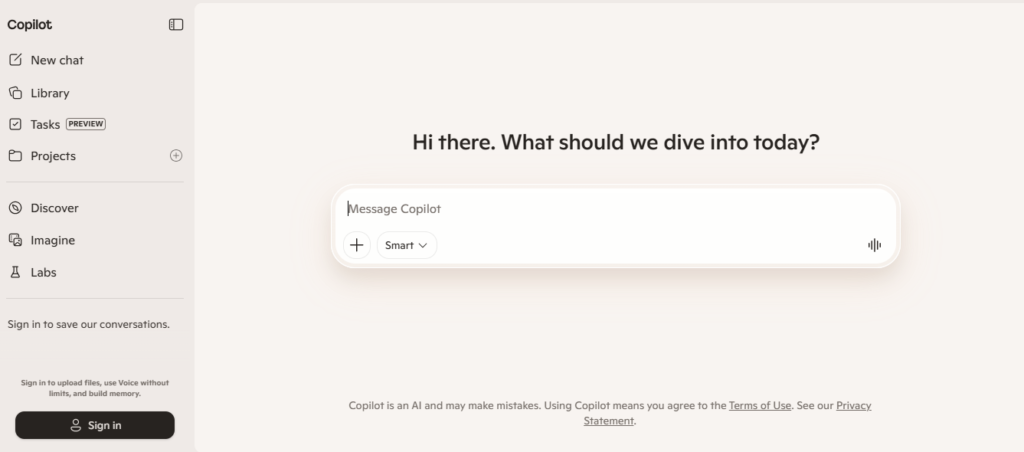
5. Microsoft Copilot: Best for Microsoft 365 Users
If your work is related to Microsoft’s world, Copilot is the obvious AI layer for you. It’s embedded in Microsoft platforms in ways that third-party tools just can’t replicate.
Copilot summarizes meetings, recaps key decisions, and surfaces questions for the teams. While testing, it performed well in organizing your inbox, summarizing long emails, and drafting replies. In Excel, it analyzes data and explains trends in plain English for better understanding.
Best for: Enterprise teams and professionals already invested in the Microsoft 365 stack.
Key Features:
- AI embedded in Word, Excel, Teams, Outlook, and PowerPoint
- Meeting summaries
- Inbox organization
- Draft replies in Outlook
Pricing: The paid tiers of the platform start at $9.99/month.
Limitation: If you’re not on Microsoft 365, it’s not the best for you at all. The standalone chatbot is good, but doesn’t deliver the workflow integration that makes Copilot genuinely useful.
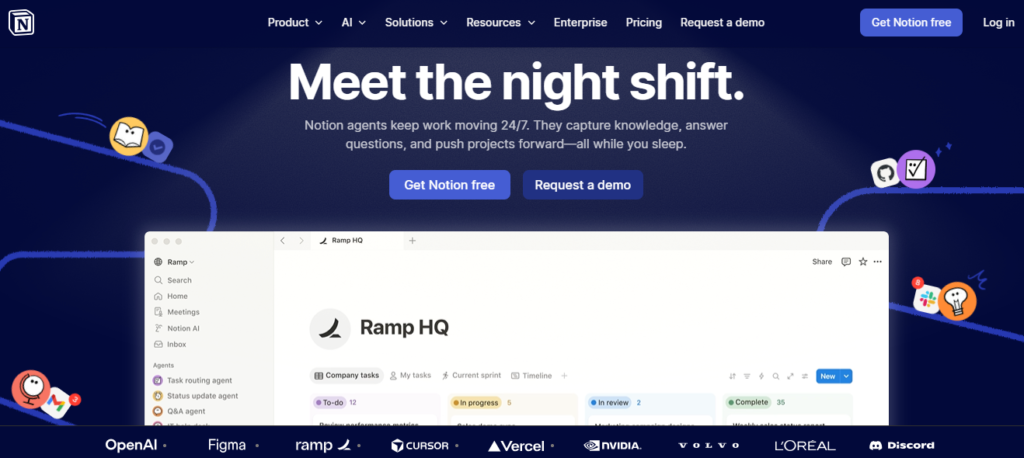
6. Notion AI: Best for Knowledge Management and Writing
Notion AI make writing, thinking, and organizing information easy and less painful. You can add it to your existing Notion workspace, and it starts working. It summarizes pages, generates first drafts, answers questions and translates content.
We found it the best match for the management teams and content creators. Instead of re-reading three pages of meeting notes, you ask Notion AI and get the answer in seconds.
Best for: Content teams, researchers, and knowledge workers.
Key Features:
- AI summarization and Q&A
- Draft generation with context
- Action item extraction
- Multi-language support
Pricing: Notion AI offers the freemium pricing model. The paid tiers start at $12/month.
Limitation: If your team doesn’t use Notion, it’s not available as a standalone product. It also doesn’t help with scheduling or calendar management.
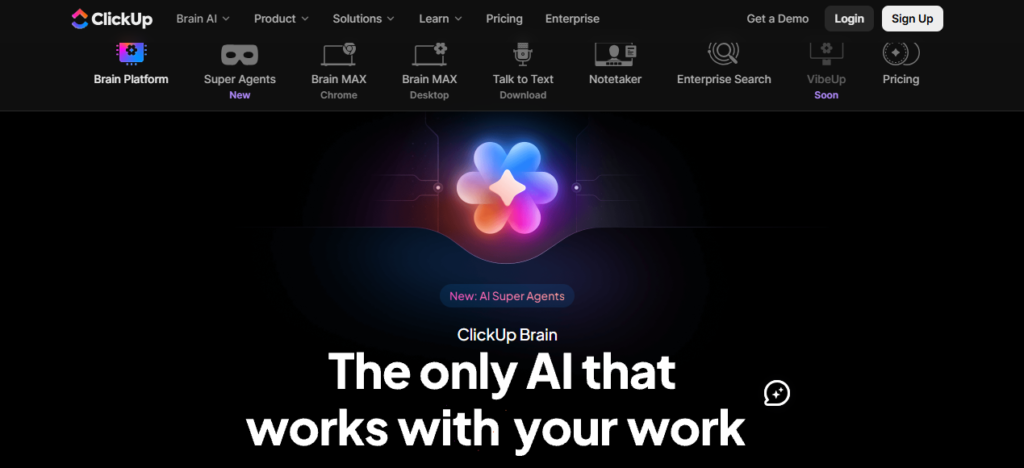
7. ClickUp AI: Best for Project Workflows and Team Writing
ClickUp Brain is genuinely useful. It can assign tasks, write project summaries, draft documentation, answer questions and generate status updates.
Its ability to pull a coherent update from scattered task data saves real time and make perfect fit for project management teams. The writing tools are not as sharp as dedicated writing assistants.
Best for: Teams already inside ClickUp.
Key Features:
- AI-generated project summaries
- Task creation
- Assignment from natural language
- Writing assistant
Pricing: ClickUp Brain offers the free plan forever. The paid tiers start at $10/month.
Limitation: ClickUp requires a learning curve. Starting the tool fresh for the AI features makes less sense.
8. Otter.ai: Best for Meeting Transcription and Follow-Up
Otter AI transcribes and summarizes what’s said in meetings. You can connect it to Zoom, Google Meet, or Microsoft Teams. It joins meetings automatically and captures the notes. After the call, note the key topics and action items, and summarize them.
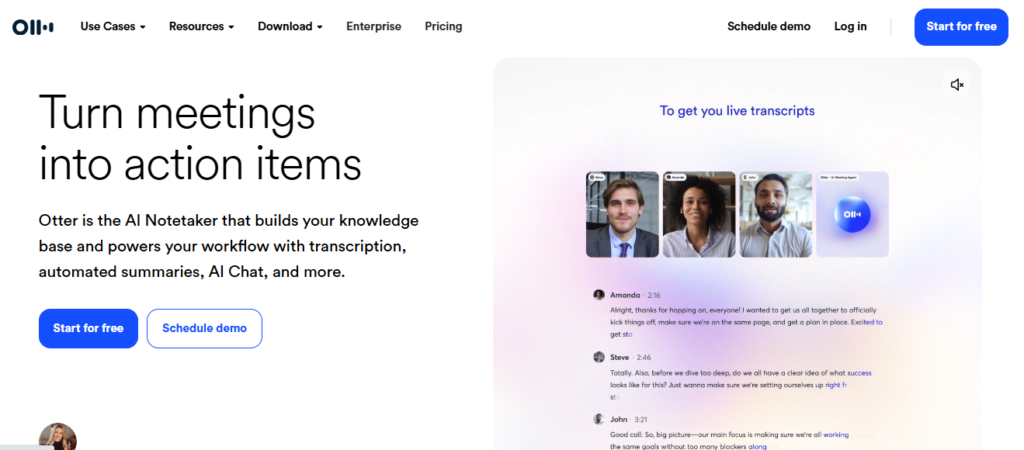
Best for: Professionals in high-meeting environments use it for accurate transcription.
Key Features:
- Real-time transcription
- Automated meeting summaries
- Speaker identification
Pricing: Otters AI has a freemium pricing model. The paid tiers start at $16.99/user/month.
Limitation: The free plan is limited in meeting hours. It doesn’t do much outside of meeting transcription.
9. Lindy: Best for Delegating Multi-Step Workflows
Lindy is built for doing repetitive tasks. You can connect it to your email, calendar, and CRM. It also handles follow-ups, scheduling meetings, drafting, and updating records.
We found that Lindy AI specializes in delegation rather than conversation. You can define the task to automate, set the rules, and it runs. No technical steps are required for its working.
Best for: Founders, sales teams, and executives to automate the administrative layer.
Key Features:
- Multi-step workflow automation
- Draft replies automatically
- CRM updates
- Scheduling integration
Pricing: No free plan is included; the paid tiers start at $49/month.
Limitation: The complex automations require some time and clear thinking about your workflows. It’s not as immediately useful as a simple chatbot.
10. Todoist AI Assistant: Best for Task Management and GTD Workflows
Todoist has been one of the cleanest task managers. The AI can break big tasks into subtasks and suggest ways to phrase tasks more actionably.
The AI Assistant isn’t on by default. You activate it under integrations. And it’s only available from the Pro plan upwards.
Best for: Personal productivity enthusiasts for task management.
Key Features:
- Natural language task
- Project-level AI summaries
Pricing: Free plan available. Pro plan at $7/user/month.
Limitation: It’s not a full AI personal assistant. Calendar management is limited, and it doesn’t manage your day the way Motion or Reclaim do.
Other AI Life Assistant Tools Worth Knowing About
Depending on your situation, specific workflows, niche use cases and team size, here are some other options.
For Communication and Email
| Tools | What It Does | Best for | Price |
| Superhuman AI | AI draft replies, thread summaries | High-volume email users | Free / $12/month |
| Shortwave | Gmail-first AI summaries and smart scheduling | Gmail power users | 30/month |
| Grammarly | Writing improvement, tone adjustment | Writers and communicators | Free / 12/month |
For Research and Answering Questions
| Tools | What It Does | Best For | Price |
| Perplexity AI | Real-time research with cited sources | Fact-heavy research tasks | $17/month |
| Claude | Long-document analysis, nuanced writing, deep thinking | Researchers and analysts | Free / $17/month |
| Grok | Conversational answers with a sharp, direct style | Quick answers and brainstorming | $10/month |
For Scheduling Meetings and Calendar Management
| Tool | What It Does | Best For | Price |
| Morgen | Energy-aware scheduling with time block templates | ADHD-friendly deep work planning | $30/month |
| Sunsama | Guided daily planning with mindful structure | Burnout-prone professionals | $20/month |
For Fitness and Health
| Tool | What It Does | Best For | Price |
| MyFitnessPal | AI-assisted calorie tracking and fitness goals | Health-conscious users | $8/month |
How to Choose the Right AI Life Assistant for Your Needs?
Which is the right AI life assistant tool for you? It actually depends on your requirements. Confirm the following and select the tools accordingly.
- What’s the most painful part of your day? If the answer is meetings that consume lots on your time. Reclaim or Motion are the ideal match. If it’s project management chaos, ClickUp or Notion AI are ideal to assign tasks across a team. For writing flexibility, you can use ChatGPT or Claude AI.
- Budget matters too: Most tools listed here offer the free plan, which is ideal for testing the performance.
Conclusion
Multiple AI life assistant tools are available with user-centered features. The tools remove the friction from the parts of your day. Motion handles the scheduling complexity, and Reclaim protects the focus time.
Similarly, ChatGPT, Gemini and Claude handle messy thinking work and writing. In the guide, I have discussed the best AI tools for your assistance. You can select the tool that suits your requirements and budget.
FAQs
Can AI life assistant tools actually replace a human personal assistant?
Yes, AI life assistant tools can replace human assistance in repeatable tasks such as scheduling meetings, drafting replies, and transcribing calls. However, human assistants still require judgment calls or building real relationships.
Are these AI tools safe to use with sensitive work data?
It varies by tool. The well-known tools, such as Microsoft Copilot, Google Gemini, and Notion AI, have data privacy commitments. These don’t use your content for model training.
Do I need paid plans to get real value from these tools?
It’s not mandatory. Tools like Reclaim, Todoist, ChatGPT, and Gemini all have free tiers that deliver genuine utility. But generally, the impactful features are locked behind the paid tiers.