

Napkin AI ⭐ Verified
What is Napkin AI?
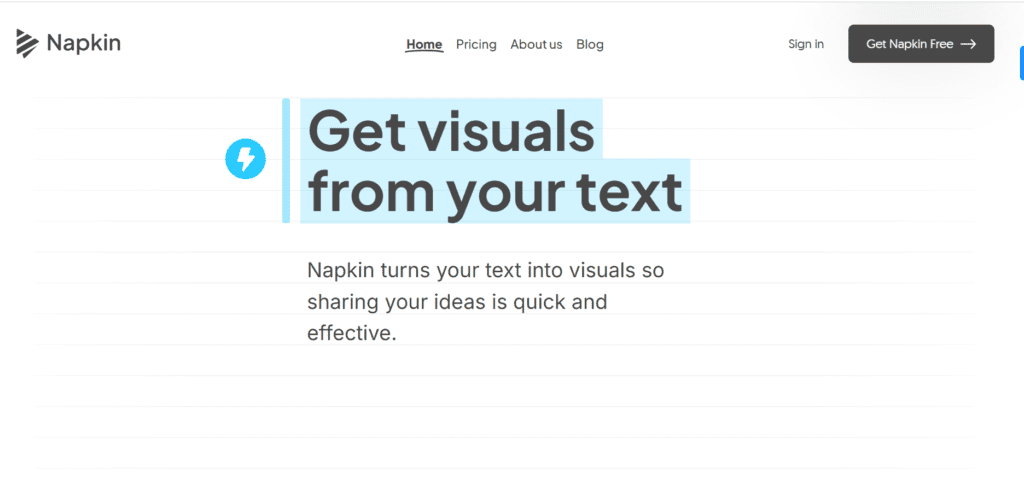
Napkin AI is the visual storytelling tool that converts written content into diagrams, charts, mind maps, and infographics. It helps users present ideas clearly by transforming text into structured visuals. The AI is built on advanced algorithms that analyze the structure and context of text to generate relevant visuals. Napkin processes paragraphs, lists, and creates diagrams that match the content. Napkin AI allows users to edit generated visuals, add icons, customize layouts, and export files. The platform is best suited for marketers, educators, content creators, and business teams who need quick visual communication.
Review Summary
| Performance Score | A |
| Content Quality | Produces clear and structured visuals that improve content understanding. |
| Interface | Clean and beginner-friendly interface designed for quick visual creation. |
| Ai Technology | Uses AI to analyze text structure and convert it into diagrams and charts. |
| Purpose | Built for transforming written ideas into visual storytelling formats. |
| Compatibility | Works primarily on desktop browsers with export options for multiple formats. |
| Pricing Summary | Offers a free plan with credits and affordable paid plans for advanced features. |
Napkin AI Key Features
| 1 | AI text-to-visual generation |
| 2 | Automatic diagrams and flowcharts |
| 3 | Multiple visual style options |
| 4 | Customizable icons, connectors, and layouts |
| 5 | Real-time collaboration and teamspaces |
| 6 | Export visuals in PNG, PDF, PPT, and SVG |
Who is Best for Using Napkin AI?
Napkin AI is the visual storytelling tool that converts written content into diagrams, charts, mind maps, and infographics.
Is Napkin AI Free?
Napkin AI offers a free plan with limited features. Paid plans start at $12/month
Pros & Cons
Pros
- Converts text into professional visuals within seconds.
- Simple interface suitable for beginners.
- Multiple export formats for presentations and documents.
- Real-time collaboration for teams.
- Free plan available with generous visual editing features.
Cons
- Works best with structured text rather than abstract ideas.
- Mobile editing support is currently limited.
- Design customization options are still growing.
- Heavy visual generation may require more AI credits.
- Some visuals may appear similar due to template limitations.



