
UPDF AI ⭐ Verified
What is UPDF AI?
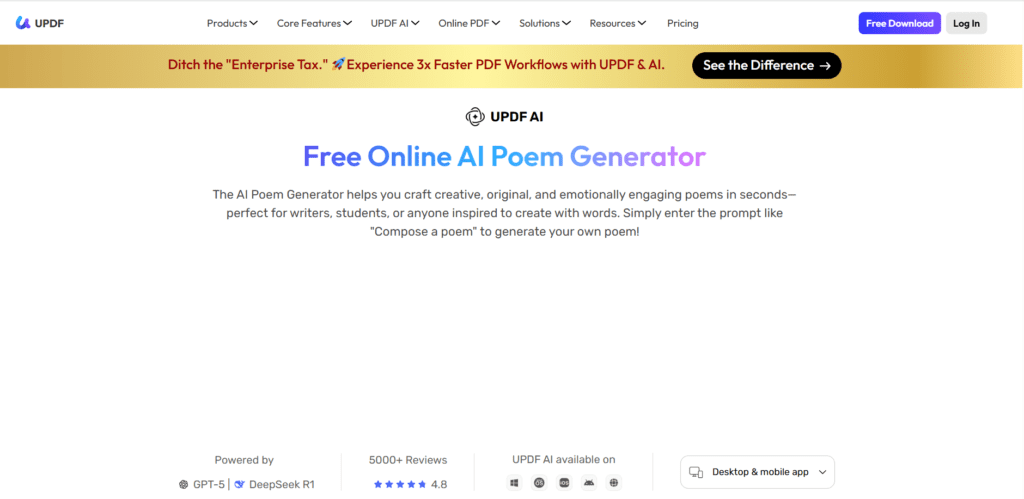
UPDF AI is an assistant integrated into the UPDF ecosystem that helps users generate content, summarize documents, translate text, and create creative outputs like poems. It acts as both a writing assistant and an intelligent PDF companion. The tool operates on large language models, including GPT-5 and DeepSeek R1, enabling both creative generation and deep logical reasoning. GPT-5 helps to deliver fast conversational responses, while DeepSeek R1 enhances analytical accuracy. UPDF AI stands out for its multimodal capabilities, including chatting with PDFs, analyzing images, summarizing research papers, and generating content within documents. It is ideal for students, researchers, writers, and professionals managing large volumes of documents.
Review Summary
| Performance Score | A |
| Content Quality | Produces coherent, context-aware, and well-structured outputs. |
| Interface | Clean and beginner-friendly interface integrated into the PDF workspace. |
| Ai Technology | Dual AI models enable both creativity and deep reasoning. |
| Purpose | Designed for document productivity and AI-assisted content generation. |
| Compatibility | Works seamlessly across desktop, mobile, and web platforms. |
| Pricing Summary | Affordable monthly AI add-on with a usable free tier. |
UPDF AI Key Features
| 1 | AI Poem Generator |
| 2 | Chat with PDF documents |
| 3 | AI summarization |
| 4 | Multi-language translation support |
| 5 | Image and document analysis |
| 6 | Brainstorming and writing assistance |
| 7 | Dual AI model switching |
Who is Best for Using UPDF AI?
UPDF AI is an assistant integrated into the UPDF ecosystem that helps users generate content, summarize documents, translate text, and create creative outputs like poems.
Is UPDF AI Free?
UPDF AI offers a free plan with limited features. Paid plans start at $9/month
Pros & Cons
Pros
- Dual AI models improve accuracy and reasoning.
- Works directly inside PDFs without switching tools.
- Supports creative writing and professional workflows.
- Available across multiple devices.
- Beginner-friendly interface.
Cons
- Full AI power requires a paid subscription.
- The free plan has usage limitations.
- Requires an internet connection for AI features.
- Advanced users may want more customization.
- AI add-on sold separately from Pro editor.