

Codiga AI ⭐ Verified
What is Codiga AI?
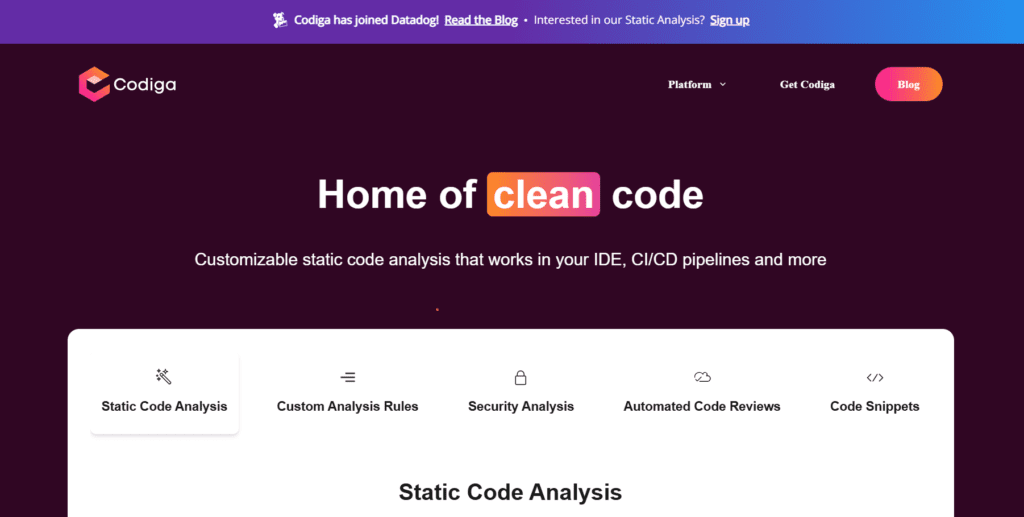
Codiga AI is a coding quality and security platform that helps developers automate static code analysis and code review workflows. It integrates into major IDEs and version control systems to provide feedback. Codiga is built on a powerful static analysis engine and customizable rule sets, including OWASP, MITRE CWE, and SANS Top 25 for security and quality checks. It gives an edge over many tools that lack real-time feedback or deep security scanning. The tool stands out for code quality enforcement and is best suited for software engineers, DevOps teams, and organisations that prioritise secure, maintainable code.
Review Summary
| Performance Score | A |
| Content Quality | High accuracy in detecting issues and enforcing best practices. |
| Interface | Integrated directly into IDEs and version control tools. |
| Ai Technology | Static code analysis engine with customizable rule sets. |
| Purpose | Code quality, security scanning, automated code reviews. |
| Compatibility | Works with VS Code, JetBrains, Visual Studio, GitLab, GitHub, and Bitbucket. |
| Pricing Summary | Offers a freemium plan. |
Codiga AI Key Features
| 1 | Real-time static code analysis |
| 2 | Automated code reviews |
| 3 | Security vulnerability detection |
| 4 | Code snippet manager |
| 5 | Multi-language support |
| 6 | IDE integrations |
| 7 | CI/CD pipeline integrations |
| 8 | Custom rule creation |
Who is Best for Using Codiga AI?
Codiga AI is a coding quality and security platform that helps developers automate static code analysis and code review workflows.
Is Codiga AI Free?
Codiga AI offers a free plan with limited features. Paid plans start at $14/month
Pros & Cons
Pros
- Real-time code quality and security feedback.
- Supports major IDEs and version control systems.
- The Freemium tier is accessible to individuals.
- Customizable rule sets for deep analysis.
- Team collaboration and snippet sharing features.
Cons
- Setup requires some initial configuration.
- Advanced features are gated behind paid plans.
- Limited AI generation beyond static analysis.
- It may be complex for non-developers.
- Pricing varies and can increase for teams.



