Briink ⭐ Verified
What is Briink?
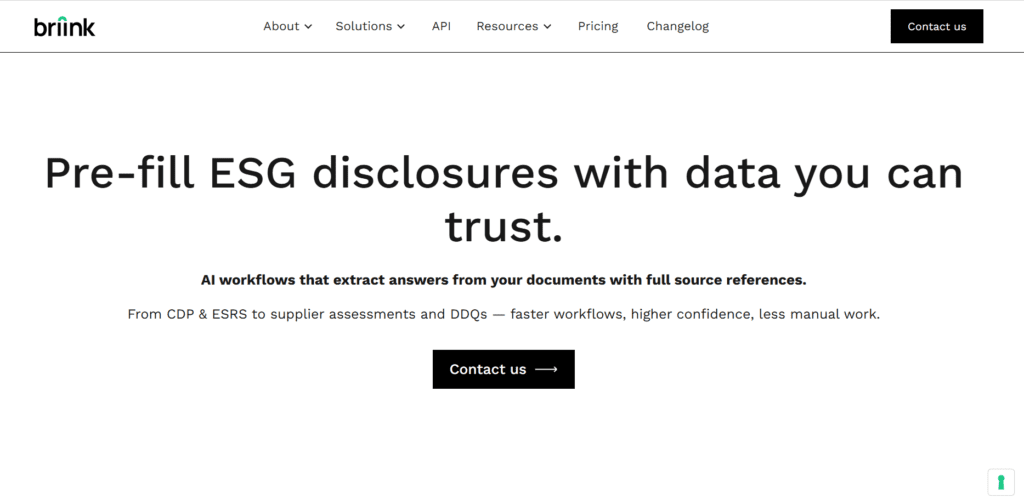
Briink AI is an AI-powered workflow automation and team collaboration platform that helps users streamline processes, eliminate repetitive tasks, and connect data across tools with intelligent automation. Rather than manually managing workflows and handoffs, users define triggers, conditions, and actions, often using natural language prompts, and Briink interprets them to build automated processes that run reliably in the background. The platform leverages natural language processing (NLP) to interpret task descriptions, conditions, and desired outcomes from business users, enabling teams to automate approvals, reminders, data updates, and cross-application workflows without writing code. Briink also centralizes communication, files, notifications, and performance insights in customizable dashboards. By permitting both structured automation and conversational task setup, Briink accelerates productivity and reduces operational friction for teams of all sizes.
Review Summary
| Performance Score | A |
| Content Quality | High |
| Interface | User-Friendly |
| Ai Technology | NLP directives, task orchestration, automated triggers |
| Purpose | Operations teams, managers, and cross-functional workflows |
| Compatibility | Web based |
| Pricing Summary | Contact for Demo |
Briink Key Features
| 1 | NLP Workflow Creation |
| 2 | Automated Task Orchestration |
| 3 | Cross-Tool Integrations |
| 4 | Custom Dashboards |
| 5 | Team Collaboration |
| 6 | Real-Time Alerts & Notification |
| 7 | Conditional Logic |
| 8 | Template Library |
| 9 | Access Controls |
| 10 | Reporting & Analytics |
Who is Best for Using Briink?
Briink is an AI-powered automation platform for workflow automation and data collaboration. It centralizes processes, simplifies tasks, and boosts team productivity.
Is Briink Free?
Briink is a paid tool. Pricing starts at Contact Sales
Pros & Cons
Pros
- Build process automation without coding
- Use natural language to define tasks and triggers
- Shared workspaces and context tracking
- Integrate actions across tools and apps
- Visualize workflows and performance easily
Cons
- Advanced capabilities are unlocked in higher tiers
- Building multi-step workflows takes practice
- Some advanced integrations require configuration
- The platform functions fully online with no offline mode