
Otter ⭐ Verified
△
348
💬
164

What is Otter?
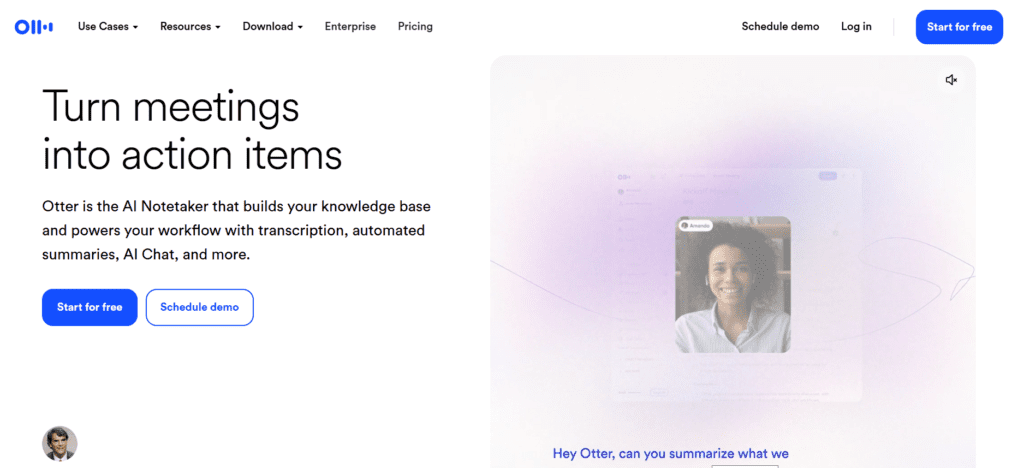
Otter.ai is a transcription and meeting intelligence platform that turns speech into editable text across live and recorded conversations. The platform uses natural language processing (NLP) and machine-learning speech recognition models to deliver real-time transcripts and summaries. It enables real-time meeting capture, actionable summaries, and customized vocabulary, making it valuable for business teams, students, and content creators. The tool is ideal for freelancers, executives, educators, and researchers.
Review Summary
| Performance Score | A |
| Content Quality | High-quality transcripts and summaries in clear, editable format. |
| Interface | Clean and intuitive interface across platforms. |
| Ai Technology | Strong AI meeting assistant with NLP and machine learning. |
| Purpose | Ideal for meeting note automation and searchable conversation archives. |
| Compatibility | Works on web, iOS, Android, and integrates with major conferencing tools. |
| Pricing Summary | Free available; paid plans expand minutes and features for power users. |
Otter Key Features
| 1 | Real-time transcription for conversations |
| 2 | Automated meeting summaries with action items |
| 3 | Speaker identification |
| 4 | Customizable vocabulary |
| 5 | Integration with Zoom, Microsoft Teams, Google Meet, Slack, and calendars. |
| 6 | Searchable transcripts with export options |
| 7 | Multi-platform support |
Who is Best for Using Otter?
Otter.ai is a transcription and meeting intelligence platform that turns speech into editable text across live and recorded conversations.
Is Otter Free?
Otter offers a free plan with limited features. Paid plans start at Starting from $16.99
Pros & Cons
Pros
- Excellent live and recorded transcription accuracy.
- Automatic meeting summaries with action items.
- Integrates well with video conferencing tools.
- Clean, user-friendly interface.
- Free tier available for casual users.
Cons
- Transcription accuracy can drop in the presence of background noise.
- The free plan has a limited number of transcription minutes.
- Some users report UI search/navigation issues.
- Mixed experiences with customer support.
- Occasional unwanted meeting joins and privacy concerns.
Otter Pricing
Please update this pricing section to text.
FAQs
Does Otter.ai offer a free plan? ▼
Yes, Otter.ai has a Basic free forever plan with limited minutes and features.
Can Otter transcribe live meetings? ▼
Yes, the AI can provide real-time transcription for Zoom, Teams, and Google Meet.
What languages does Otter support? ▼
Primarily English with expanded support for French and Spanish transcription.
Can Otter identify different speakers? ▼
Yes, Otter AI can distinguish speakers and allows custom labeling.
Is Otter.ai accurate? ▼
Generally, Otter.ai offers high accuracy, but results vary with audio quality and accents.



