AI tools for developers are AI-powered coding assistants, editors, and extensions. They help developers to write, review, and maintain code more efficiently.
AI tools convert descriptions into code, provide real-time suggestions, assist with reviews, and integrate with environments such as Visual Studio Code. Built on advanced large language models (LLMs), they are designed to support developer decision-making.
The Daily AI Tools guide helps you understand how AI tools work, their core types, the best AI tools for developers, and their limitations & risks of use.

Why AI Tools Have Become Essential for Modern Developers
This guide is written for professional developers, engineering teams, and technical leads building production software.
AI tools have become essential for modern developers, reducing repetitive coding and improving code quality. Moreover, they help teams ship software faster without replacing human judgment.
AI tools now operate inside code editors and repositories. They assist with writing, reviewing, refactoring, and maintaining code in large projects. This matters because modern development involves complex codebases, tight deadlines, and constant updates.
Earlier tools focused on syntax help. Today’s AI tools understand file context, frameworks, and common programming patterns. This allows them to support more than just writing code.
Key shifts developers should understand:
- AI tools now analyze context, not just syntax
- Support covers writing, reviews, testing, and documentation
- Productivity depends on clean code and human oversight
AI tools increase speed and consistency, but developers remain responsible for logic, security, and final output.
How AI Tools Work for Developers
AI tools for developers work by using large language models (LLMs) to analyze code context and predict relevant code, suggestions, or actions based on learned programming patterns.
These tools are trained on public code, technical documentation, and software patterns. When a developer writes a prompt or edits a file, the tool evaluates the surrounding code before responding.
In practice, AI tools:
- Interpret natural language input
- Analyze nearby code and file structure
- Generate context-aware code suggestions
- Adapt output to the programming language and framework
AI tools do not understand intent or business goals. They generate predictions, not verified solutions. This is why human review is critical before using AI-generated code in production environments.
Used correctly, AI tools speed up development. Used blindly, they increase technical risk.
What are the Core Types of AI Tools for Developers
AI tools for developers generally fall into three core types:
- AI coding assistants
- AI code review and quality tools
- AI development workflow tools.
Each category supports a different stage of the software development lifecycle.
Understanding these categories helps developers choose the right AI tool for their development environment.
1. AI Coding Assistants
AI coding assistants help developers write, complete, and refactor code directly inside their code editor.
These tools run in environments such as Visual Studio Code and integrate with popular programming languages and frameworks. They focus on reducing manual effort during active coding, not on making architectural decisions.
Common tasks AI coding assistants support:
- Converting natural language descriptions into functions or snippets
- Providing real-time code suggestions based on context
- Speeding up repetitive or boilerplate coding work
AI coding assistants are most effective when developers already understand the problem they are solving. They assist execution, not reasoning.
2. AI Code Review & Quality Tools
AI code review and quality tools analyze codebases to identify bugs, security risks, and maintainability issues.
These tools operate during pull requests, commits, or continuous integration workflows. Their role is to surface potential issues early, before code reaches production.
Typical use cases include:
- Automated code review for common errors
- Detection of security vulnerabilities and unsafe patterns
- Highlighting technical debt and complexity risks
While these tools improve consistency, final responsibility still lies with human reviewers who understand business logic and system impact.
3. AI Development Workflow Tools
AI development workflow tools support the broader development process, including documentation, testing, collaboration, and planning.
Instead of focusing on individual lines of code, these tools help teams understand and manage large codebases and ongoing work.
Common capabilities include:
- Auto-generated technical documentation
- Insights into sprint progress and code changes
- Faster onboarding through codebase understanding
Tools like these are especially useful for teams working on long-lived or complex projects where context matters as much as code.
What Developers Should Look for Before Choosing an AI Tool
Developers should choose AI tools based on editor compatibility, language support, context awareness, privacy controls, explainability, and how well the tool fits their team’s workflow.
Not all AI tools deliver the same value. Some improve daily productivity, while others slow teams down or introduce risk. Selection matters because AI tools operate inside your development environment and interact with real code.
Editor Compatibility
An AI tool should work inside the code editor your team already uses, like Visual Studio Code or JetBrains IDEs. Tools that require switching platforms or external dashboards lose focus and reduce adoption. Native editor integration leads to faster feedback and better usage.
Programming Language Support
The tool must support the programming languages and frameworks in your stack. Many AI tools perform well in popular languages but struggle with niche frameworks or mixed codebases. Before adopting, verify support for your primary languages, test coverage, and configuration files.
Context Awareness
Effective AI tools understand more than a single file. High-quality tools analyze surrounding files, dependencies, and project structure. This context awareness leads to more accurate code suggestions and fewer incorrect assumptions, especially in large or long-lived codebases.
Privacy and Data Handling
Developers must know how their code is processed and stored. Reliable AI tools clearly explain how they handle proprietary code, whether they retain data, and how models are trained. This is critical for teams working on commercial or sensitive projects.
Explainability and Verification
Developers should be able to understand and verify AI outputs. AI tools should produce readable, reviewable code. When developers cannot explain what the tool generates, trust breaks down and risk increases.
Learning Curve and Team Fit
The tool should match your team’s skill level and workflow. AI tools work best when they enhance existing practices rather than force new ones. A short learning curve leads to consistent usage and real productivity gains.
Expert’s Choice Top 11 AI Tools For Developers (2026)
The best AI tools for developers in 2026 combine reliable code assistance, strong editor integration, clear privacy handling, and practical support for production workflows.
The tools below are selected based on consistent developer feedback from top rating platforms. Their performance reflects consensus across developer communities:
1. GitHub Copilot – AI Pair Programmer (Best Overall)
GitHub Copilot is the most widely used AI coding assistant in production environments. It works directly within editors such as Visual Studio Code and JetBrains. GitHub AI offers inline code suggestions, function completions, and contextual examples.
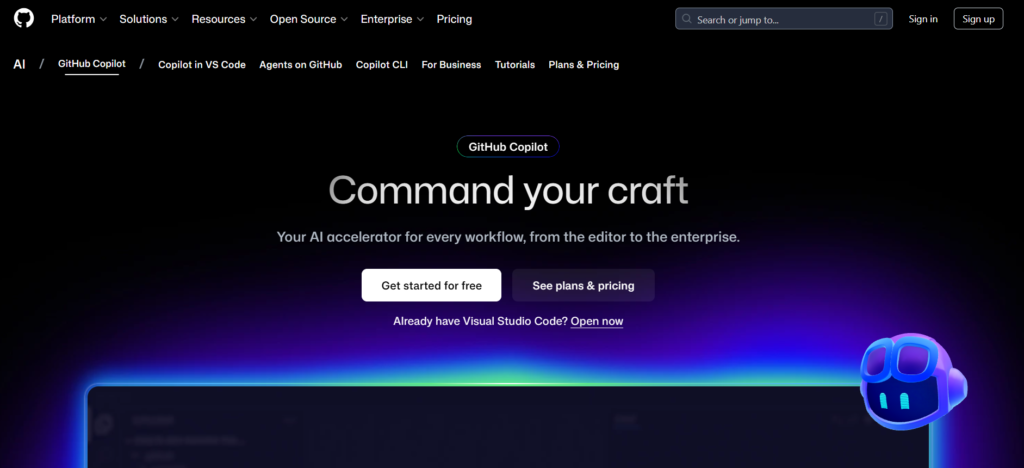
Developers value Copilot for accelerating routine tasks and reducing boilerplate code. It performs best when used as an AI assistant.
- Best for: General-purpose development across stacks
- Key benefit: Real-time suggestions inside familiar IDEs
- Limitation: Occasional logical or outdated suggestions
2. Cursor – AI-First IDE for Advanced Workflows
Cursor is a full IDE designed around AI rather than a traditional editor with plugins. It indexes the entire codebase. Cursor AI helps developers to apply changes across multiple files via natural-language commands.
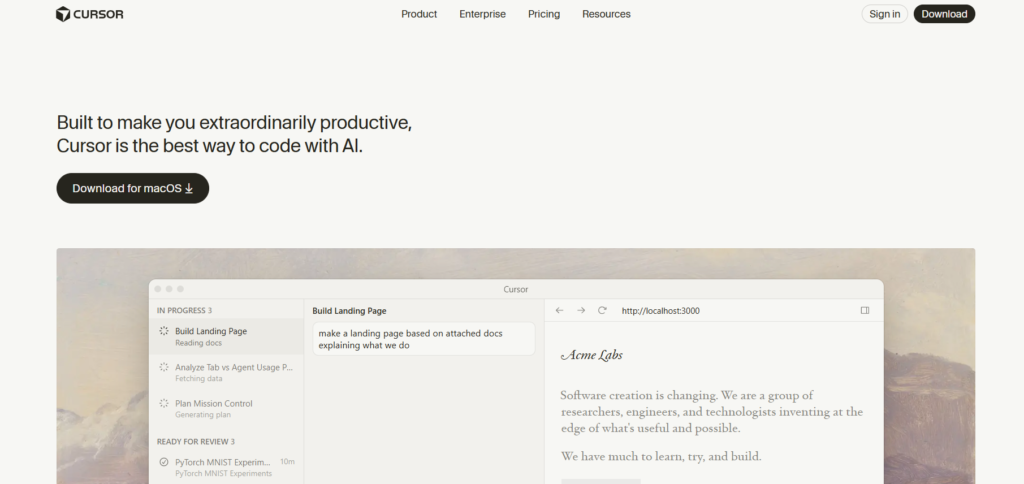
Multiple Teams report strong gains in refactoring and navigation, especially in large projects. The tradeoff is adapting to a new development environment.
- Best for: Developers ready for AI-centric workflows
- Key benefit: Deep project-wide context
- Limitation: Requires switching editors
3. Claude Code – Terminal-First AI Coding Agent
Claude Code brings AI assistance into the command line. Developers can issue natural language instructions to write, debug, or modify code across entire repositories.
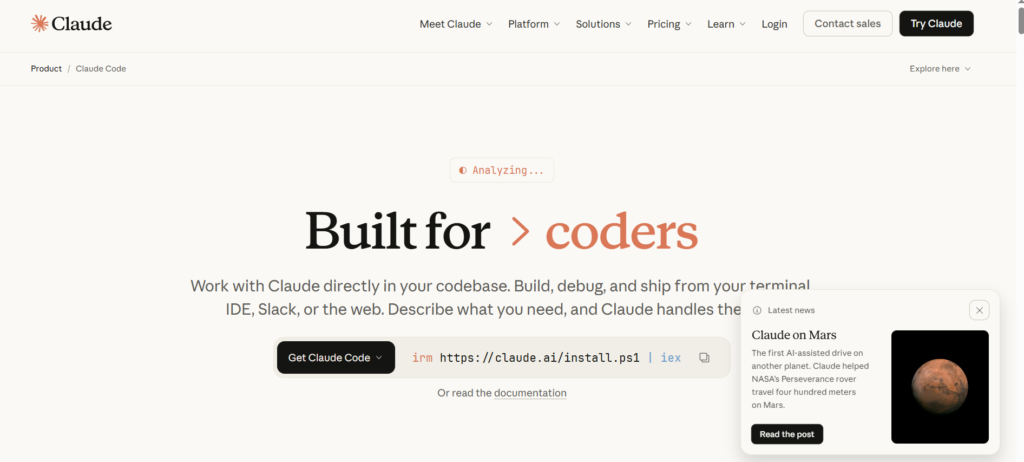
It is often praised for handling large contexts well, making it useful for complex or legacy projects. The ecosystem is still evolving.
- Best for: Power users and CLI-driven workflows
- Key benefit: Strong project-level understanding
- Limitation: Fewer integrations than mature IDE tools
4. Tabnine – Privacy-Focused Code Completion
Tabnine emphasizes data control and privacy. It supports local model deployment, keeping proprietary code within the organization.
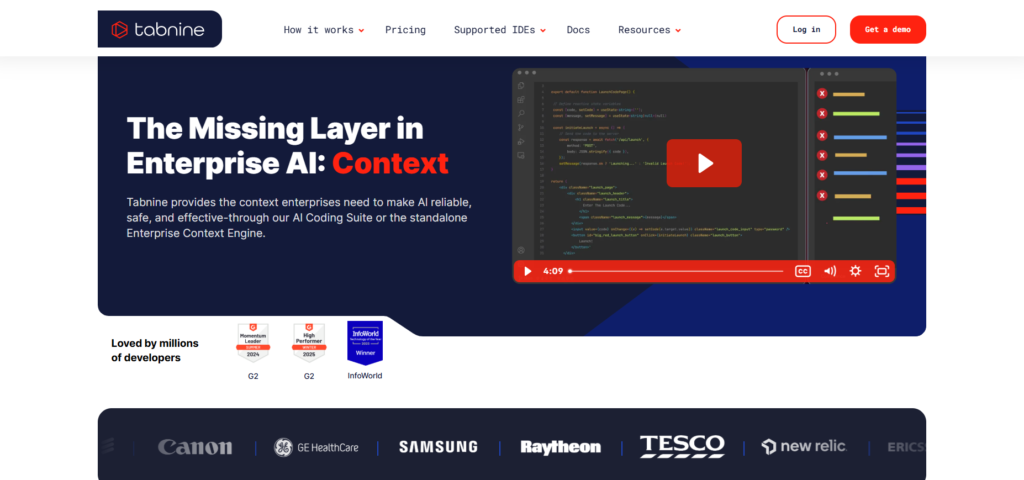
Enterprises adopt Tabnine when cloud-based AI tools are restricted by policy. Its suggestions are reliable but less exploratory.
Best for: Security-sensitive teams
Key benefit: Local processing and data control
Limitation: Less creative output
5. Amazon CodeWhisperer – AWS-Optimized Assistant
CodeWhisperer is built for developers working inside the AWS ecosystem. It suggests code aligned with AWS APIs, SDKs, and cloud best practices.

CodeWhisper AI is most effective for serverless and cloud-native projects rather than general software development.
- Best for: AWS-focused development
- Key benefit: Native AWS integration
- Limitation: Narrow ecosystem focus
6. Codeium – Free, Multi-Language AI Assistant
Codeium offers AI code completion and chat features across dozens of languages and editors at no cost. It lowers the barrier to entry for AI-assisted coding.
While Codeium AI lacks some enterprise controls, developers consistently praise its accessibility and solid baseline performance.
- Best for: Students, freelancers, and solo developers
- Key benefit: Free and widely compatible
- Limitation: Limited enterprise features
7. Replit Ghostwriter – Browser-Based AI Coding
Ghostwriter is built into Replit’s online IDE, combining editing, execution, and AI assistance in one environment.
It is popular for learning, prototyping, and collaborative projects. Replit AI is less suited for large, long-lived production codebases.
- Best for: Rapid prototyping and education
- Key benefit: All-in-one cloud workflow
- Limitation: Limited scalability for large projects
8. Codiga (Datadog) – Static Analysis for Teams
Codiga provides real-time static analysis and policy enforcement across repositories. It integrates with CI/CD pipelines to maintain coding standards.
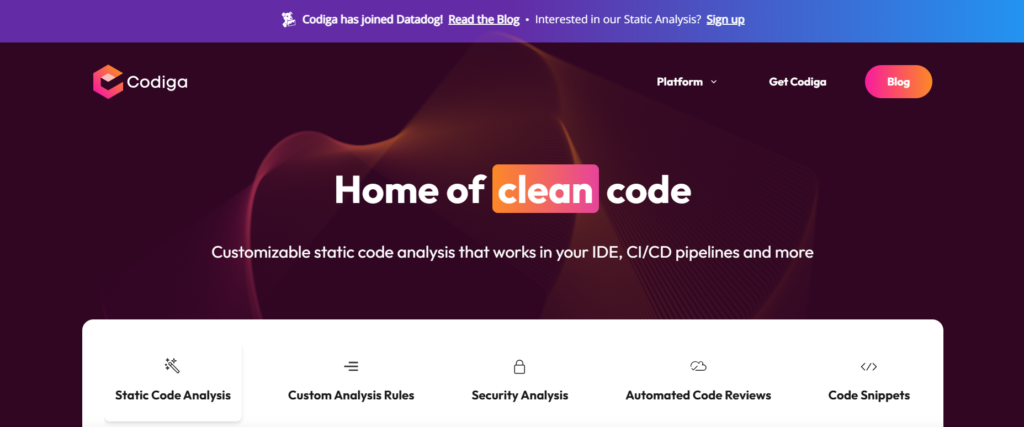
Codiga AI is designed for consistency and governance. It offers a bird’s-eye view of your code quality.
Best for: Team-wide quality control
Key benefit: Strong CI/CD integration
Limitation: No generative coding focus
9. AskCodi – Backend and API Scaffolding
AskCodi helps backend developers generate endpoints, CRUD logic, and boilerplate code from API specifications such as OpenAPI.
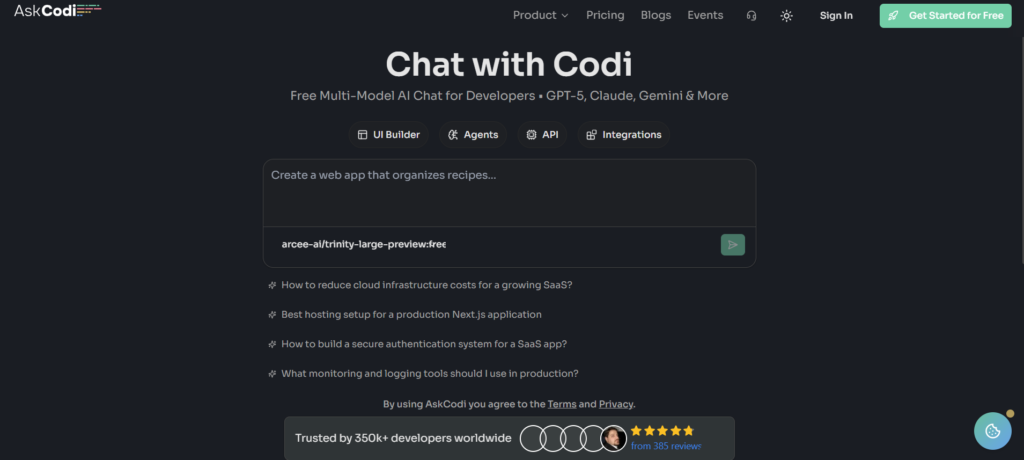
AskCodi AI saves time in setup phases but is less useful outside backend workflows. It offers AI Chat, UI Builder, Custom Agents, and an OpenAI-compatible API platform.
Best for: API-driven backend development
Key benefit: Fast scaffolding from specs
Limitation: Narrow use case
10. MutableAI – Refactoring and Documentation Automation
MutableAI specializes in large-scale refactoring and documentation generation. Teams use it to modernize legacy code and improve maintainability.
Mutable AI targets specific high-effort tasks rather than daily coding.
Best for: Legacy code transformation
Key benefit: Refactor and documentation automation
Limitation: Specialized scope
11. Google Antigravity – IDE-Based AI Agent Framework
Antigravity is an emerging Google initiative focused on orchestrating multiple AI agents inside development environments. Early previews show promise for complex task delegation.

Antigravity AI remains experimental, with features still evolving. It is built for user trust.
Best for: Complex, agent-driven workflows
Key benefit: Multi-agent task coordination
Limitation: Preview stage
Summary Table: Leading AI Tools for Developers
The following table shows which AI tool is best for each use case and why. Also, what are the key limitations of the tools:
| Tool | Best For | Why it Matters | Key Limitations |
| GitHub Copilot | All Developers | Delivers strong real-time code suggestions directly inside IDEs | Can suggest incorrect or outdated patterns |
| Cursor | Deep AI-driven Workflows | Understand full projects and enable multi-file changes | Requires adapting to a new editor |
| Claude Code | CLI-focused Developers | Runs natural language coding tasks from the terminal | Ecosystem still maturing |
| Tabnine | Privacy-sensitive teams | Supports local AI models & secure environments | Less creative than cloud-based tools |
| Amazon CodeWhisper | AWS Developers | Optimised for AWS services and cloud patterns | Limited value outside AWS stack |
| Codeium (Qodo) | Budget-conscious developers | Free AI coding assistance with broad IDE support | Fewer enterprise-grade controls |
| Replit Ghostwriter | Rapid prototyping | Combines coding, execution, and collaboration online | Not suited for large applications |
| Codiga | Engineering Teams | Enforce coding standards across repositories | Focuses on quality, not generation |
| AskCodi | Backend API builders | Generates endpoints & CRUD logic from schemes | Narrow, backend-specific use case |
| Mutable AI | Refactoring and docs | Transforms legacy codes & generates documentation | Specialised, not general-purpose |
| Google Antigravity | Agent-based workflows | Explores multi-agent orchestration inside IDEs | Early stage and evolving |
When developers need to know about AI tools before selection, this table will help them to choose the right tool.
When Developers Should Use AI Tools (And When Not To)
AI tools deliver the most value when developers use them with clear intent and solid foundations.
Use AI tools when:
- You work with large or complex codebases
- You want real-time code suggestions inside your editor
- You need faster code reviews, refactoring, or documentation
- You want to reduce repetitive work without lowering quality
In these cases, AI improves speed and consistency while keeping developers in control.
Avoid AI tools when:
- Your project lacks a clear structure or standards
- Data quality is weak or constantly changing
- Core architectural or brand decisions are still unstable
- You are experimenting without defined requirements
AI enhances what is already present. If the inputs are unclear, the outputs will also be unclear. AI amplifies clarity but doesn’t create it out of nothing.
Limitations and Risks of AI Tools for Developers
AI tools for developers can speed up coding, but they are not risk-free. Understanding their limits helps teams avoid costly mistakes.
Poor input produces poor output.
AI-generated code depends heavily on the quality of existing data. Messy codebases, outdated frameworks, or unclear requirements lead to unreliable suggestions.
Over-dependence reduces critical thinking.
When developers rely too much on AI coding assistants, they may skip reasoning through problems. This weakens long-term engineering judgment and architectural skills.
Training bias affects code quality.
AI models learn from public code and documentation. That data may include inefficient patterns, insecure practices, or uneven support across programming languages.
Security and compliance need human review.
AI tools can accidentally introduce vulnerabilities or expose sensitive logic. Manual checks remain essential, especially in enterprise and regulated environments.
AI lacks business and domain context.
Large language models predict code patterns. They do not understand product goals, legal rules, or customer impact. Humans must guide final decisions.
Ethical and Governance Considerations for AI-Powered Coding
Developing Responsible AI demands transparent oversight rather than unquestioning automation.
Define clear data and access boundaries.
Teams must know what proprietary code AI tools can see and where that data is processed or stored.
Keep humans in the approval loop.
Critical code paths should always require developer validation before deployment.
Establish written AI usage guidelines.
Documented policies help teams apply AI consistently across editors, repositories, and workflows.
Maintain auditability for security and compliance.
Review logs and version history support accountability and regulatory requirements.
Assign ownership within engineering teams.
AI assists development, but developers remain accountable for performance, security, and maintainability.
Strong governance ensures AI tools enhance development without eroding trust or control.
Future of AI-Powered Development
AI for developers does not mean that it replaces human developers. AI reduces time spent fighting boilerplate and frees up time to think clearly about what the code should actually do.
Good AI tools won’t make decisions for developers. They’ll help surface options faster, spot problems earlier, and reduce the mental load that builds up in large codebases. The judgment still stays with the human, where it belongs.
Used thoughtfully, AI gives developers space to do better work. Used carelessly, things will get more complex. Those who do not integrate AI into their workflows will become obsolete. Beyond development, the same efficiency is being applied via AI Tools for Job Seekers to transform career growth.
FAQs
What are AI tools for developers?
AI tools for developers are software that use artificial intelligence to help write, review, refactor, and maintain code within development environments such as Visual Studio Code.
Are AI coding tools safe to use in production?
AI coding tools are safe when developers review outputs, follow security standards, and avoid using them in critical production code without human validation.
Which AI tool is best for professional developers?
GitHub Copilot is the most widely used AI tool for professional developers due to its strong IDE integration, real-time suggestions, and broad language support.
Can AI tools replace software developers?
No. AI tools assist with coding tasks, but developers remain responsible for system design, business logic, security decisions, and final code quality.