AI Tools for Designers have introduced a more productive pace to the design process. They can create, edit, & refine images, videos, layouts, and user interfaces. Since design is a pace-driven profession, AI-powered tools boost ideation, production, & visual decision-making.
Artificial Intelligence is driving innovation across almost every industry, especially in design. There are numerous AI tools for designers available on the market. But it does not mean that AI has replaced designers.
With AI, designers are more motivated and productive in managing time and making decisions. These tools help designers quickly explore ideas, test variations, and handle repetitive work that used to slow projects down.
People search for AI design tools online, and with numerous tools available, they can’t decide. Based on market research, hands-on testing, and feedback from working designers, this guide presents the top 15 AI tools for designers.
The tools are selected based on their output quality, commercial safety, and the interests of expert designers working in production environments.
What Are AI Tools for Designers?
AI tools for designers are AI-powered applications that help professionals create, edit, and refine images, videos, layouts, and user interfaces more efficiently.
AI tools are built to assist designers. They reduce manual effort, support faster experimentation, and keep designers focused on the creative process rather than repetitive tasks.
How AI Design Tools Work
AI design tools don’t “design” on their own. They are programmed to be used by designers to achieve the desired output.
AI tools assist designers at specific points in the workflow, when speed, variation, or repetition becomes a bottleneck. Their real value lies in how designers use them, not in how they’re marketed.
The following framework will guide you in working with AI designer tools:
Text-to-Image & Text-to-Video Generation
Designers use text prompts to describe ideas, styles, or visual intent. Generator AI then creates images or videos by translating those descriptions into visual patterns based on learned references.
With perfect prompt, designers move past blank screens and quickly explore directions. Instead of starting from scratch, they start with options.
These tools work best for:
- Early concept development
- Mood boards and visual references
- Creative exploration before final production
They are not replacements for finished design assets. Designers still refine, edit, and decide what makes it into the final output.
AI-Powered Editing & Enhancement
AI design tools automate repetitive editing tasks that slow projects. Designers use them for background removal, image cleanup, auto-resizing, layout suggestions, and color adjustments.
The key difference is control. AI suggests changes, but designers approve or reject them. This preserves creative ownership while reducing production time.
Common use cases include:
- Fast revisions for client feedback
- Preparing assets for multiple platforms
- Keeping visual consistency across large design systems
AI speeds up execution. Designers still shape the final result.
Creative Ideation & Exploration
AI tools shine during experimentation. Designers use them to test variations in layout, color, typography, or visual style without manually rebuilding everything.
Proper usage makes it easier to compare ideas side by side and choose stronger directions early. Designers can evaluate real options with them. AI helps explore possibilities, and designers decide what works.
In practice, AI design tools reduce friction while preserving creativity. They help designers move faster, test ideas with confidence, and spend less time on repetitive work. With so many tools available, choosing the right one depends on how well it fits your workflow.
Why Designers Are Using AI Tools
Designers use AI tools because they remove friction from the creative process. These tools don’t replace designers’ jobs or ideas. They support faster thinking, cleaner execution, and more effective time use.
Faster ideation without blank-canvas friction
AI-powered tools generate starting points instantly, helping designers move from idea to direction without getting stuck at zero.
Consistent visuals across brand assets
Tools designed with artificial intelligence help maintain color, layout, and style consistency across large design systems and multi-platform assets.
Reduced repetitive editing tasks
AI handles routine tasks such as resizing, background cleanup, and alignment, freeing designers to focus on higher-value creative decisions.
Easier experimentation with styles and formats
Designers can test variations quickly, such as different layouts, colors, or visual moods.
Better collaboration across teams and stakeholders
Faster drafts and visual options make it easier to align with product teams, marketers, and clients early in the process.
The result is not faster design for its own sake, but smarter use of creative energy.
Categories of AI Tools for Designers
AI tools for designers fall into clear functional categories. Each category supports a different stage of the creative process, from ideation to execution and validation.
| Category | What it Helps With | Example Tools | Best Used Case |
| AI Image Generators | Creating visuals from text | Adobe Firefly, MidJourney, Stable Diffusion | Concept art, illustrations, backgrounds |
| AI Video & Animation | Creating a video from text or images | Runway ML, ImagineArt | Social media clips, motion design |
| UI/UX Assistants | Layouts, wireframes, & prototypes | Uizard, Figma AI | Web & App interface design |
| Branding & Asset Tools | Logos & brand kits | Looka, Designs.ai | Early-stage branding and identity |
| Workflow & Editing Tools | Smart edits and visual cleanup | Canva AI, AutoDraw | Fast revisions and asset production |
| UX Feedback Tools | Visual attention & usability analysis | VisualEyes | UX optimization and design validation |
Understanding these categories and how they are used with AI helps designers select the best AI tool. Now, what are the best AI tools for designers in 2026? Let’s find out!
Top AI Tools for Designers in 2026
The following AI tools were selected after discussing with the designer. They tell us the output quality, workflow fit, and commercial usability of these tools.
Each tool below is reviewed through a consistent lens and tested by experts:
Image & Visual Generators
Adobe Firefly
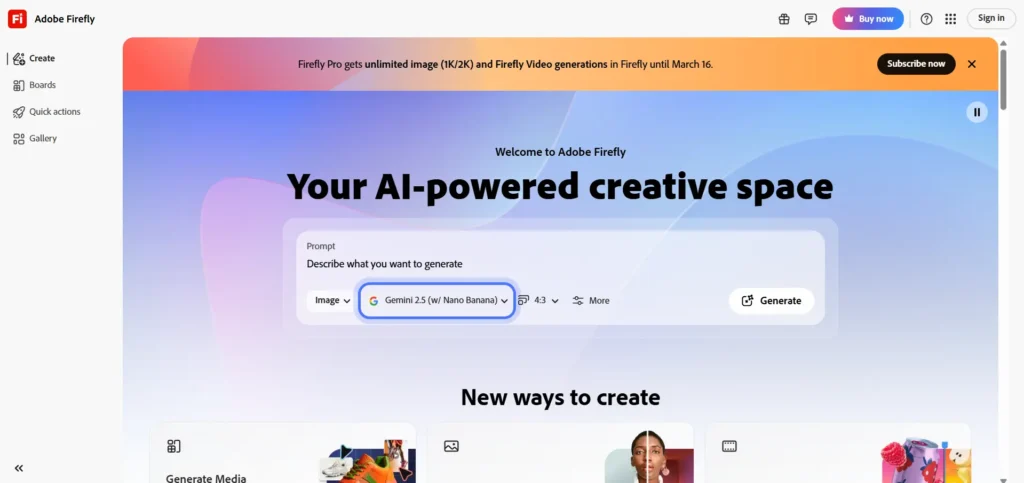
A generative AI tool that can create visual content from text prompts.
What it’s best at
Adobe Firefly excels at generating safe-to-use images directly within Adobe Creative Cloud. It supports text-to-image, generative fill, and style-aware visual creation.
Real designer use case
Designers use Firefly to generate backgrounds, extend images, and create concept visuals that can be edited instantly in Photoshop or Illustrator.
Best-suited audience
Professional designers, agencies, and in-house teams working on client or brand-sensitive projects.
Limitations or trade-offs
Firefly is less expressive than artistic-first tools and works best within Adobe’s ecosystem.
Trust signal
Enterprise-safe. Trained on licensed and Adobe-owned content, making it suitable for commercial use.
- MidJourney
Midjourney AI helps generate images from natural-language text, called prompts.
What it’s best at
MidJourney produces highly stylized, imaginative visuals with strong artistic character.
Real designer use case
Used for concept art, mood boards, creative exploration, and early-stage visual ideation.
Best-suited audience
Concept designers, illustrators, creative leads, and designers exploring visual direction.
Limitations or trade-offs
Limited control over layout precision and not ideal for strict brand consistency.
Trust signal
Strong creative community and continuous model improvements, but licensing requires review for client work.
Stable Diffusion / Recraft
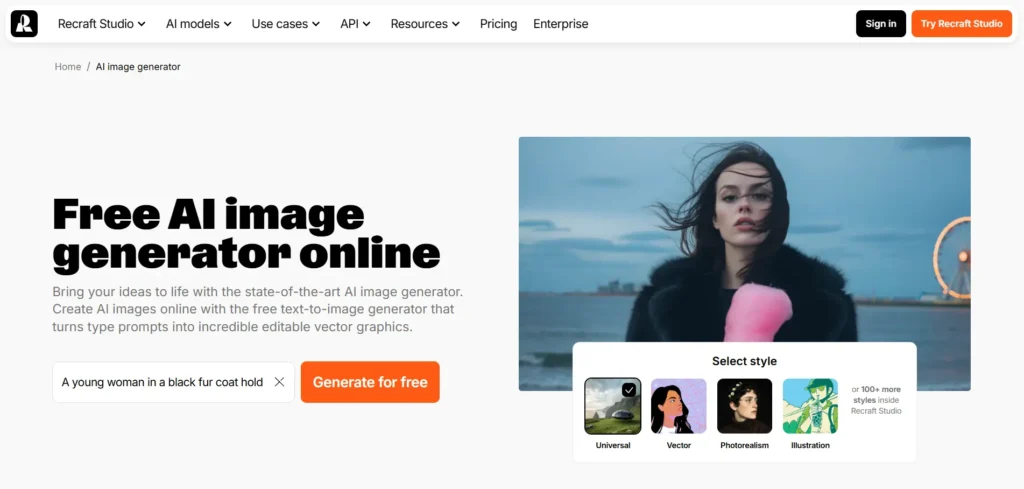
Stable diffusion is an open-source text-to-image generation AI model. Recraft is the AI-focused platform for professional design workflows.
What it’s best at
These tools offer deep customization, layout control, and flexibility for advanced users.
Real designer use case
Designers generate visuals with precise control over composition, styles, and iterations.
Best-suited audience
Advanced designers, technical creatives, and teams needing open or self-hosted solutions.
Limitations or trade-offs
Requires setup knowledge and prompt experimentation to achieve consistent results.
Trust signal
Open and community-driven with wide adoption across creative and developer ecosystems.
Video & Multi-Modal Creation
Runway ML
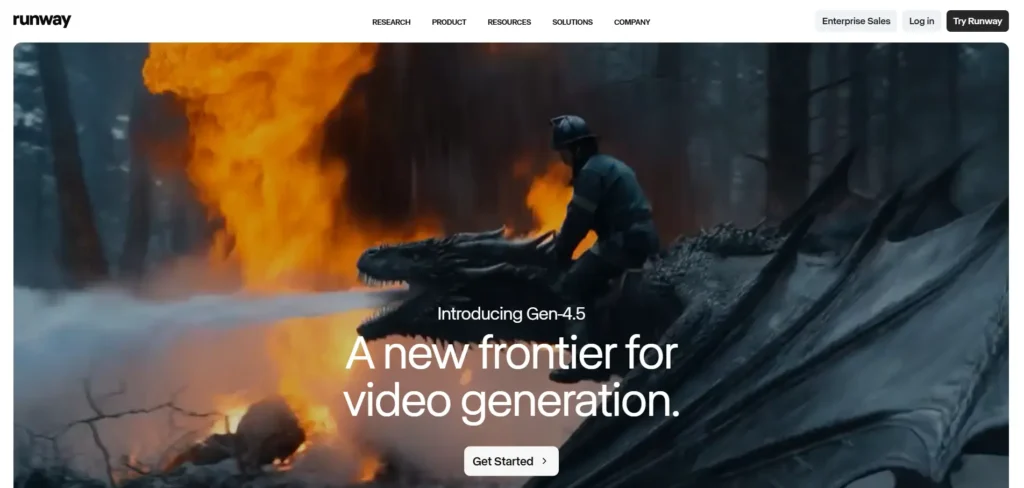
A wide platform for the generation and editing of visual content, leading to cinematic VFX.
What it’s best at
Runway ML turns text or images into short videos and supports AI-assisted video editing.
Real designer use case
Used to create social media clips, motion concepts, and visual transitions without full animation pipelines.
Best-suited audience
Motion designers, content creators, and marketing teams are producing short-form video.
Limitations or trade-offs
Best for short videos; not a full replacement for professional video editing software.
Trust signal
Widely adopted in creative industries with clear documentation and frequent updates.
ImagineArt Creative Suite
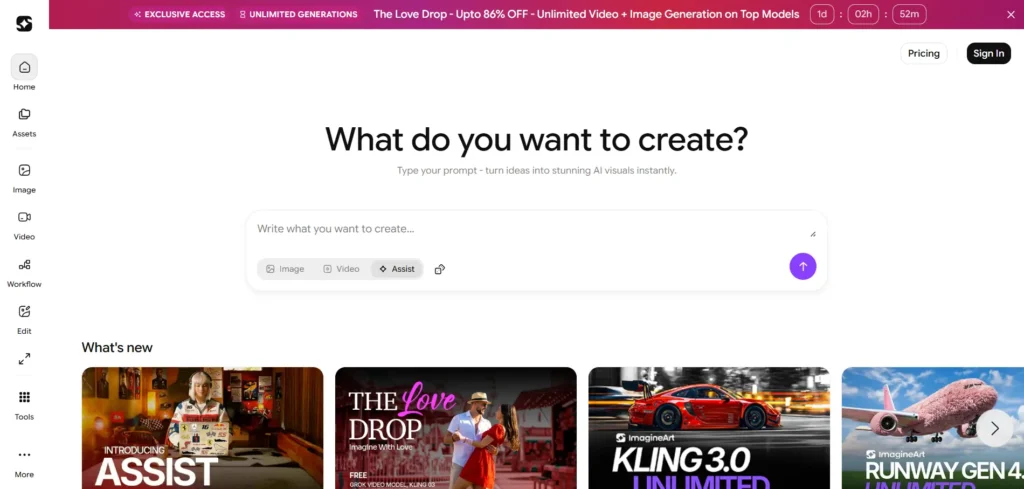
Text-to-video or image-to-video generator that supports prompts and delivers instant results.
What it’s best at
An all-in-one workspace for AI image and video generation with flexible prompt controls.
Real designer use case
Designers use it to generate visuals and motion assets quickly from a single platform.
Best-suited audience
Designers who want speed and flexibility without switching between multiple tools.
Limitations or trade-offs
Less advanced editing compared to dedicated video or image software.
Trust signal
Growing adoption among creatives with a focus on usability and iteration speed.
UI/UX & Prototyping Assistants
Uizard
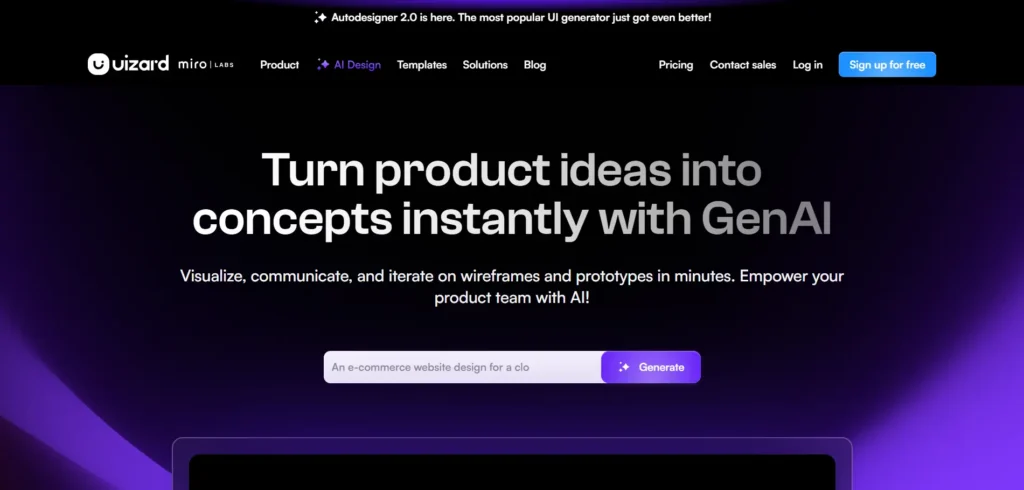
Designers can quickly create wireframes, mockups, and prototypes.
What it’s best at
Uizard converts text descriptions or sketches into wireframes and interactive prototypes.
Real designer use case
Used to move from idea to clickable prototype during early product discussions.
Best-suited audience
Product designers, startups, and teams are validating ideas quickly.
Limitations or trade-offs
Not designed for high-fidelity UI or complex design systems.
Trust signal
Strong adoption in product teams and early-stage design workflows.
Figma AI Tools
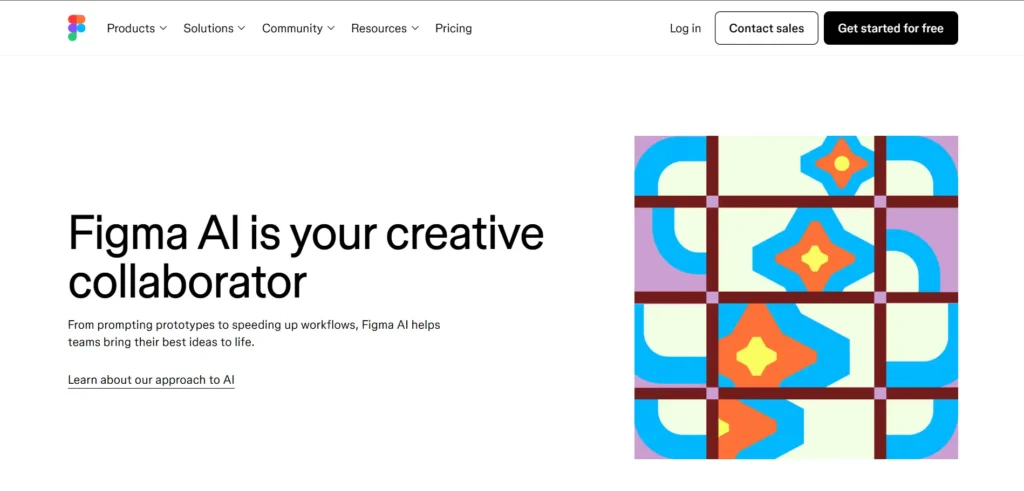
Transforms any idea into an editable design within minutes.
What it’s best at
Figma’s AI features assist with layout suggestions, content generation, and workflow speed.
Real designer use case
Designers use AI inside Figma to accelerate wireframing, copy generation, and iteration.
Best-suited audience
UI/UX designers already work in Figma for web and app design.
Limitations or trade-offs
AI features support workflow but do not replace manual design decisions.
Trust signal
Industry-standard design platform trusted by product teams worldwide.
Branding & Asset Creation
Canva Magic Design
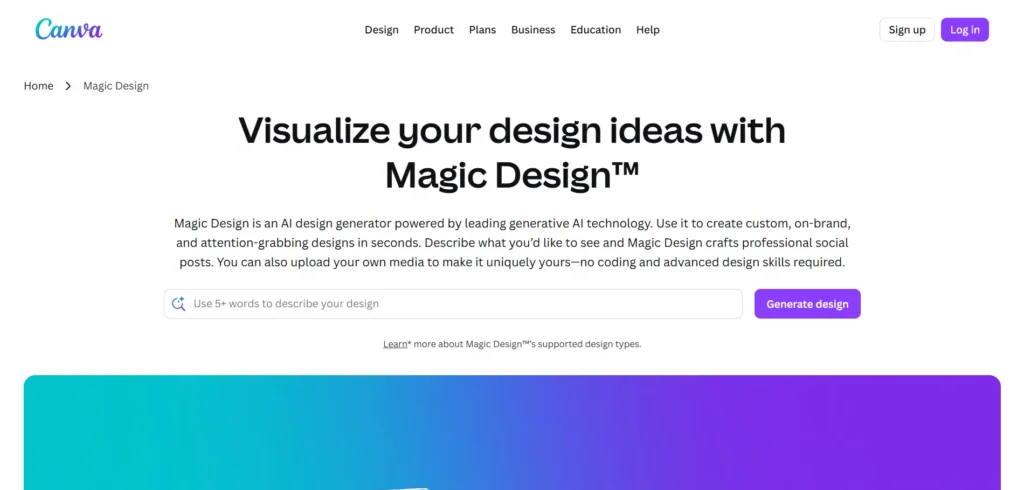
Generates personalised and editable design templates and videos with text prompts.
What it’s best at
Quick layout generation and visual asset creation using AI-powered templates.
Real designer use case
Used for fast marketing visuals, social media graphics, and internal presentations.
Best-suited audience
Marketing teams, non-designers, and designers need speed over customization.
Limitations or trade-offs
Limited creative control for complex or brand-heavy projects.
Trust signal
Mass adoption and consistent updates focused on usability.
Designs AI
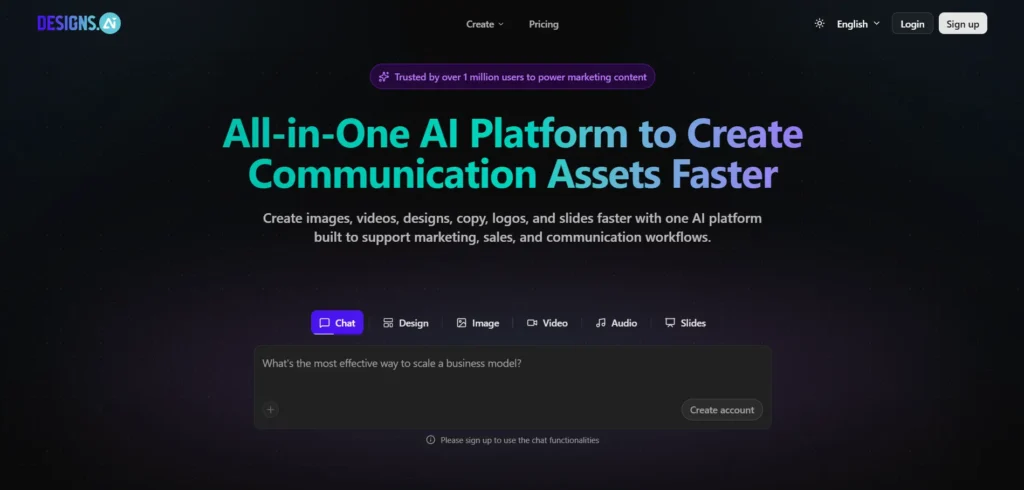
Generate AI logos, images, social media posts, videos, flyers, posters, and every other designer’s need.
What it’s best at
Unified platform for logos, videos, and marketing visuals powered by artificial intelligence.
Real designer use case
Used to create complete brand asset sets quickly for early-stage businesses.
Best-suited audience
Startups, small teams, and solo founders.
Limitations or trade-offs
Not suitable for high-end or custom brand identities.
Trust signal
Commercial-friendly outputs with clear usage rights.
Looka
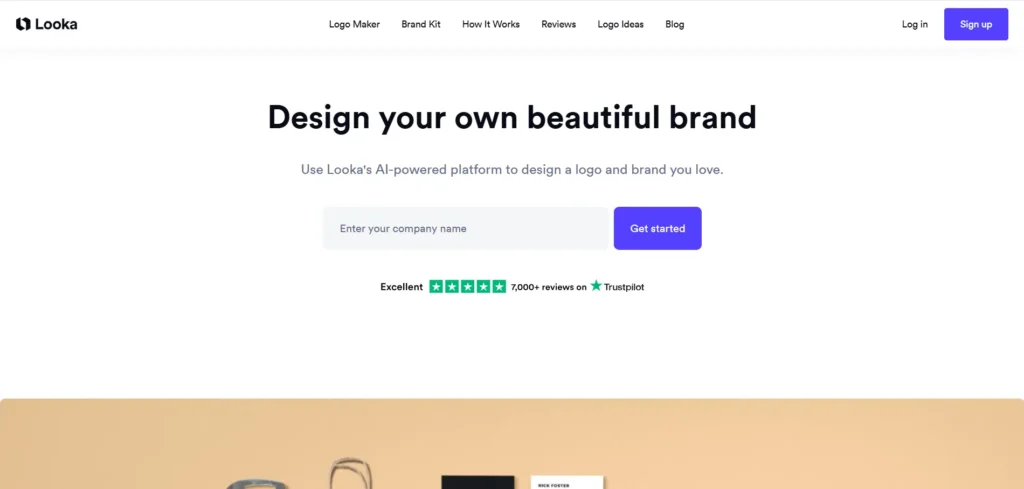
A logo generation AI platform for businesses.
What it’s best at
AI logo generation and basic brand identity creation.
Real designer use case
Used to generate logo concepts and brand kits for early validation.
Best-suited audience
Startups and non-designers launching new brands.
Limitations or trade-offs
Limited customization beyond initial concepts.
Trust signal
Clear pricing and licensing for commercial use.
Workflow, Color & UX Intelligence
AutoDraw
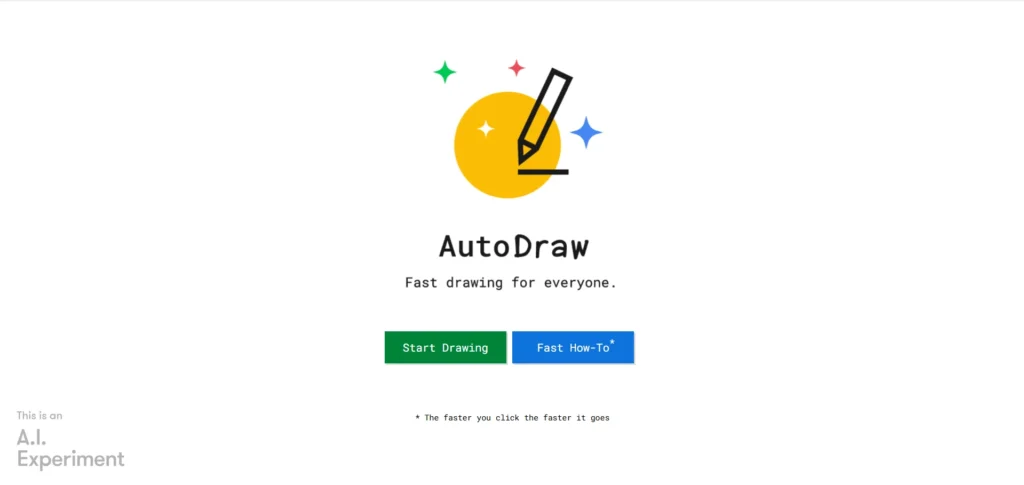
Create polished illustrations from your raw design with AI.
What it’s best at
Converts rough sketches into clean icons and illustrations.
Real designer use case
Used for quick visual ideas, diagrams, and concept sketches.
Best-suited audience
Designers and teams need fast visual clarity.
Limitations or trade-offs
Simple output; not intended for detailed illustration work.
Trust signal
Backed by Google with long-term reliability.
Adobe Sensei
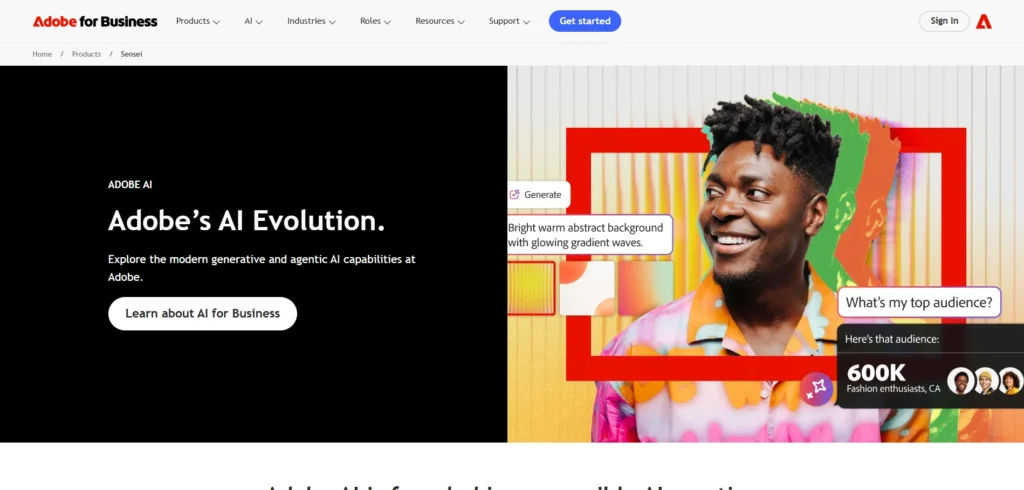
A complete AI designing assistant to boost productivity.
What it’s best at
Powers smart automation inside Adobe tools, including tagging, selection, and edits.
Real designer use case
Works silently behind the scenes to speed up everyday design tasks.
Best-suited audience
Designers are already using Adobe Creative Cloud.
Limitations or trade-offs
Not a standalone tool; value depends on Adobe usage.
Trust signal
Enterprise-grade AI integrated into industry-standard software.
Khroma AI
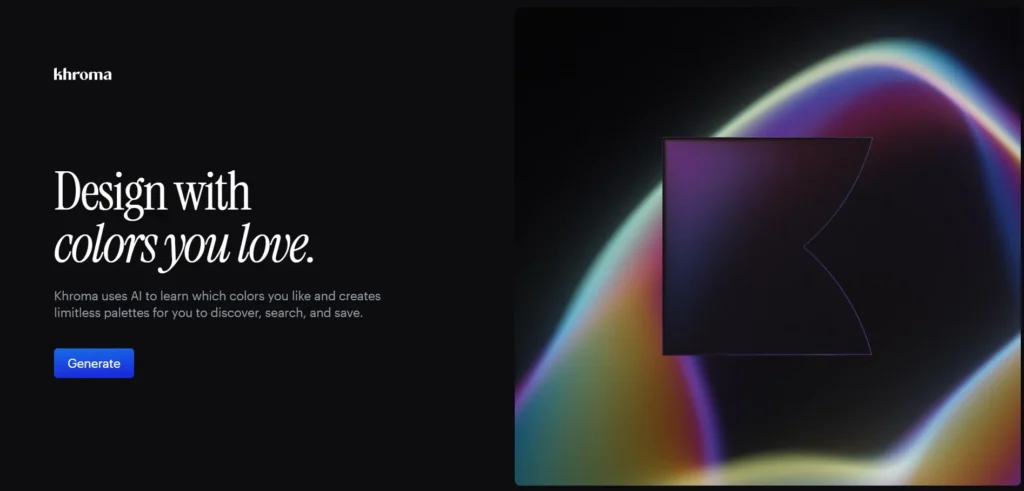
Another gem for designers creating color palettes.
What it’s best at
Generates color palettes based on designer preferences and style input.
Real designer use case
Used to explore color combinations for branding and UI projects.
Best-suited audience
Designers working on visual identity and interface design.
Limitations or trade-offs
Focused only on color, not full design systems.
Trust signal
Community-driven with transparent functionality.
VisualEyes
Simulates user attention and cognitive load on digital designs.
What it’s best at
Predictive eye-tracking and visual attention analysis.
Real designer use case
Used to test layouts, landing pages, and UI designs before launch.
Best-suited audience
UX designers and conversion-focused marketing teams.
Limitations or trade-offs
Provides predictions, not real-user testing.
Trust signal
Used by UX professionals and research-driven design teams.
Understanding how AI-powered tools integrate into the creative process helps designers select the right tool for each task.
How to Choose the Right AI Tool for Your Design Needs
Choosing the wrong AI tool wastes time. Being a designer, you know what you need, not what looks impressive on a landing page.
Ask yourself these questions first:
What is your main goal?
Use image generators for ideation, editing tools for production, branding tools for identity work, and workflow tools to speed up processes.
How much control do you need?
Beginner-friendly tools trade precision for speed. Advanced tools offer deeper control but require learning.
Does it fit your current stack?
AI tools work best when they integrate with Figma, Photoshop, or your existing design system.
What visual style do you need?
Some tools focus on photorealism, others lean toward artistic or conceptual outputs.
Is commercial use clearly allowed?
If licensing is unclear, don’t use it for client work.
Will your team collaborate on it?
Version control, shared assets, and team access matter more than flashy features.
The best AI tool is the one that removes friction without changing how you think as a designer. The decisions are only made by you, and the results are up to the mark of your idea.
Ethics, Licensing & Commercial Safety in AI Design
AI accelerates design, but responsibility remains with humans. When using artificial intelligence in professional work, designers must protect clients, brands, and themselves.
Follow these principles:
- Choose AI-powered tools trained on licensed or approved data
This reduces legal risk and protects commercial use.
- Read usage rights before delivering client assets
Not all AI outputs are safe for resale or branding.
- Track where assets come from when possible
Provenance matters in audits, disputes, and enterprise projects.
- Respect copyright and intellectual property
AI assists creation. It does not override ownership laws.
Responsible designers create safely, transparently, and with intent. Used responsibly, AI strengthens creative workflows without compromising ownership, legality, or design integrity.
FAQs
Are AI design tools safe for commercial use?
Some are. AI tools trained on licensed or approved datasets, such as Adobe Firefly, are safer for commercial and client work.
Which AI tools are best for image generation?
Popular AI image generators include Adobe Firefly, Midjourney, and Stable Diffusion, each suited to different creative and professional design needs.
Can designers use AI tools for video creation?
Yes. Tools such as Runway ML and ImagineArt enable designers to generate and edit short videos from text or image prompts.
What AI tools do UI/UX designers use?
UI/UX designers commonly use Figma AI, Uizard, and VisualEyes to speed up wireframing, prototyping, and usability testing.
How do designers choose the right AI tool?
Designers choose AI tools based on workflow fit, level of control, output quality, integration with existing software, and commercial usage rights.
Are free AI design tools worth using?
Free AI tools can help with experimentation and learning, but they often have limitations in output quality, control, or licensing for professional work.
Does Google penalize AI-generated design content?
No. Google evaluates content quality, usefulness, and originality, not whether AI was used to assist creation.