Z-Image ⭐ Verified
What is Z-Image?
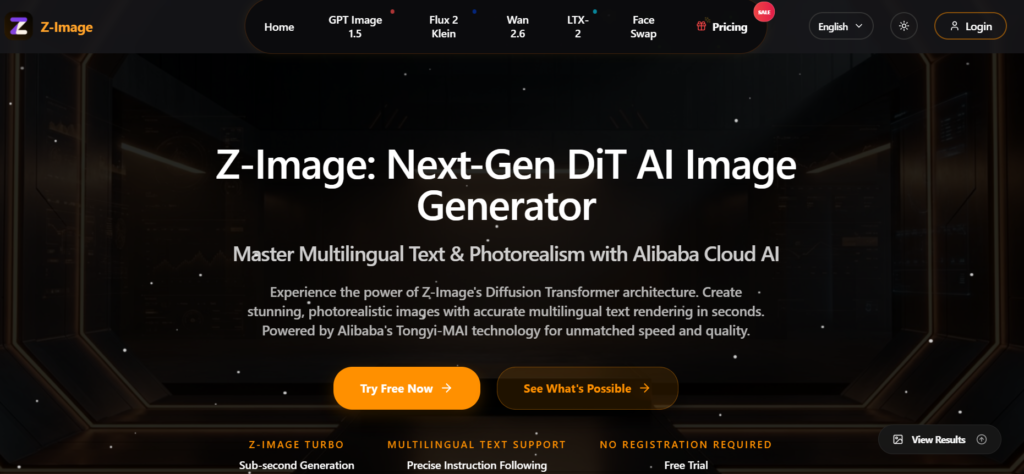
Z-Image.io AI is an artificial intelligence-powered image enhancement platform that uses advanced neural networks and deep learning algorithms to elevate image quality. The platform automatically analyses each photo, enhancing details such as edges, textures, and colour balance while reducing noise and blur. Moreover, users upload low-quality or low-resolution images and receive sharper, higher-definition results without technical editing skills. The tool supports scalable upscaling, enabling photos to be enlarged multiple times while preserving detail, and includes features such as noise reduction, artefact removal, and fine-tuning of contrast and brightness. With prompt-based adjustments, Z-Image.io makes premium image enhancement accessible to photographers, marketers, social media creators, and e-commerce sellers who need crisp visuals for websites, portfolios, and ads. Its cloud-based design means users can enhance photos online without installing complex editing software.

Review Summary
| Performance Score | A |
| Content Quality | High |
| Interface | User-friendly |
| Ai Technology | Neural Upscaling, deep learning, noise reduction |
| Purpose | Photographers, Designers, e-commerce, social creators |
| Compatibility | Web Browser |
| Pricing Summary | Freemium with multiple subscription models |
Z-Image Key Features
| 1 | AI Image Upscaling |
| 2 | Detail Enhancement |
| 3 | Noise Reduction |
| 4 | Color Correction |
| 5 | Batch enhancement |
| 6 | One-click Workflow |
| 7 | Credit Packs |
| 8 | High-Resolution Export |
| 9 | Automatic Artifacft Removal |
| 10 | Cloud-based Access |
Who is Best for Using Z-Image?
Z-Image.io: AI-powered image enhancer and upscaler. Use deep learning to boost resolution, sharpness, and clarity for professional-grade visuals instantly.
Is Z-Image Free?
Z-Image offers a free plan with limited features. Paid plans start at From $7.99/Month
Pros & Cons
Pros
- Enhances image sharpness and clarity with AI in seconds
- Simple drag-and-drop workflow for beginners
- Upscales photos to higher resolutions without visible distortion
- Reduces noise and blur while preserving detail
- Flexible pricing with freemium and paid credits
- Works entirely in the browser with no software installs
Cons
- Free credits are limited and may run out quickly
- Some advanced editing controls are less detailed than desktop apps
- High-resolution upscaling is best experienced on paid plans
- Batch mode may require higher subscription tiers