Discover, Compare & Master Find the best AI tools for your next project in seconds. Check our latest AI insights
🏠 Home > 🤖 AI Tools > video> Vidnoz
Vidnoz logo

Vidnoz ⭐ Verified

(4.1)
Freemium 🌐 Web
Best for: Content creators, social media marketers, trainers, educators, product teams, and global brands
Free Trial: Available
360
💬 271
Vidnoz

Daily AI Tools Verdict

Daily AI Tools Rating
(4.1)
Visit Vidnoz →

What is Vidnoz?

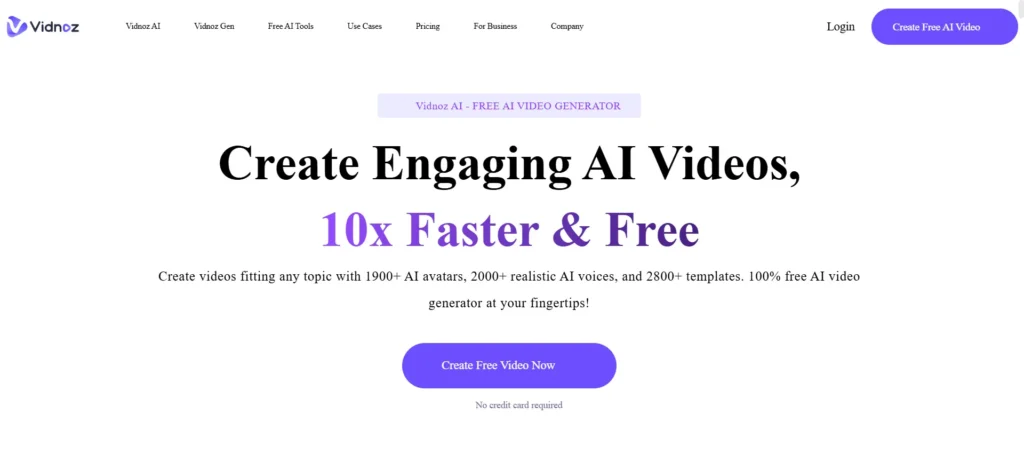
Vidnoz AI is an AI-driven video creation and editing platform that lets you generate videos using text prompts, scripts, templates, and AI avatars. It supports voice cloning, realistic avatars with gestures, template editing, and multilingual video translation (140+ languages). Choose ready-made templates or start from scratch, type your script, and let Vidnoz produce a fully animated video with natural-sounding AI voices, synchronized lip movements, and expressive avatars. Moreover, the platform also includes product avatar creation, motion avatars from photos, voice cloning, auto subtitles, script generators, and brand asset tools, enabling both marketers and educators to create professional content without filmmaking expertise.

Review Summary

Performance Score A
Content Quality High
Interface drag-and-play UI with templates, editing controls, and script tools
Ai Technology Multimodal AI combining text-to-video, realistic lip-synced avatars, 2000+ voices, and voice cloning
Purpose Producing marketing, training, explainer, social media, and multilingual videos efficiently
Compatibility Web browsers, desktop, and smartphones

Pricing Summary Free tier available; Starter & Business unlock advanced features; Enterprise provides custom solutions.

Vidnoz Key Features

1 Text-to-Video
2 AI Video Wizard
3 AI Avatars (>1900)
4 AI Voice Cloning
5 AI Script Assistant
6 Multilingual Translation
7 Product & Motion Avatars
8 Template Library

Who is Best for Using Vidnoz?

Explore Vidnoz AI review, pricing, features, pros, cons, and real use cases for generating AI videos, avatars, voiceovers, and multilingual content.

Is Vidnoz Free?

Vidnoz offers a free plan with limited features. Paid plans start at From $26.99/month

Pros & Cons

Pros

  • Creates professional-looking videos in minutes without cameras, actors, or editing skills.
  • Offers a huge library of realistic AI avatars and natural-sounding voices.
  • Supports 140+ languages, making it easy to reach global audiences.
  • Includes ready-made templates that speed up marketing and explainer video creation.
  • Provides voice cloning and avatar customization for brand consistency.
  • Works entirely in the browser with no software installation needed.

Cons

  • Free and lower plans have credit limits that restrict long or frequent video creation.
  • Advanced features like voice cloning and Avatar Pro require extra add-on fees.
  • Complex or cinematic videos may still need manual edits for the best results.
  • Rendering speed can slow down when working on large or high-resolution projects.

Vidnoz Pricing

Please update this pricing section to text.

FAQs

Is Vidnoz AI free to use?
Yes. Vidnoz offers a free plan that lets you create AI videos daily with limited minutes, basic avatars, and templates.
How many languages does Vidnoz AI support?
Vidnoz supports video translation and AI voiceovers in 140+ languages, including lip-synced speech for global audiences.
Can I use my own voice in Vidnoz videos?
Yes. Vidnoz provides a voice cloning feature as a paid add-on, allowing you to generate videos using your own voice style.
Can I use Vidnoz AI videos for commercial purposes?
Yes. All paid Vidnoz plans include commercial usage rights for marketing, ads, training, and business content.
What video quality can I export from Vidnoz?
Videos can be exported in HD quality (720p or 1080p) depending on your subscription plan.
Is Vidnoz AI suitable for long videos or courses?
Vidnoz works best for short-to-medium videos like explainers and onboarding; longer videos use more credits and may require a higher plan.